







Question: Exploring the Taxi Data Set In this section we'll have a first look at a large data set. The data set contains taxi cab journey
Exploring the Taxi Data Set
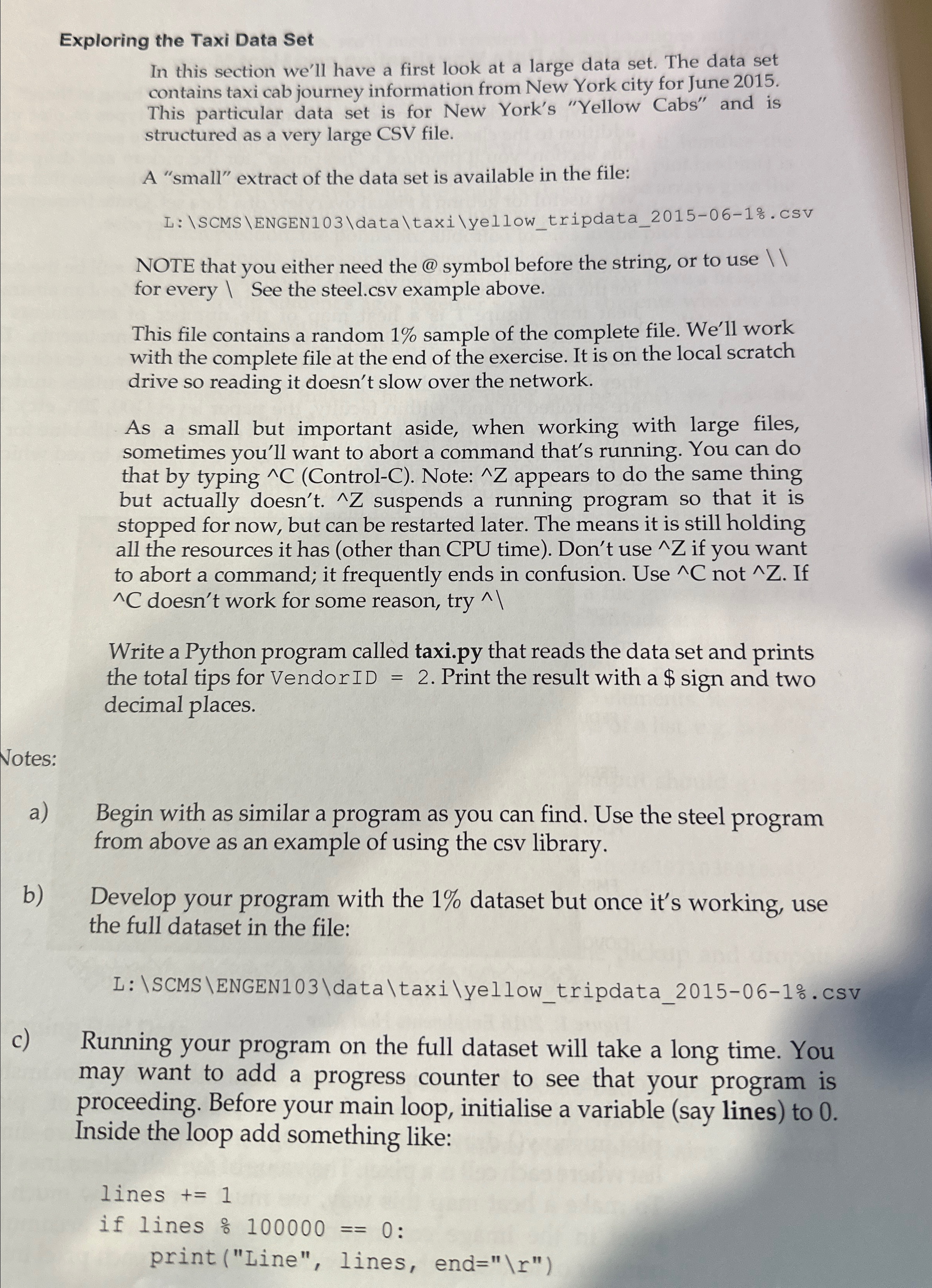
In this section we'll have a first look at a large data set. The data set contains taxi cab journey information from New York city for June This particular data set is for New York's "Yellow Cabs" and is structured as a very large CSV file.
A "small" extract of the data set is available in the file:
L: SCMS ENGENdatataxiyellowtripdatacSV
NOTE that you either need the @ symbol before the string, or to use for every See the steel.csv example above.
This file contains a random sample of the complete file. We'll work with the complete file at the end of the exercise. It is on the local scratch drive so reading it doesn't slow over the network.
As a small but important aside, when working with large files, sometimes you'll want to abort a command that's running. You can do that by typing ControlC Note: appears to do the same thing but actually doesn't. Z suspends a running program so that it is stopped for now, but can be restarted later. The means it is still holding all the resources it has other than CPU time Don't use if you want to abort a command; it frequently ends in confusion. Use If doesn't work for some reason, try
Write a Python program called
taxi.py that reads the data set and prints the total tips for Vendor Print the result with a $ sign and two decimal places.
Notes:
a Begin with as similar a program as you can find. Use the steel program from above as an example of using the csv library.
b Develop your program with the dataset but once it's working, use the full dataset in the file:
: SCMS ENGENdatataxiyellowtripdatacSV
c Running your program on the full dataset will take a long time. You may want to add a progress counter to see that your program is proceeding. Before your main loop, initialise a variable say lines to Inside the loop add something like:
Step by Step Solution
There are 3 Steps involved in it
1 Expert Approved Answer
Step: 1 Unlock

Question Has Been Solved by an Expert!
Get step-by-step solutions from verified subject matter experts
Step: 2 Unlock
Step: 3 Unlock
 Study Help