







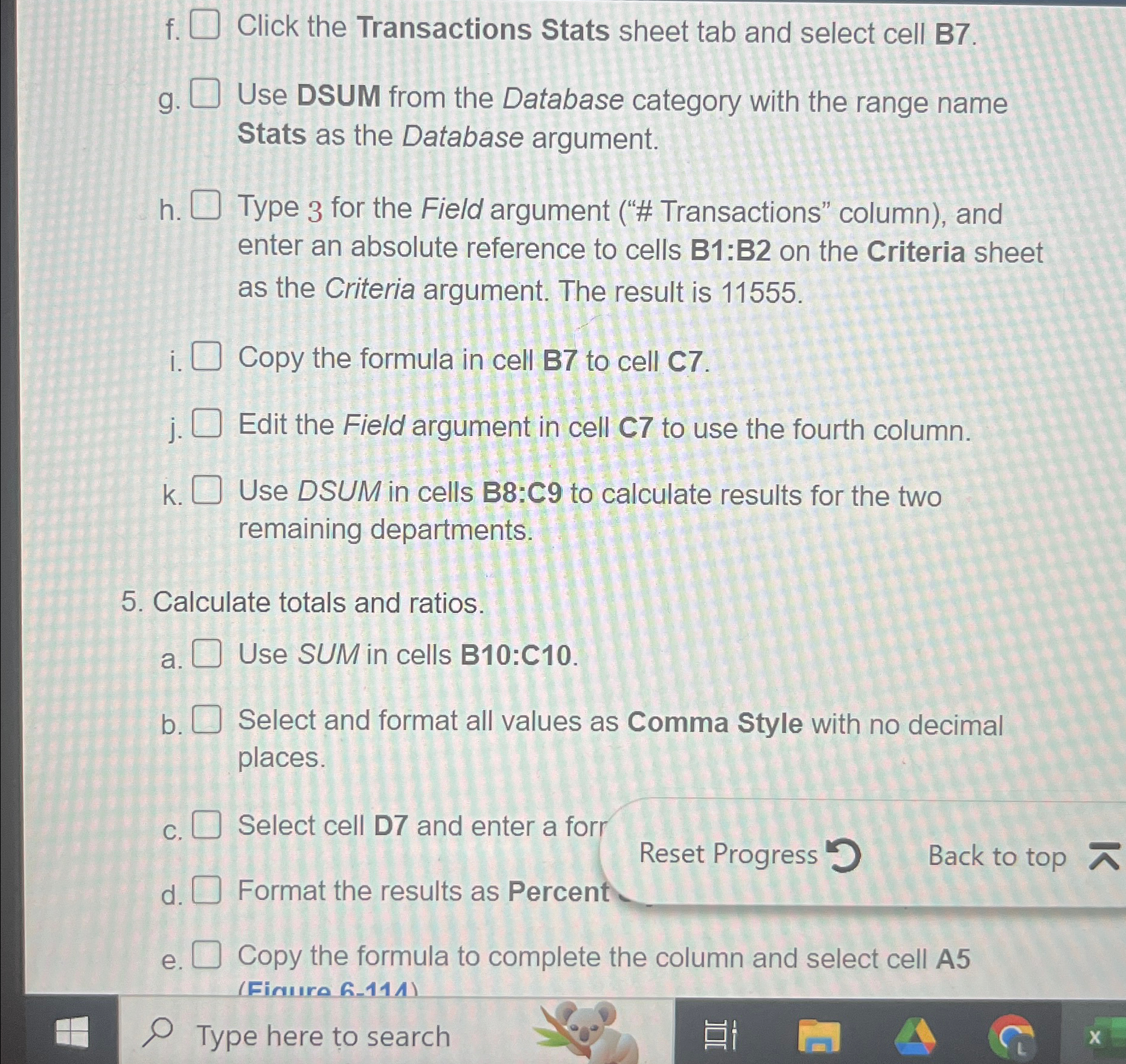
Question: f . Click the Transactions Stats sheet tab and select cell B 7 . g . Use DSUM from the Database category with the range
f Click the Transactions Stats sheet tab and select cell B
g Use DSUM from the Database category with the range name Stats as the Database argument.
h Type for the Field argument # Transactions" column and enter an absolute reference to cells : on the Criteria sheet as the Criteria argument. The result is Copy the formula in cell to cell
j Edit the Field argument in cell to use the fourth column.
Use DSUM in cells B:C to calculate results for the two remaining departments.
Calculate totals and ratios.
a Use SUM in cells B:C
b Select and format all values as Comma Style with no decimal places.
C Select cell D and enter a forr
Reset Progress
d Format the results as Percent
e Copy the formula to complete the column and select cell A
Type here to search
Step by Step Solution
There are 3 Steps involved in it
1 Expert Approved Answer
Step: 1 Unlock

Question Has Been Solved by an Expert!
Get step-by-step solutions from verified subject matter experts
Step: 2 Unlock
Step: 3 Unlock
 Study Help