







Question: f . In cell I 1 , type PositionDepartment In cell I 2 , use the LEFT and FIND functions to extract the department from
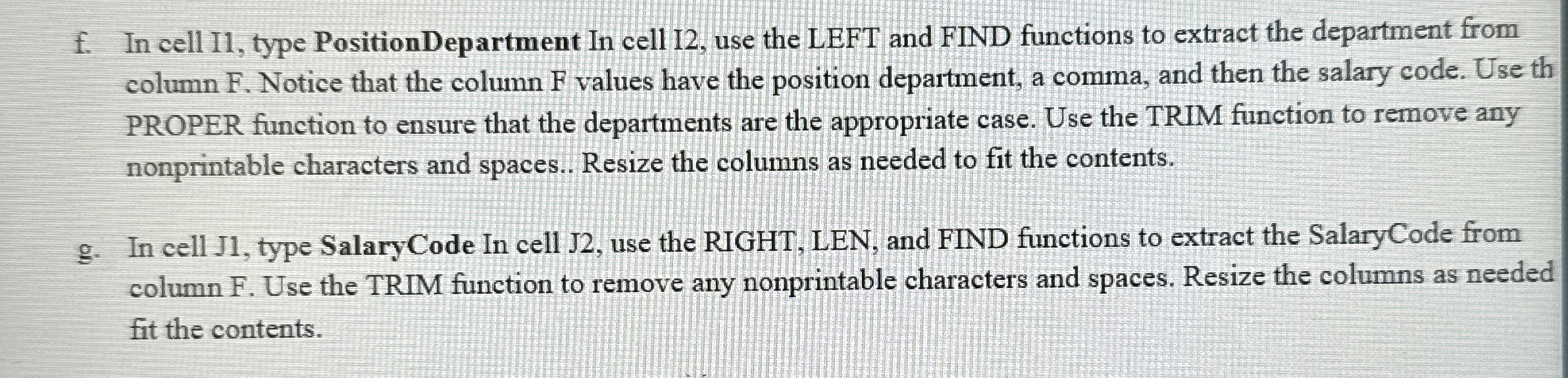
f In cell I type PositionDepartment In cell I use the LEFT and FIND functions to extract the department from column F Notice that the column F values have the position department, a comma, and then the salary code. Use th PROPER function to ensure that the departments are the appropriate case. Use the TRIM function to remove any nonprintable characters and spaces.. Resize the columns as needed to fit the contents.
g In cell J type SalaryCode In cell J use the RIGHT, LEN, and FIND functions to extract the SalaryCode from column F Use the TRIM function to remove any nonprintable characters and spaces. Resize the columns as needed fit the contents.
Step by Step Solution
There are 3 Steps involved in it
1 Expert Approved Answer
Step: 1 Unlock

Question Has Been Solved by an Expert!
Get step-by-step solutions from verified subject matter experts
Step: 2 Unlock
Step: 3 Unlock
 Study Help