



Question: f . Select the Series Points line in the chart and delete it . g . Select the Series Rates Data Labels and change the
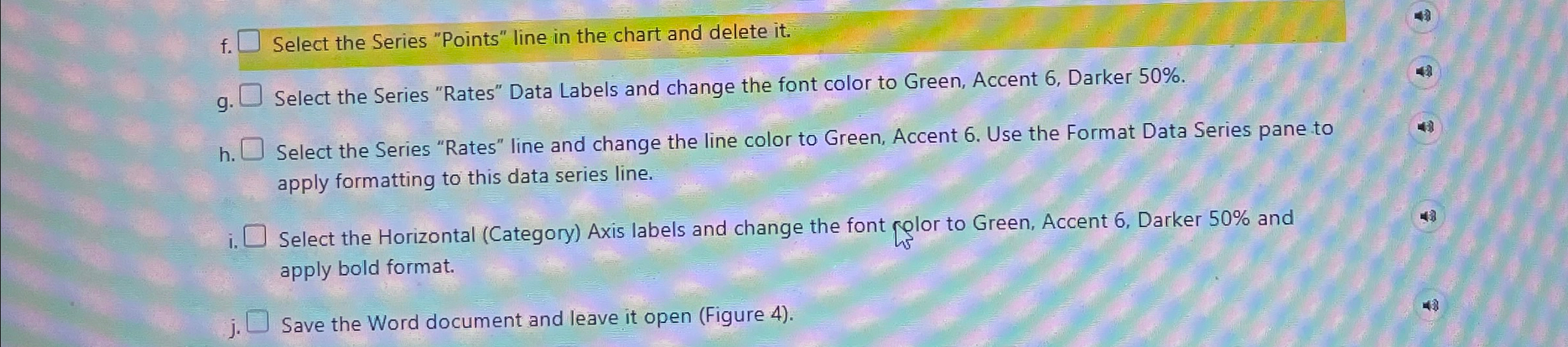
f Select the Series "Points" line in the chart and delete it
g Select the Series "Rates" Data Labels and change the font color to Green, Accent Darker
h Select the Series "Rates" line and change the line color to Green, Accent Use the Format Data Series pane to apply formatting to this data series line.
i Select the Horizontal Category Axis labels and change the font plor to Green, Accent Darker and apply bold format.
j Save the Word document and leave it open Figure
Step by Step Solution
There are 3 Steps involved in it
1 Expert Approved Answer
Step: 1 Unlock

Question Has Been Solved by an Expert!
Get step-by-step solutions from verified subject matter experts
Step: 2 Unlock
Step: 3 Unlock