







Question: Favortes Took Hep 5. Excel Assignments Saved Help Save &Exit S CVP Anelysis using Excel's Basic Math Functions JPl ic has provoen ns sales and,
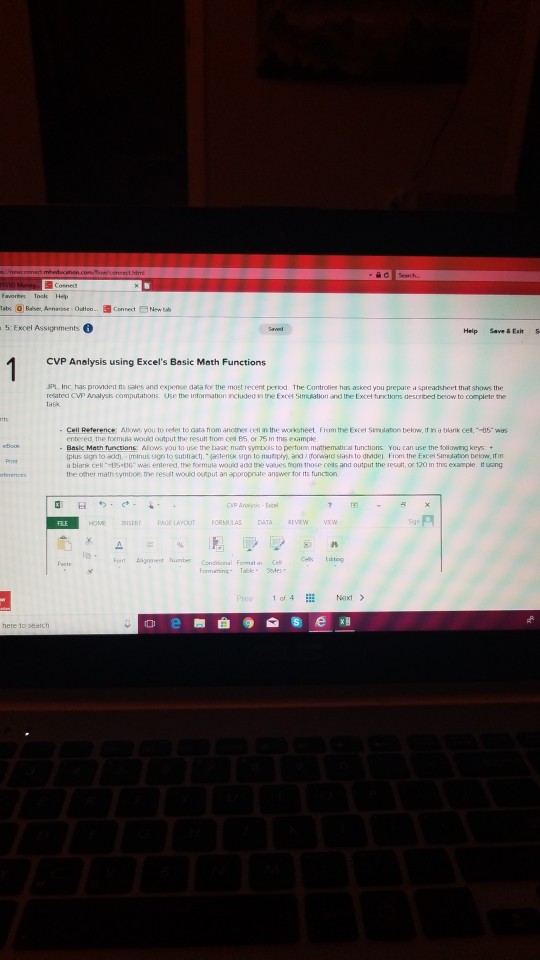
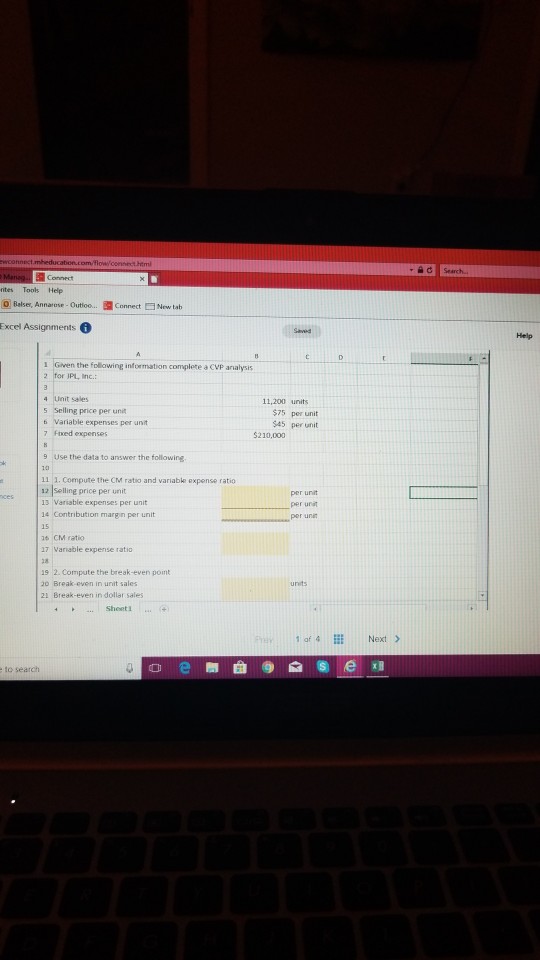
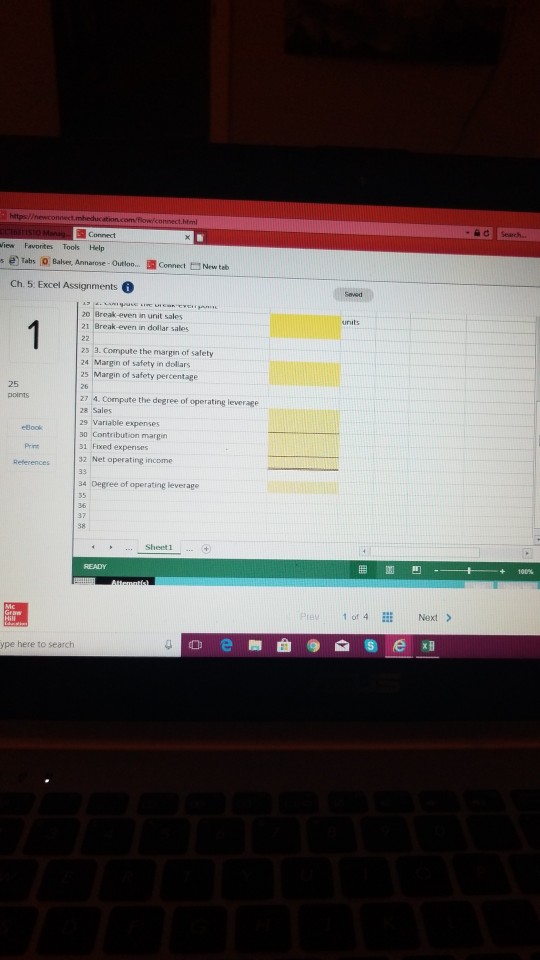
Favortes Took Hep 5. Excel Assignments Saved Help Save &Exit S CVP Anelysis using Excel's Basic Math Functions JPl ic has provoen ns sales and, expense d a ty the most recent perbd The Controle has asked you prepare a spreadsheet that she s the related CvVP Analysts computations Use the intoesation nchdeo in the Excel Smusation and the Excel tunxctions descrbed below to complete the task Cel Reference Allows you to reder to data rom anore. 1he worksheet Frem, tre Exce' s?ndann below. " ra twnk ce9, was entered, the tormula would output the resutt from cea B5, or 75 in this esample Basic Math functionE Alows you to use the basik mah symbois to pertorm mathemabcal functions You can use the tollowing keys + plus sign to add minus sign to subtract), jastensk sign to mubply and rorwato slash to oide From the Excel Simudation below, If in d blerik ceL"15+?6" wes entered, the nemula wound aX, the values rom those ceas ana output the result, or 120 ?n this example turing the other math symbois the resut would ourput an appropnate answer for its funchion 40? INSERT PAGE LAYOUT FORMULAS DATA RrvEw vrw Font Agnmet uber connonal ormatting Table 1 of 4 Naxt> here to seatch
Step by Step Solution
There are 3 Steps involved in it

Get step-by-step solutions from verified subject matter experts
 Study Help