







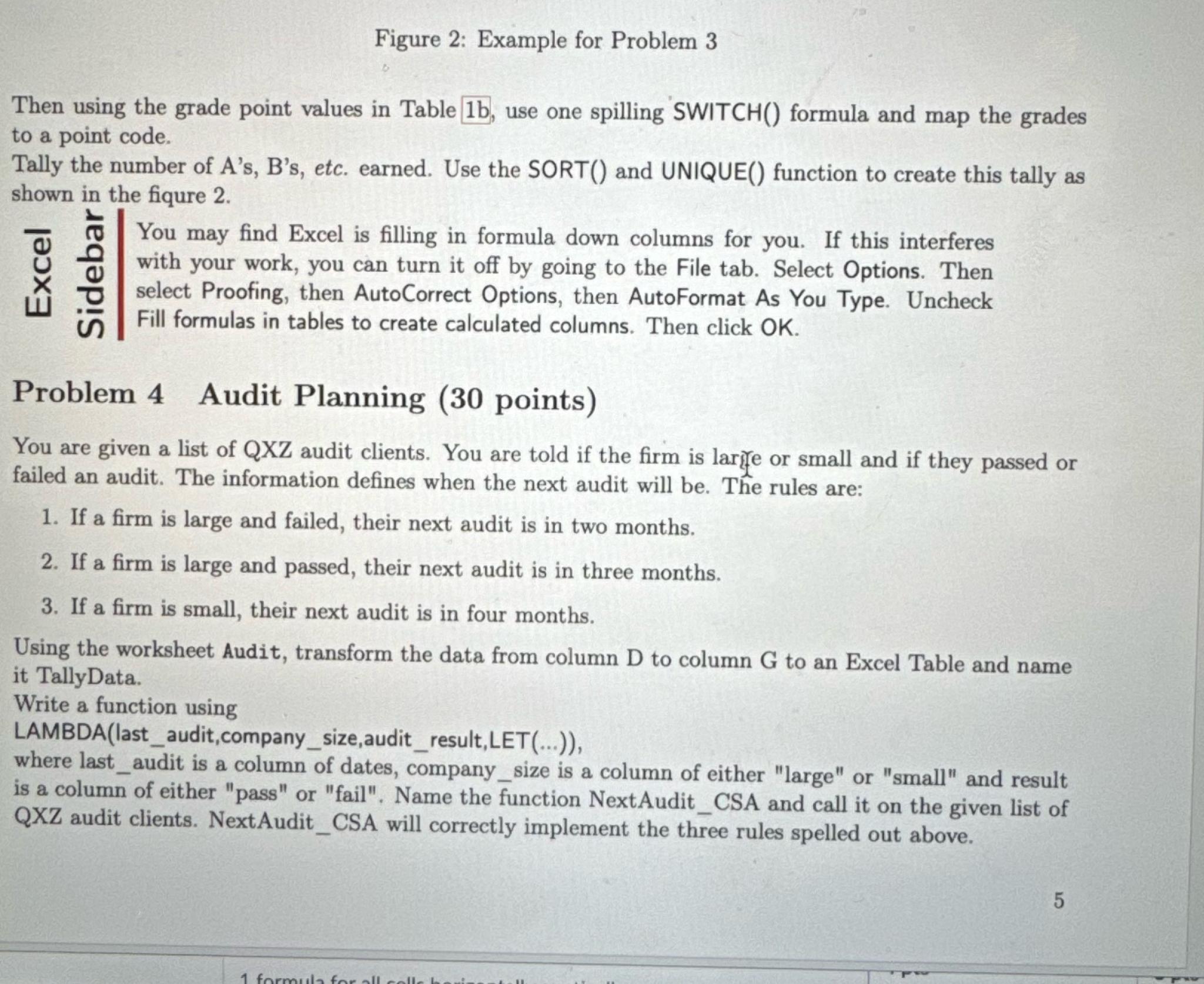
Question: Figure 2 : Example for Problem 3 Then using the grade point values in Table 1 b , use one spilling SWITCH ( ) formula
Figure : Example for Problem
Then using the grade point values in Table b use one spilling SWITCH formula and map the grades to a point code.
Tally the number of As Bs etc. earned. Use the SORT and UNIQUE function to create this tally as shown in the fiqure
You may find Excel is filling in formula down columns for you. If this interferes with your work, you can turn it off by going to the File tab. Select Options. Then select Proofing, then AutoCorrect Options, then AutoFormat As You Type. Uncheck Fill formulas in tables to create calculated columns. Then click OK
Problem Audit Planning points
You are given a list of QXZ audit clients. You are told if the firm is larrye or small and if they passed or failed an audit. The information defines when the next audit will be The rules are:
If a firm is large and failed, their next audit is in two months.
If a firm is large and passed, their next audit is in three months.
If a firm is small, their next audit is in four months.
Using the worksheet Audit, transform the data from column D to column G to an Excel Table and name it TallyData.
Write a function using
LAMBDAlastaudit,companysize,auditresult,LET
where lastaudit is a column of dates, companysize is a column of either "large" or "small" and result is a column of either "pass" or "fail". Name the function NextAuditCSA and call it on the given list of QXZ audit clients. NextAuditCSA will correctly implement the three rules spelled out above.
Step by Step Solution
There are 3 Steps involved in it
1 Expert Approved Answer
Step: 1 Unlock

To solve the problem of determining the next audit date for QXZ audit clients follow these steps Ste... View full answer
Question Has Been Solved by an Expert!
Get step-by-step solutions from verified subject matter experts
Step: 2 Unlock
Step: 3 Unlock
 Study Help