







Question: Figure 3 : Sample output The class contains several private attributes: str stores the sentence input byuser. specialChars stores number of special characters ( i
Figure : Sample output
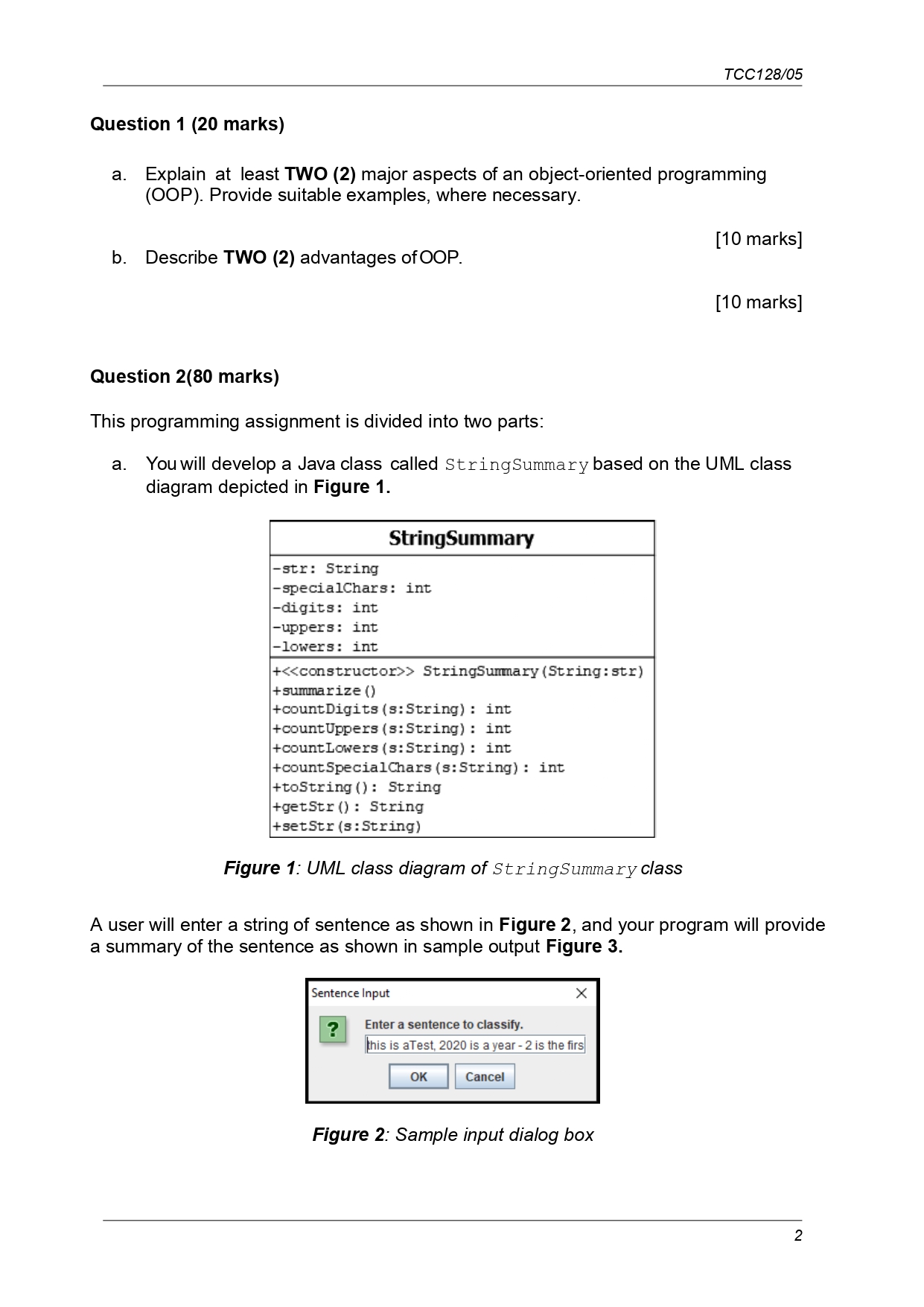
The class contains several private attributes:
str stores the sentence input byuser.
specialChars stores number of special characters ie nondigit and nonletters:
;@ etc in the input string.
digits stores the number of digits egetc in the input string.
uppers stores the number of uppercase letters eg A B C etc. in the input string.
lowers stores the number of lowercase letters eg a b c etc. in the input string.
The constructor receives the input string from user. The other methods included:
summarize accumulates all the information about the input sentence, eg the
number of digits, uppercase letters, lowercase letters, and special characters. Hints:
the method relies on other methods to get the needed information.
countDigits returns the number of digits in a string. It returns if none.
countUpper returns the number of uppercase letters in a string. It returns if none.
countLower returns the number of lowercase in a string. It returns if none.
countSpecialChars returns the number of special characters in a string. It returns
if none.
toString overrides the default method to return the formatted output
see Figure
getStr an accessor getter method, which returns value of the variable str
setStr a mutator setter method used to control changes to variable str
Guidelines:
Implement the class StringSummary.
There is no single solution to the implementation of each method. Be
creative and efficient.
After completing the implementations, test your program using the driver
class, StringSummaryDriver Appendix A Update your program until
satisfy. Submission requirements:
Copy the source code into Word file.
But also zip your source code for submission to OAS.
All codes to be accompanied with proper comments, where necessary.
Provide screen shots of your outputs eg test using different sentences
marks
b The second part of the programming assignment extends from a Create a new
class called StringSummaryExtended. The class inherits the common
properties from StringSummary. It also included a new method known as
mergeStrings Figure
Figure : UML class diagram of
StringSummaryExtended class
A user will enter two strings of sentences in sequence, one after another Figure Then,
your program will use the mergeStrings method to mergeconcatenate both sentences.
Finally, it displays a summary of the merged sentence as shown in sample output Figure
After entering the first sentence:
Figure : Sample input dialog box String Information
i Summary:
Read: this is aTest, is a year is the first digit; the last is zernd input is this Thank you
String length
Number of digits
Number of uppercase characters
Number of lowercase characters
Number of special characters
Figure : Sample output
Guidelines:
Implement the class StringSummaryExtended.
There is no single solution to the implementation of the method. Be creative
and efficient.
After completing the implementations, test your program using the driver
class, StringSummaryExtendedDriver Appendix B Update your
program until satisfy.
Submission requirements:
Copy the source code into Word file.
But also zip your source code for submission to OAS.
All codes to be accompanied with proper comments, where necessary.
Provide screen shots of your outputs eg test using different sentences
marksListing : "Driver class for Question aa Explain at least TWO major aspects of an objectoriented programming
OOP Provide suitable examples, where necessary.
b Describe TWO advantages of OOP.
marks
marks
Question marks
This programming assignment is divided into two parts:
a You will develop a Java class called StringSummary based on the UML class
diagram depicted in Figure
Figure : UML class diagram of StringSummary class
A user will enter a string of sentence as shown in Figure and your program will provide
a summary of the sentence as shown in sample output Figure
Figure : Sample input dialog box
Step by Step Solution
There are 3 Steps involved in it
1 Expert Approved Answer
Step: 1 Unlock

Question Has Been Solved by an Expert!
Get step-by-step solutions from verified subject matter experts
Step: 2 Unlock
Step: 3 Unlock
 Study Help