







Question: First, well get you started with adding basic elements to an interface. Download gui.py and look through it to understand whats going on. Then, do
First, well get you started with adding basic elements to an interface. Download gui.py and look through it to understand whats going on. Then, do the following:
- Add a label above the quit button which initially displays the value zero.
- Below that, add a horizontal slider with a range from 0 to 10. When you drag the slider, it should change the value of the label.
Below is the code in texts for gui.py
#!/usr/bin/env python3 from PyQt5.QtWidgets import QApplication, QMainWindow, QWidget, QPushButton, QVBoxLayout class Interface(QMainWindow): def __init__(self): QMainWindow.__init__(self) self.setWindowTitle('I am an example window') # A widget to hold everything widget = QWidget() self.setCentralWidget(widget) # A layout layout = QVBoxLayout() widget.setLayout(layout) # A button quit_button = QPushButton('Quit') quit_button.clicked.connect(app.exit) # You probably want to add in other interface elements here # Add things to the layout layout.addWidget(quit_button) # Add other widgets to the layout here. Possibly other layouts. if __name__ == '__main__': app = QApplication([]) interface = Interface() interface.show() app.exec_() __________________________________________________________and here is the screen shot
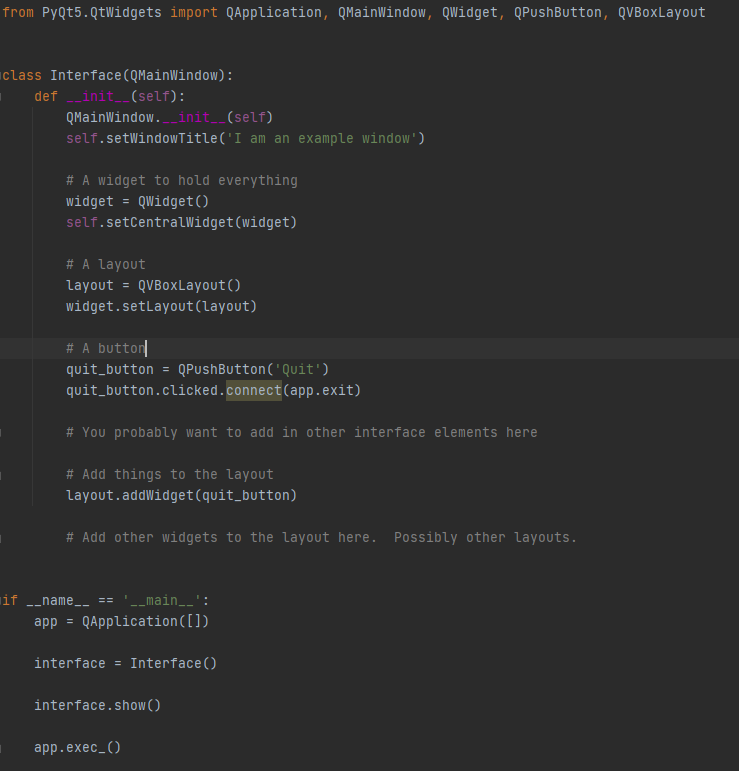
Python 3 please thank you will always upvote if answer correctly
from PyQt5.QtWidgets import QApplication, QMainWindow, QWidget, QPushbutton, QVBoxLayout class Interface (QMainWindow): def __init__(self): QMainWindow._init__(self) self.setWindowTitle('I am an example window) # A widget to hold everything widget = QWidget() self.setCentralWidget(widget) # A layout Layout = QVBoxLayout() widget.setLayout(layout) # A button quit_button = QPushButton('Quit') quit_button.clicked.connect(app.exit) # You probably want to add in other interface elements here # Add things to the layout layout.addWidget(quit_button) # Add other widgets to the layout here. Possibly other layouts. if __name__ == '__main__': app = QApplication([]) interface = Interface() interface.show() app.exec_0
Step by Step Solution
There are 3 Steps involved in it

Get step-by-step solutions from verified subject matter experts
 Study Help