







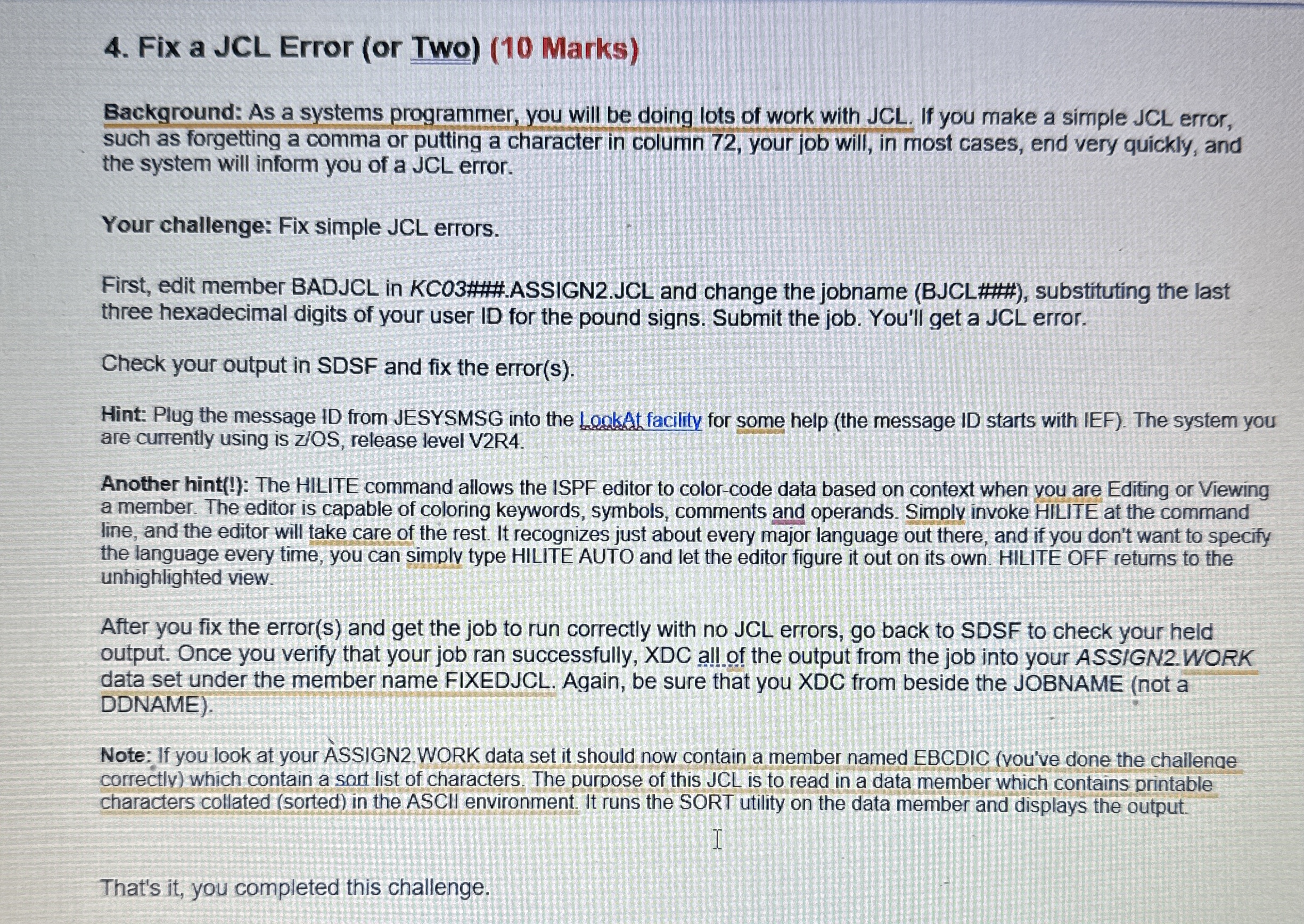
Question: Fix a JCL Error ( or Two ) ( 1 0 Marks ) Background: As a systems programmer, you will be doing lots of work
Fix a JCL Error or Two Marks
Background: As a systems programmer, you will be doing lots of work with JCL If you make a simple JCL error, such as forgetting a comma or putting a character in column your job will, in most cases, end very quickly, and the system will inform you of a JCL error.
Your challenge: Fix simple JCL errors.
First, edit member BADJCL in KCO##ASSIGNJCL and change the jobname BJCL### substituting the last three hexadecimal digits of your user ID for the pound signs. Submit the job. You'll get a JCL error.
Check your output in SDSF and fix the errors
Hint: Plug the message ID from JESYSMSG into the LeakAL facility for some help the message ID starts with IEF The system you are currently using is release level VR
Another hint: The HILITE command allows the ISPF editor to colorcode data based on context when you are Editing or Viewing a member. The editor is capable of coloring keywords, symbols, comments and operands. Simply invoke HILITE at the command line, and the editor will take care of the rest. It recognizes just about every major language out there, and if you don't want to specify the language every time, you can simply type HILITE AUTO and let the editor figure it out on its own. HILITE OFF returns to the unhighlighted view.
After you fix the errors and get the job to run correctly with no JCL errors, go back to SDSF to check your held output. Once you verify that your job ran successfully, XDC all of the output from the job into your ASSIGN WORK data set under the member name FIXEDJCL. Again, be sure that you XDC from beside the JOBNAME not a DDNAME
Note: If you look at your ASSIGN WORK data set it should now contain a member named EBCDIC vouve done the challenge correctlv which contain a sort list of characters. The purpose of this JCL is to read in a data member which contains printable characters collated sorted in the ASCII environment. It runs the SORT utility on the data member and displays the output.
That's it you completed this challenge. Use userid kcb
Step by Step Solution
There are 3 Steps involved in it
1 Expert Approved Answer
Step: 1 Unlock

Question Has Been Solved by an Expert!
Get step-by-step solutions from verified subject matter experts
Step: 2 Unlock
Step: 3 Unlock
 Study Help