







Question: Fix and run React App on Vscode. > OUTLINE > TIMELINE NPM SCRIPTS V {} client/package.... & start-... build - client test - client eject
Fix and run React App on Vscode. 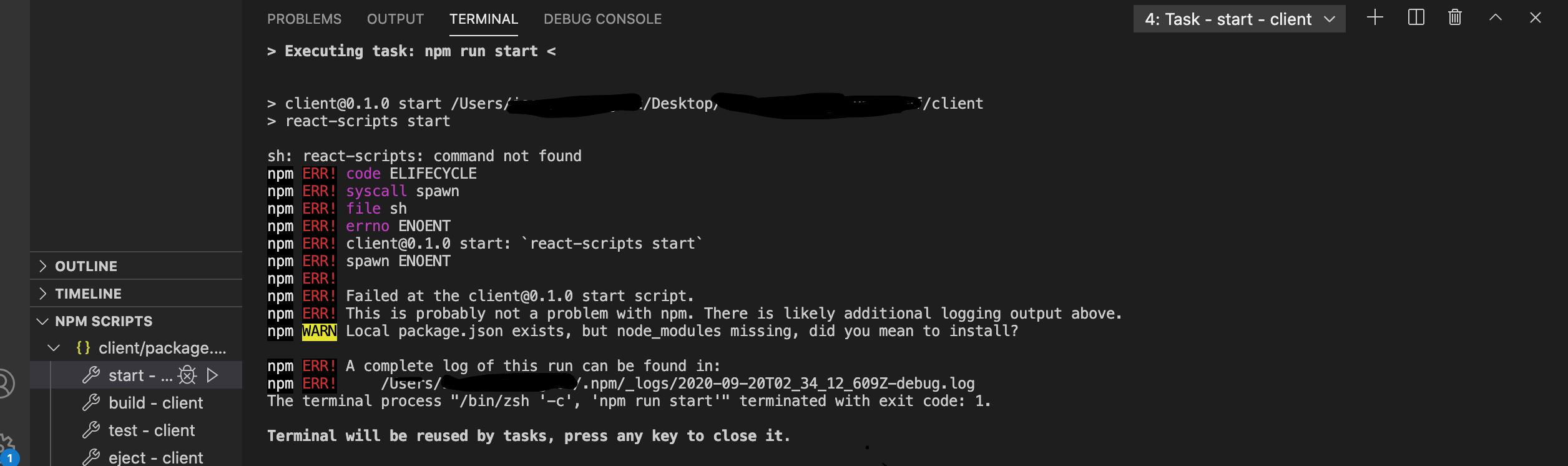
> OUTLINE > TIMELINE NPM SCRIPTS V {} client/package.... & start-... build - client test - client eject - client PROBLEMS OUTPUT TERMINAL DEBUG CONSOLE > Executing task: npm run start < > client@0.1.0 start /Users/* > react-scripts start ./Desktop/ sh: react-scripts: command not found npm ERR! code ELIFECYCLE npm ERR! syscall spawn npm ERR! file sh npm ERR! errno ENOENT npm ERR! client@0.1.0 start: react-scripts start` /client npm ERR! spawn ENOENT npm ERR! npm ERR! Failed at the client@0.1.0 start script. npm ERR! This is probably not a problem with npm. There is likely additional logging output above. npm WARN Local package.json exists, but node_modules missing, did you mean to install? npm ERR! A complete log of this run can be found in: npm ERR! /Users/ /.npm/_logs/2020-09-20T02_34_12_609Z-debug.log The terminal process "/bin/zsh 'c', 'npm run start'" terminated with exit code: 1. Terminal will be reused by tasks, press any key to close it. 4: Task - start - client + > X
Step by Step Solution
3.46 Rating (153 Votes )
There are 3 Steps involved in it
To fix and run a React app in Visual Studio Code VSCode you can follow these steps Open VSCode and n... View full answer

Get step-by-step solutions from verified subject matter experts
 Study Help