







Question: Fix It 2 . 6 These instructions are compatible with both Microsoft Windows and Mac operating systems. In this project, you will be fixing the
Fix It
These instructions are compatible with both Microsoft Windows and Mac operating systems.
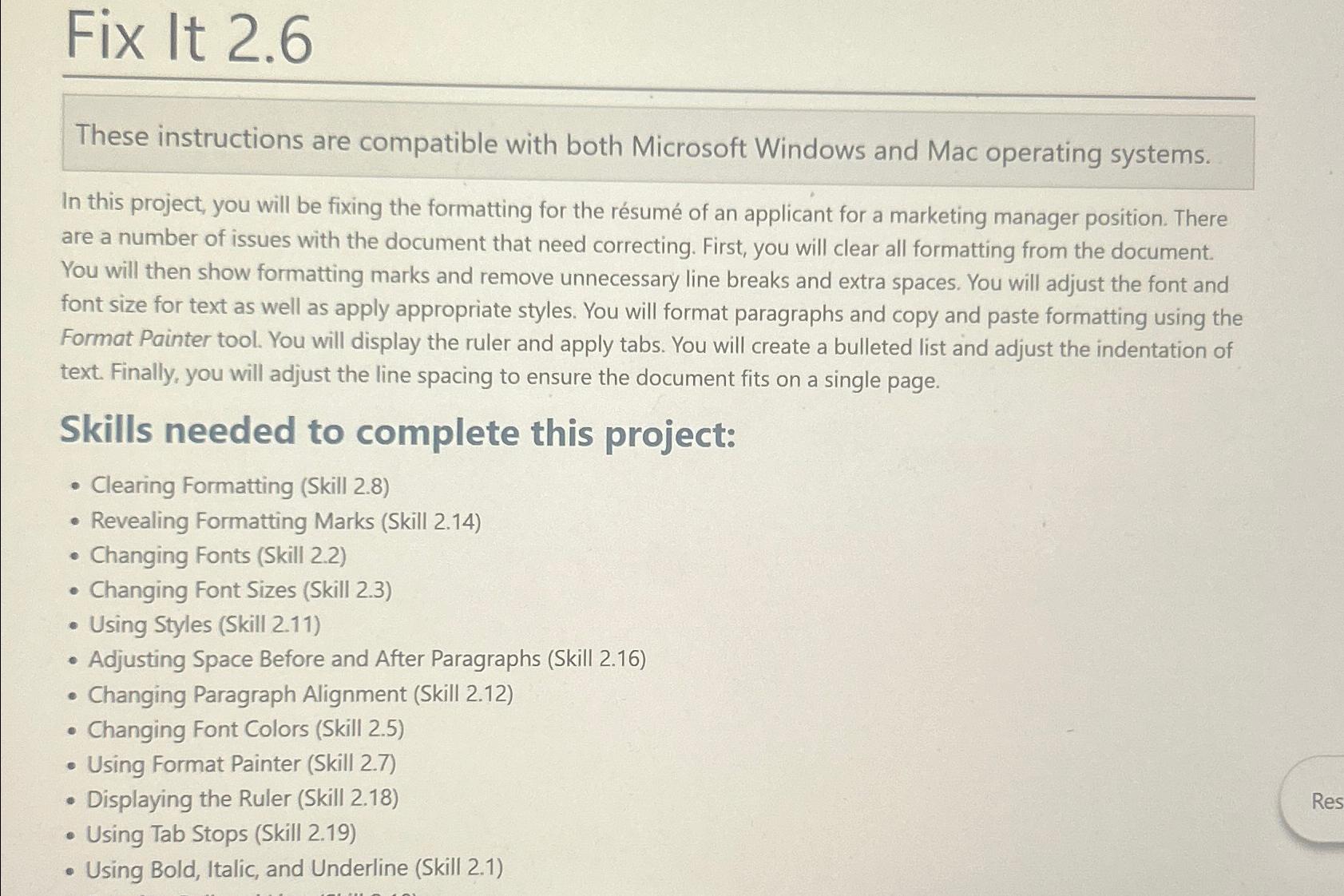
In this project, you will be fixing the formatting for the rsum of an applicant for a marketing manager position. There are a number of issues with the document that need correcting. First, you will clear all formatting from the document. You will then show formatting marks and remove unnecessary line breaks and extra spaces. You will adjust the font and font size for text as well as apply appropriate styles. You will format paragraphs and copy and paste formatting using the Format Painter tool. You will display the ruler and apply tabs You will create a bulleted list and adjust the indentation of text. Finally, you will adjust the line spacing to ensure the document fits on a single page.
Skills needed to complete this project:
Clearing Formatting Skill
Revealing Formatting Marks Skill
Changing Fonts Skill
Changing Font Sizes Skill
Using Styles Skill
Adjusting Space Before and After Paragraphs Skill
Changing Paragraph Alignment Skill
Changing Font Colors Skill
Using Format Painter Skill
Displaying the Ruler Skill
Using Tab Stops Skill
Using Bold, Italic, and Underline Skill
Step by Step Solution
There are 3 Steps involved in it
1 Expert Approved Answer
Step: 1 Unlock

Question Has Been Solved by an Expert!
Get step-by-step solutions from verified subject matter experts
Step: 2 Unlock
Step: 3 Unlock
 Study Help