





Question: Flowchart or Python code Hotel occupancy: a hotel's occupancy rate is calculated as follows: occupancy rate = number of rooms occupied / number of rooms
Flowchart or Python code
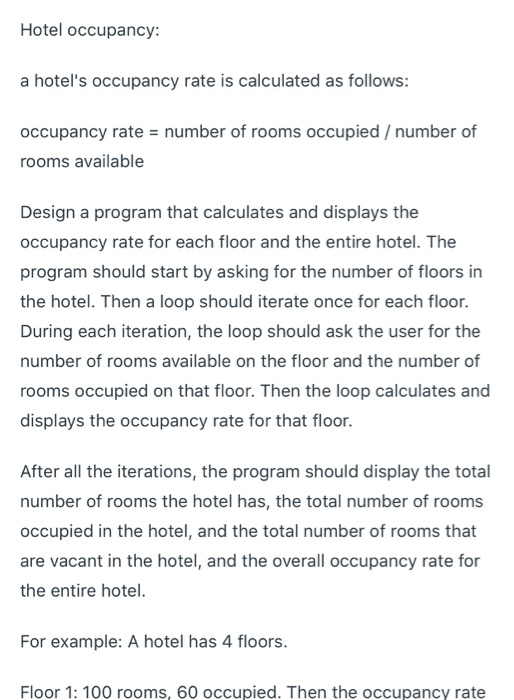
Hotel occupancy:
a hotel's occupancy rate is calculated as follows:
occupancy rate = number of rooms occupied / number of rooms available
Design a program that calculates and displays the occupancy rate for each floor and the entire hotel. The program should start by asking for the number of floors in the hotel. Then a loop should iterate once for each floor. During each iteration, the loop should ask the user for the number of rooms available on the floor and the number of rooms occupied on that floor. Then the loop calculates and displays the occupancy rate for that floor.
After all the iterations, the program should display the total number of rooms the hotel has, the total number of rooms occupied in the hotel, and the total number of rooms that are vacant in the hotel, and the overall occupancy rate for the entire hotel.
For example: A hotel has 4 floors.
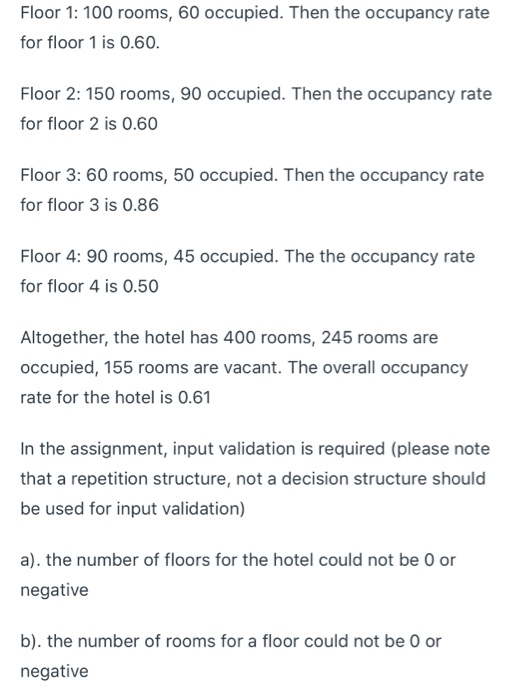
Floor 1: 100 rooms, 60 occupied. Then the occupancy rate for floor 1 is 0.60.
Floor 2: 150 rooms, 90 occupied. Then the occupancy rate for floor 2 is 0.60
Floor 3: 60 rooms, 50 occupied. Then the occupancy rate for floor 3 is 0.86
Floor 4: 90 rooms, 45 occupied. The the occupancy rate for floor 4 is 0.50
Altogether, the hotel has 400 rooms, 245 rooms are occupied, 155 rooms are vacant. The overall occupancy rate for the hotel is 0.61
In the assignment, input validation is required (please note that a repetition structure, not a decision structure should be used for input validation)
a). the number of floors for the hotel could not be 0 or negative
b). the number of rooms for a floor could not be 0 or negative
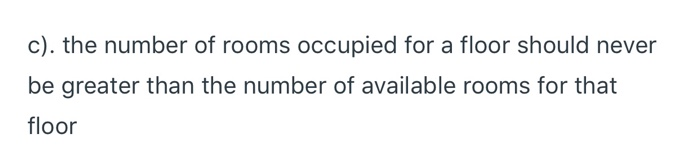
c). the number of rooms occupied for a floor should never be greater than the number of available rooms for that floor
 Flowchart or Python code Hotel occupancy: a hotel's occupancy rate is
calculated as follows: occupancy rate = number of rooms occupied / number
of rooms available Design a program that calculates and displays the occupancy

Hotel occupancy: a hotel's occupancy rate is calculated as follows: occupancy rate = number of rooms occupied / number of rooms available Design a program that calculates and displays the occupancy rate for each floor and the entire hotel. The program should start by asking for the number of floors in the hotel. Then a loop should iterate once for each floor. During each iteration, the loop should ask the user for the number of rooms available on the floor and the number of rooms occupied on that floor. Then the loop calculates and displays the occupancy rate for that floor. After all the iterations, the program should display the total number of rooms the hotel has, the total number of rooms occupied in the hotel, and the total number of rooms that are vacant in the hotel, and the overall occupancy rate for the entire hotel. For example: A hotel has 4 floors. Floor 1: 100 rooms, 60 occupied. Then the occupancy rate Floor 1: 100 rooms, 60 occupied. Then the occupancy rate for floor 1 is 0.60. Floor 2: 150 rooms, 90 occupied. Then the occupancy rate for floor 2 is 0.60 Floor 3: 60 rooms, 50 occupied. Then the occupancy rate for floor 3 is 0.86 Floor 4: 90 rooms, 45 occupied. The the occupancy rate for floor 4 is 0.50 Altogether, the hotel has 400 rooms, 245 rooms are occupied, 155 rooms are vacant. The overall occupancy rate for the hotel is 0.61 In the assignment, input validation is required (please note that a repetition structure, not a decision structure should be used for input validation) a). the number of floors for the hotel could not be 0 or negative b). the number of rooms for a floor could not be 0 or negative c). the number of rooms occupied for a floor should never be greater than the number of available rooms for that floor

Step by Step Solution

There are 3 Steps involved in it

1 Expert Approved Answer
Step: 1 Unlock blur-text-image
Question Has Been Solved by an Expert!

Get step-by-step solutions from verified subject matter experts

Step: 2 Unlock
Step: 3 Unlock

Students Have Also Explored These Related Databases Questions!