







Question: Follow instructions and fill in the script using the format above. This problem gives you practice with for loops that employ vector indexing. Be sure

 Follow instructions and fill in the script using the format above.
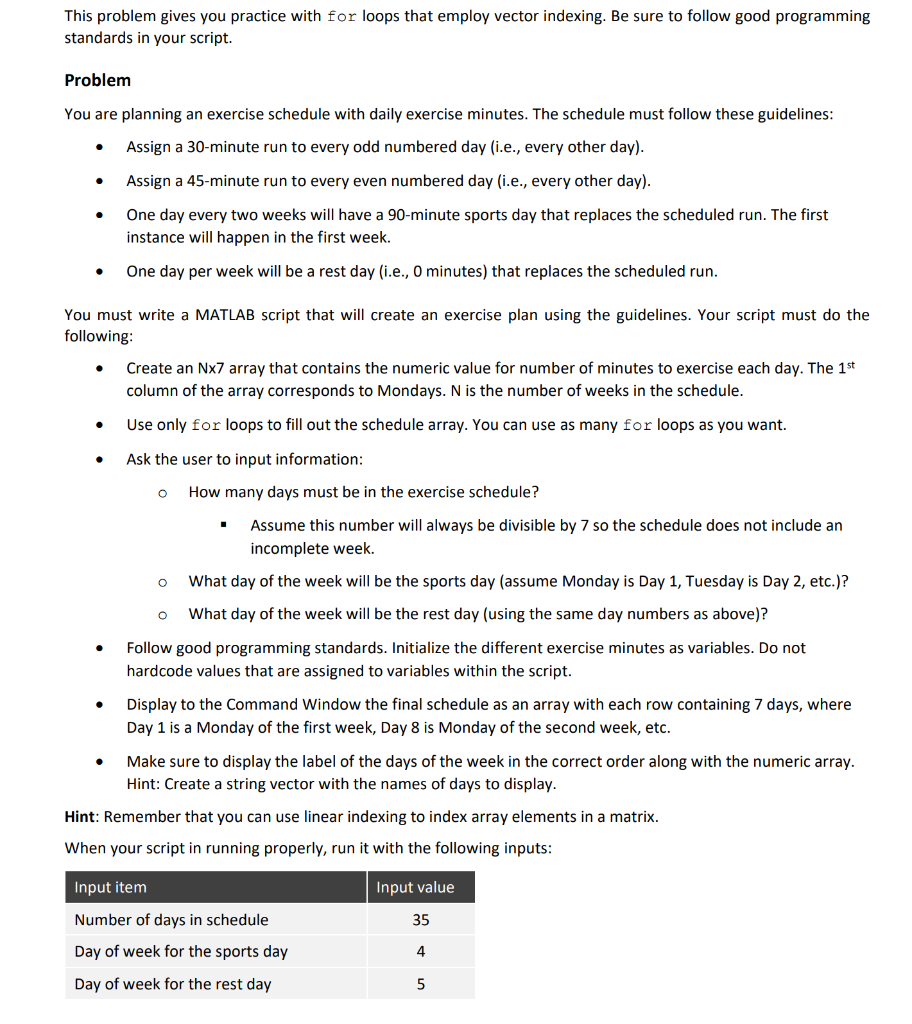
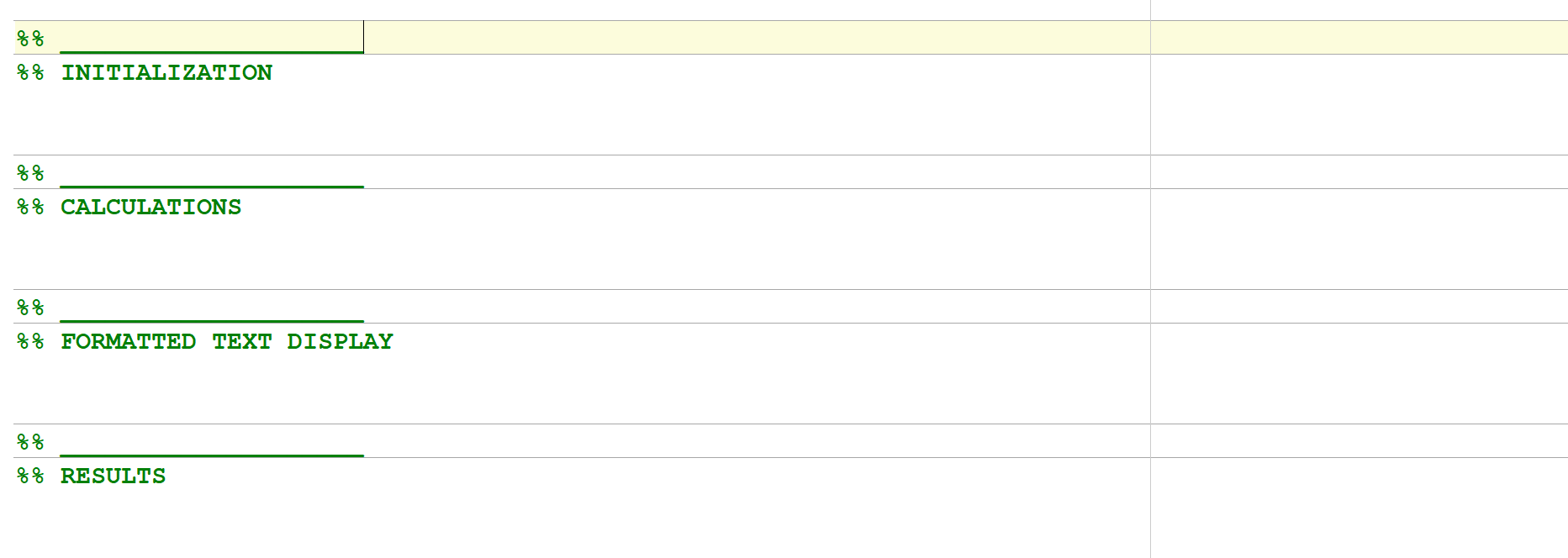
This problem gives you practice with for loops that employ vector indexing. Be sure to follow good programming standards in your script. Problem You are planning an exercise schedule with daily exercise minutes. The schedule must follow these guidelines: Assign a 30-minute run to every odd numbered day (i.e., every other day). Assign a 45-minute run to every even numbered day (i.e., every other day). One day every two weeks will have a 90-minute sports day that replaces the scheduled run. The first instance will happen in the first week. One day per week will be a rest day (i.e., 0 minutes) that replaces the scheduled run. You must write a MATLAB script that will create an exercise plan using the guidelines. Your script must do the following: Create an Nx7 array that contains the numeric value for number of minutes to exercise each day. The 1st column of the array corresponds to Mondays. N is the number of weeks in the schedule. Use only for loops to fill out the schedule array. You can use as many for loops as you want. . . . Ask the user to input information: How many days must be in the exercise schedule? Assume this number will always be divisible by 7 so the schedule does not include an incomplete week. o o . What day of the week will be the sports day (assume Monday is Day 1, Tuesday is Day 2, etc.)? What day of the week will be the rest day (using the same day numbers as above)? Follow good programming standards. Initialize the different exercise minutes as variables. Do not hardcode values that are assigned to variables within the script. Display to the Command Window the final schedule as an array with each row containing 7 days, where Day 1 is a Monday of the first week, Day 8 is Monday of the second week, etc. Make sure to display the label of the days of the week in the correct order along with the numeric array. Hint: Create a string vector with the names of days to display. Hint: Remember that you can use linear indexing to index array elements in a matrix. When your script in running properly, run it with the following inputs: Input value Input item Number of days in schedule 35 Day of week for the sports day 4 Day of week for the rest day 5 3. Individually: Complete your script, run it to get your results, paste the text results as comments into the script and save the figure window as an image. a. %% INITIALIZATION %% CALCULATIONS %% FORMATTED TEXT DISPLAY 88 %% RESULTS
Step by Step Solution
There are 3 Steps involved in it

Get step-by-step solutions from verified subject matter experts
 Study Help