


Question: Follow the assignment instructions and review the rubric. Create a debate flow chart based on the debate resolution you chose, the death penalty or animal
Follow the assignment instructions and review the
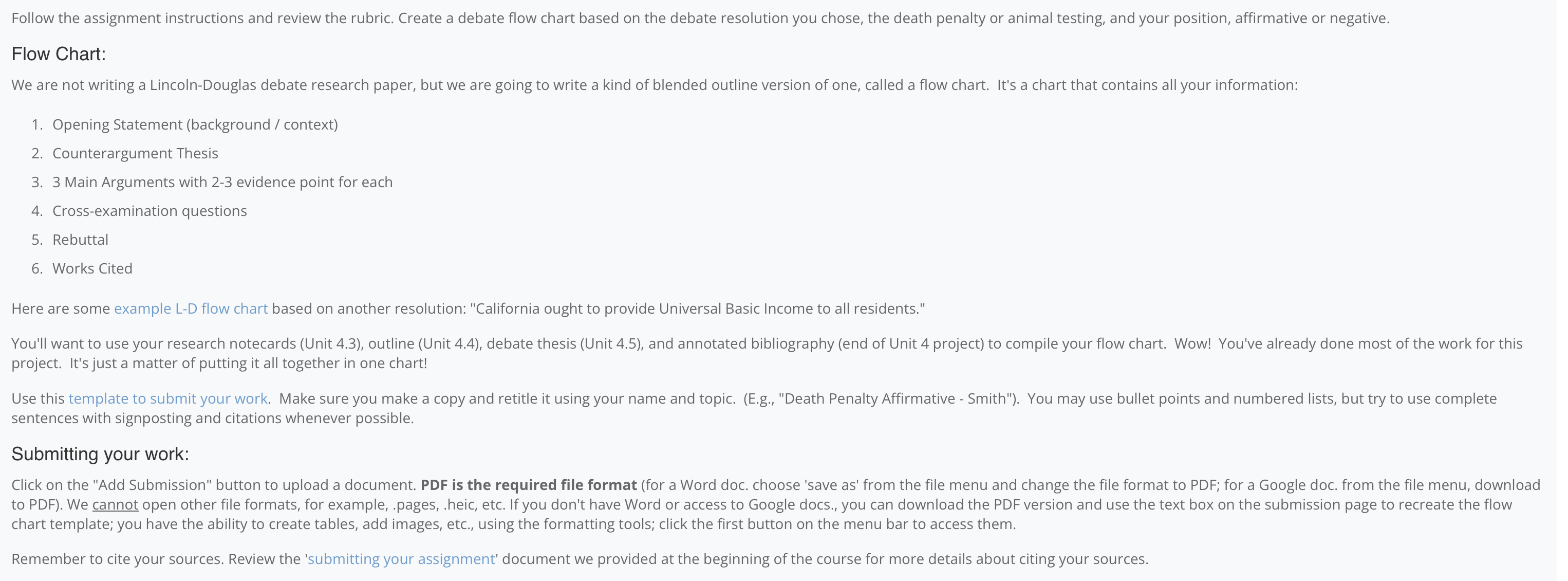
Follow the assignment instructions and review the rubric. Create a debate flow chart based on the debate resolution you chose, the death penalty or animal testing, and your position, affirmative or negative. Flow Chart: We are not writing a Lincoln-Douglas debate research paper, but we are going to write a kind of blended outline version of one, called a flow chart. It's a chart that contains all your information: . Opening Statement (background / context) . Counterargument Thesis . 3 Main Arguments with 2-3 evidence point for each 2 3 4. 5 6. Cross-examination questions . Rebuttal . Works Cited Here are some example L-D flow chart based on another resolution: "California ought to provide Universal Basic Income to all residents." You'll want to use your research notecards (Unit 4.3), outline (Unit 4.4), debate thesis (Unit 4.5), and annotated bibliography (end of Unit 4 project) to compile your flow chart. Wow! You've already done most of the work for this project. It's just a matter of putting it all together in one chart! Use this template to submit your work. Make sure you make a copy and retitle it using your name and topic. (E.g., "Death Penalty Affirmative - Smith"). You may use bullet points and numbered lists, but try to use complete sentences with signposting and citations whenever possible. Submitting your work: Click on the "Add Submission" button to upload a document. PDF is the required file format (for a Word doc. choose 'save as' from the file menu and change the file format to PDF; for a Google doc. from the file menu, download to PDF). We cannot open other file formats, for example, .pages, .heic, etc. If you don't have Word or access to Google docs., you can download the PDF version and use the text box on the submission page to recreate the flow chart template; you have the ability to create tables, add images, etc., using the formatting tools; click the first button on the menu bar to access them. Remember to cite your sources. Review the 'submitting your assignment' document we provided at the beginning of the course for more details about citing your sources

Step by Step Solution

There are 3 Steps involved in it

1 Expert Approved Answer
Step: 1 Unlock blur-text-image

Question Has Been Solved by an Expert!

Get step-by-step solutions from verified subject matter experts

Step: 2 Unlock
Step: 3 Unlock

Students Have Also Explored These Related Business Writing Questions!