







Question: follow the instructions that are uploaded. try ( ) { // establish connection to database Connection connection = DriverManager.getConnection ( url, user: username, password); //
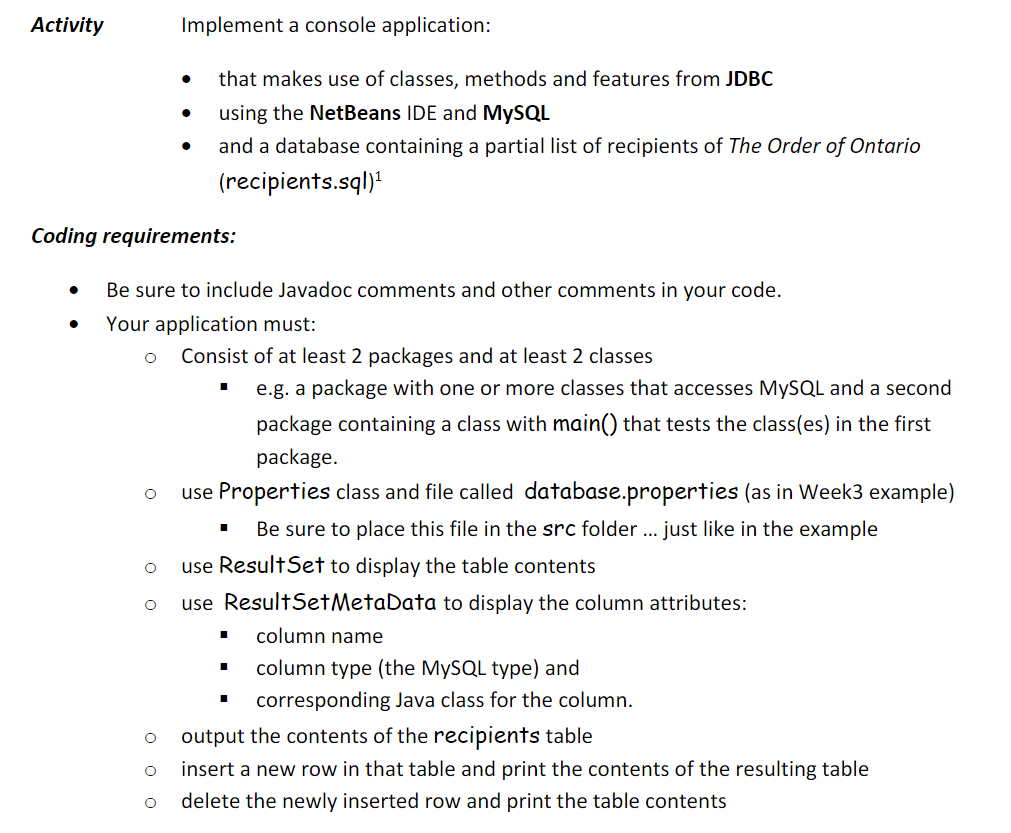
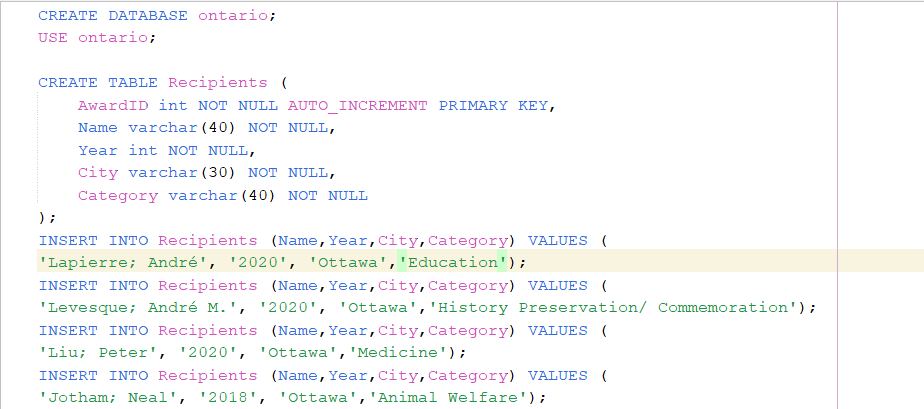
follow the instructions that are uploaded.
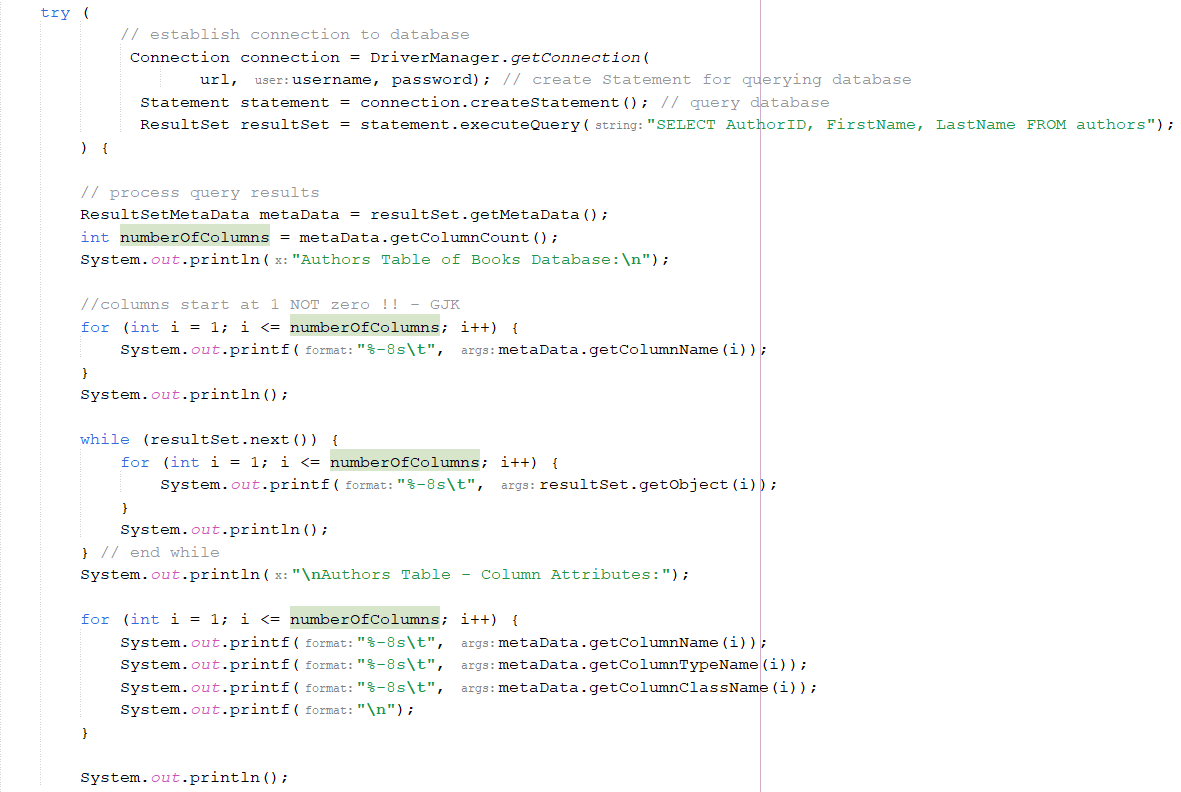
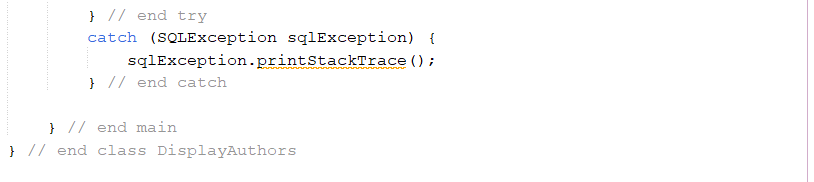
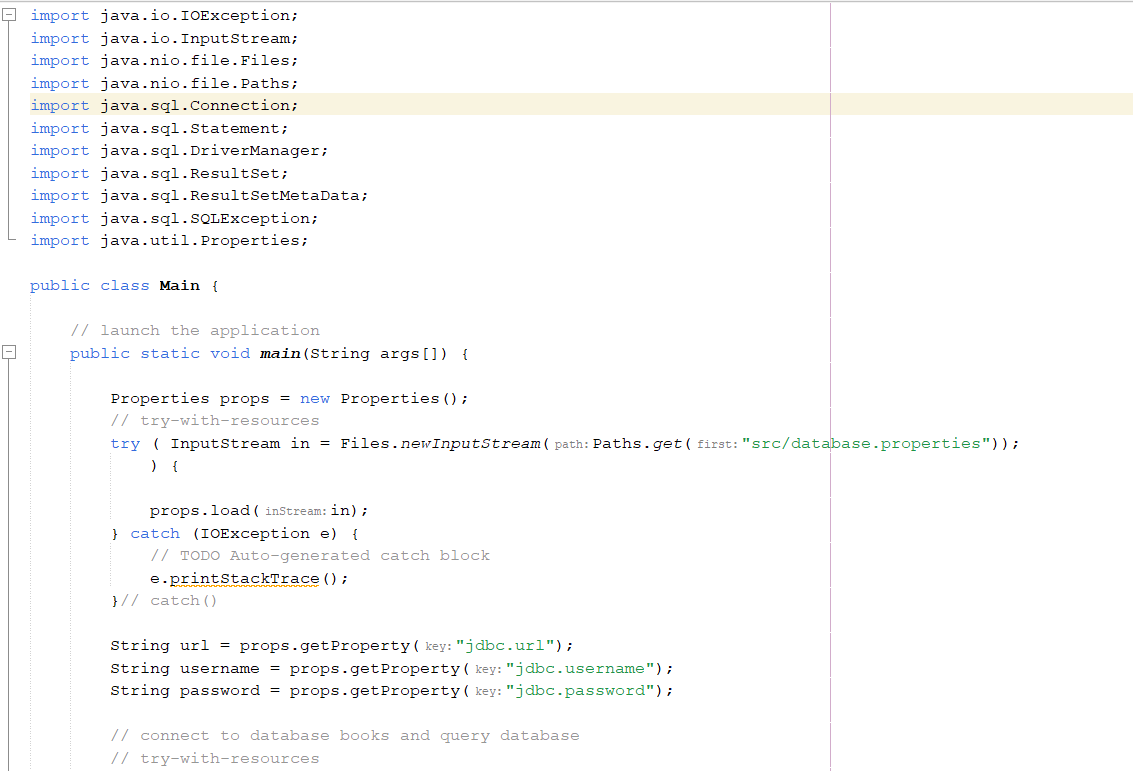
try ( ) { // establish connection to database Connection connection = DriverManager.getConnection ( url, user: username, password); // create Statement for querying database Statement statement = connection.createStatement(); // query database ResultSet resultSet = statement.executeQuery( string: "SELECT AuthorID, FirstName, LastName FROM authors"); // process query results ResultSetMetaData metaData = resultSet.getMetaData(); int numberOfColumns = metaData.getColumnCount(); System.out.println(x: "Authors Table of Books Database: "); //columns start at 1 NOT zero !! - GJK for (int i = 1; i
Step by Step Solution
3.41 Rating (160 Votes )
There are 3 Steps involved in it
Heres the improved Java code that implements the console application requirements incorporating feed... View full answer

Get step-by-step solutions from verified subject matter experts
 Study Help