







Question: Following the video regarding SettingDirectory, create a folder called Intro.Data.Science on your desktop. Then, in RStudio, set the directory to the folder you just created.
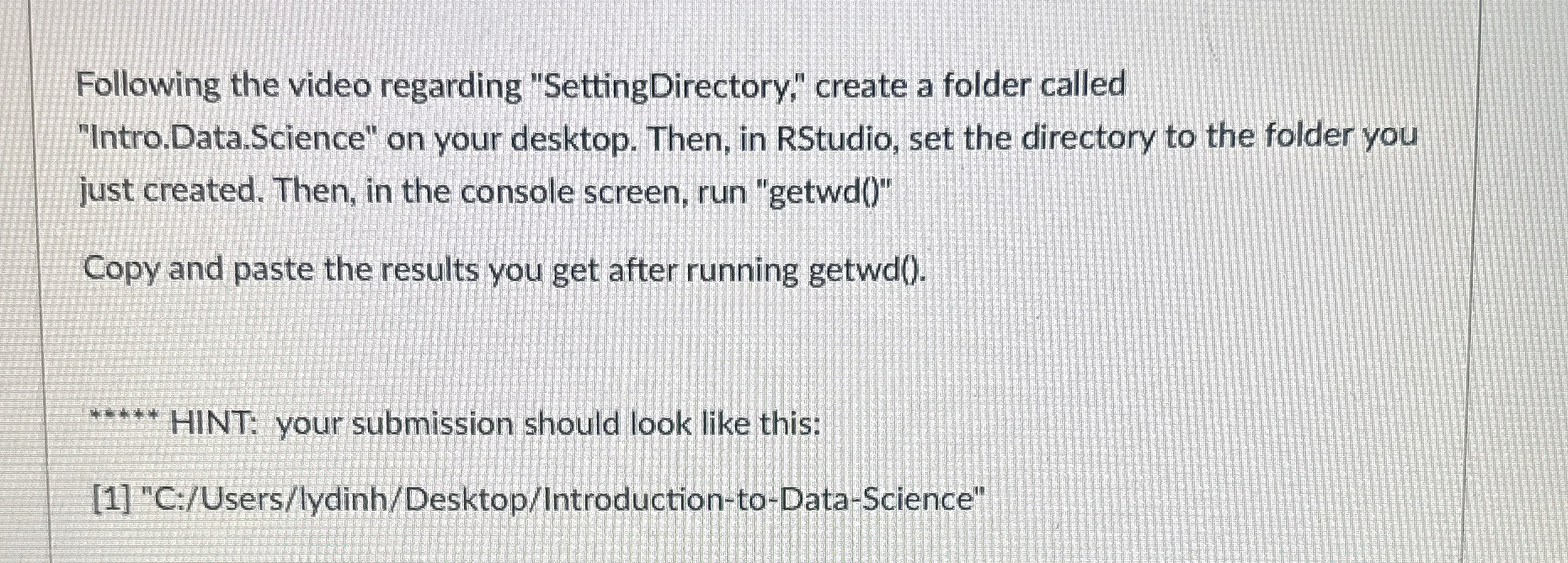
Following the video regarding "SettingDirectory," create a folder called
"Intro.Data.Science" on your desktop. Then, in RStudio, set the directory to the folder you
just created. Then, in the console screen, run "getwd
Copy and paste the results you get after running getwd
HINT: your submission should look like this:
C:UserslydinhDesktopIntroductiontoDataScience"
Step by Step Solution
There are 3 Steps involved in it
1 Expert Approved Answer
Step: 1 Unlock

Question Has Been Solved by an Expert!
Get step-by-step solutions from verified subject matter experts
Step: 2 Unlock
Step: 3 Unlock
 Study Help