







Question: font size to 1 2 . 1 2 . Apply the Woven mat texture fill ( first row, fourth column ) to the Patio and
font size to
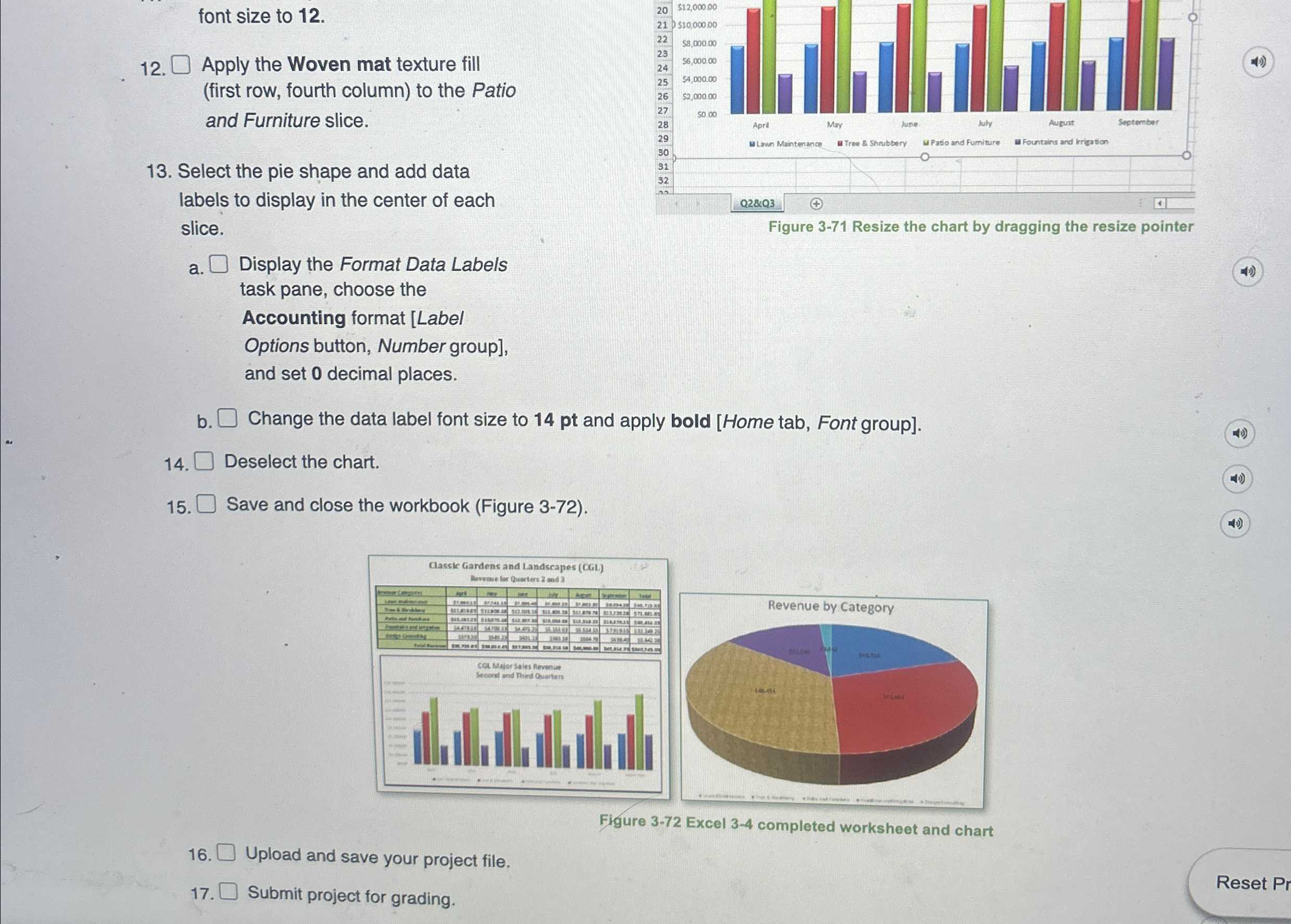
Apply the Woven mat texture fill first row, fourth column to the Patio and Furniture slice.
Select the pie shape and add data labels to display in the center of each slice.
Figure Resize the chart by dragging the resize pointer
a Display the Format Data Labels task pane, choose the Accounting format Label Options button, Number group and set decimal places.
b Change the data label font size to pt and apply bold Home tab, Font group
Deselect the chart.
Save and close the workbook Figure
Upload and save your project file.
Submit project for grading.
Step by Step Solution
There are 3 Steps involved in it
1 Expert Approved Answer
Step: 1 Unlock

Question Has Been Solved by an Expert!
Get step-by-step solutions from verified subject matter experts
Step: 2 Unlock
Step: 3 Unlock
 Study Help