







Question: For C# Complete a project implementing a class to manage the values for a student. Student first and last names (separate entries), both required; Student
For C#
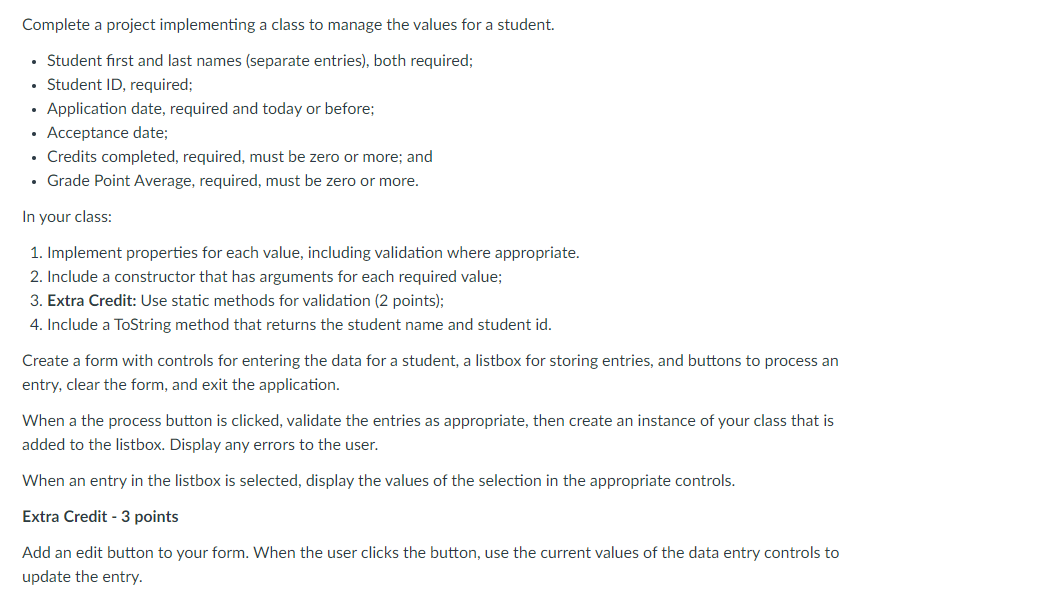
Complete a project implementing a class to manage the values for a student. Student first and last names (separate entries), both required; Student ID, required; Application date, required and today or before; Acceptance date; Credits completed, required, must be zero or more; and Grade Point Average, required, must be zero or more. In your class: 1. Implement properties for each value, including validation where appropriate. 2. Include a constructor that has arguments for each required value; 3. Extra Credit: Use static methods for validation (2 points); 4. Include a ToString method that returns the student name and student id. Create a form with controls for entering the data for a student, a listbox for storing entries, and buttons to process an entry, clear the form, and exit the application. When a the process button is clicked, validate the entries as appropriate, then create an instance of your class that is added to the listbox. Display any errors to the user. When an entry in the listbox is selected, display the values of the selection in the appropriate controls. Extra Credit - 3 points Add an edit button to your form. When the user clicks the button, use the current values of the data entry controls to update the entry. Complete a project implementing a class to manage the values for a student. Student first and last names (separate entries), both required; Student ID, required; Application date, required and today or before; Acceptance date; Credits completed, required, must be zero or more; and Grade Point Average, required, must be zero or more. In your class: 1. Implement properties for each value, including validation where appropriate. 2. Include a constructor that has arguments for each required value; 3. Extra Credit: Use static methods for validation (2 points); 4. Include a ToString method that returns the student name and student id. Create a form with controls for entering the data for a student, a listbox for storing entries, and buttons to process an entry, clear the form, and exit the application. When a the process button is clicked, validate the entries as appropriate, then create an instance of your class that is added to the listbox. Display any errors to the user. When an entry in the listbox is selected, display the values of the selection in the appropriate controls. Extra Credit - 3 points Add an edit button to your form. When the user clicks the button, use the current values of the data entry controls to update the entry
Step by Step Solution
There are 3 Steps involved in it

Get step-by-step solutions from verified subject matter experts
 Study Help