







Question: For each of the problems in this homework assignment, write a separate MATLAB m-file. The name of each m-file must be exactly as specified in
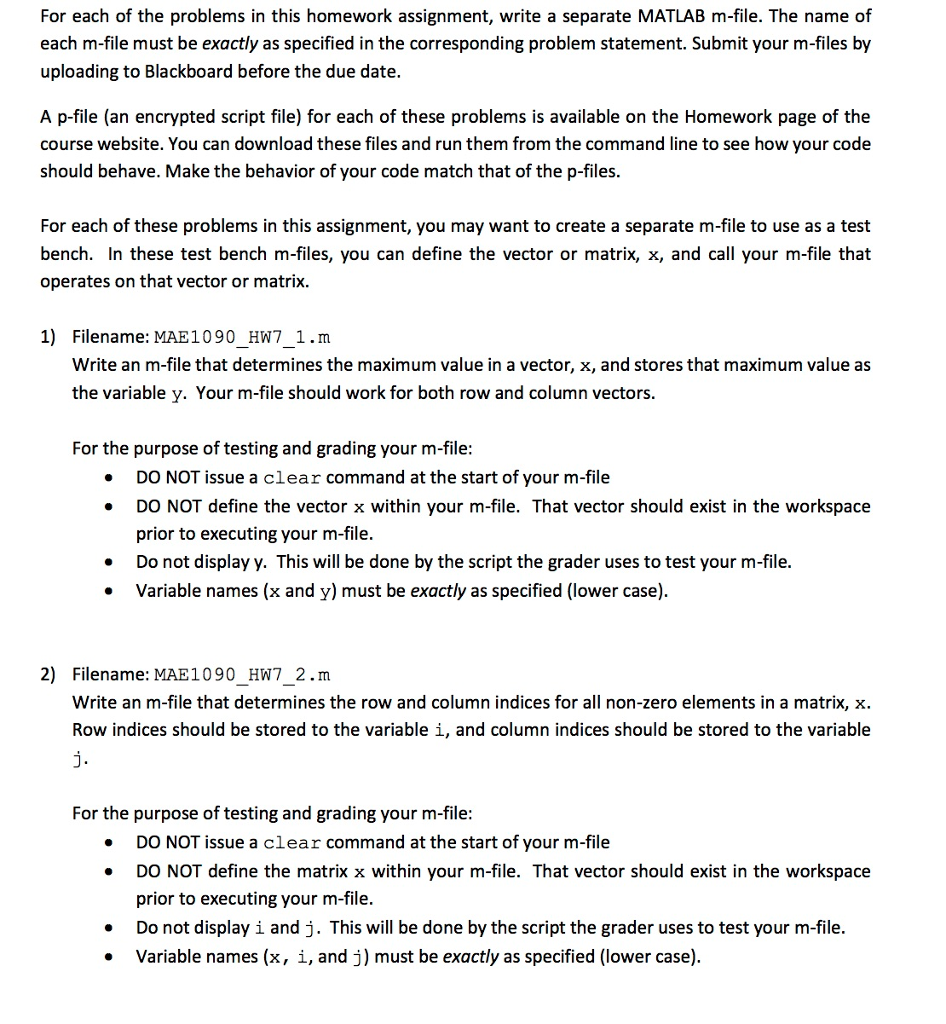
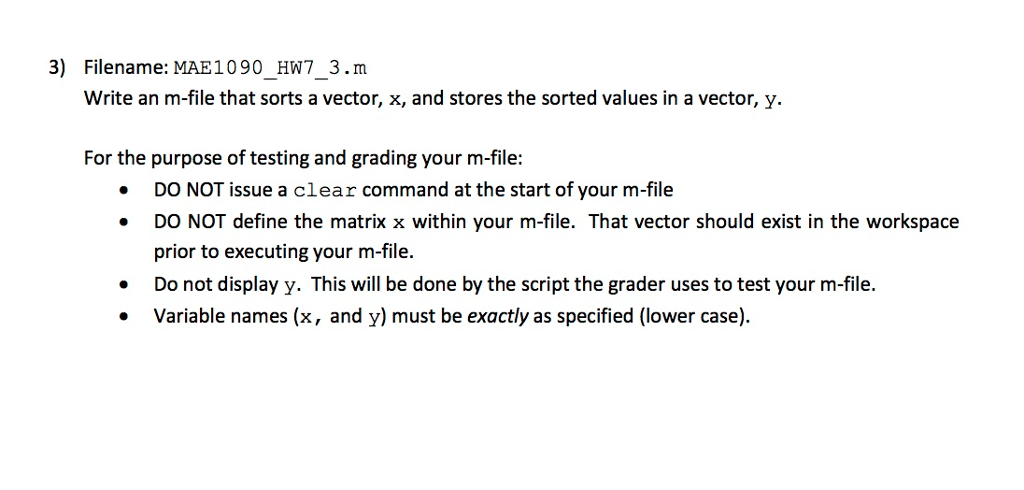
For each of the problems in this homework assignment, write a separate MATLAB m-file. The name of each m-file must be exactly as specified in the corresponding problem statement. Submit your m-files by uploading to Blackboard before the due date A p-file (an encrypted script file) for each of these problems is available on the Homework page of the course website. You can download these files and run them from the command line to see how your code should behave. Make the behavior of your code match that of the p-files. For each of these problems in this assignment, you may want to create a separate m-file to use as a test bench. In these test bench m-files, you can define the vector or matrix, x, and call your m-file that operates on that vector or matrix 1) Filename: MAE1090 HW7 1.m Write an m-file that determines the maximum value in a vector, x, and stores that maximum value as the variable y. Your m-file should work for both row and column vectors. For the purpose of testing and grading your m-file: DO NOT issue a clear command at the start of your m-file DO NOT define the vector x within your m-file. That vector should exist in the workspace prior to executing your m-file. Do not display y. This will be done by the script the grader uses to test your m-file. Variable names (x and y) must be exactly as specified (lower case) 2) Filename MAE 1090 HW7 2.m Write an m-file that determines the row and column indices for all non-zero elements in a matrix, x Row indices should be stored to the variable i, and column indices should be stored to the variable For the purpose of testing and grading your m-file: DO NOT issue a clear command at the start of your m-file DO NOT define the matrix x within your m-file. That vector should exist in the workspace prior to executing your m-file. Do not display i and j. This will be done by the script the grader uses to test your m-file. Variable names (x i, and j) must be exactly as specified (lower case)
Step by Step Solution
There are 3 Steps involved in it

Get step-by-step solutions from verified subject matter experts
 Study Help