







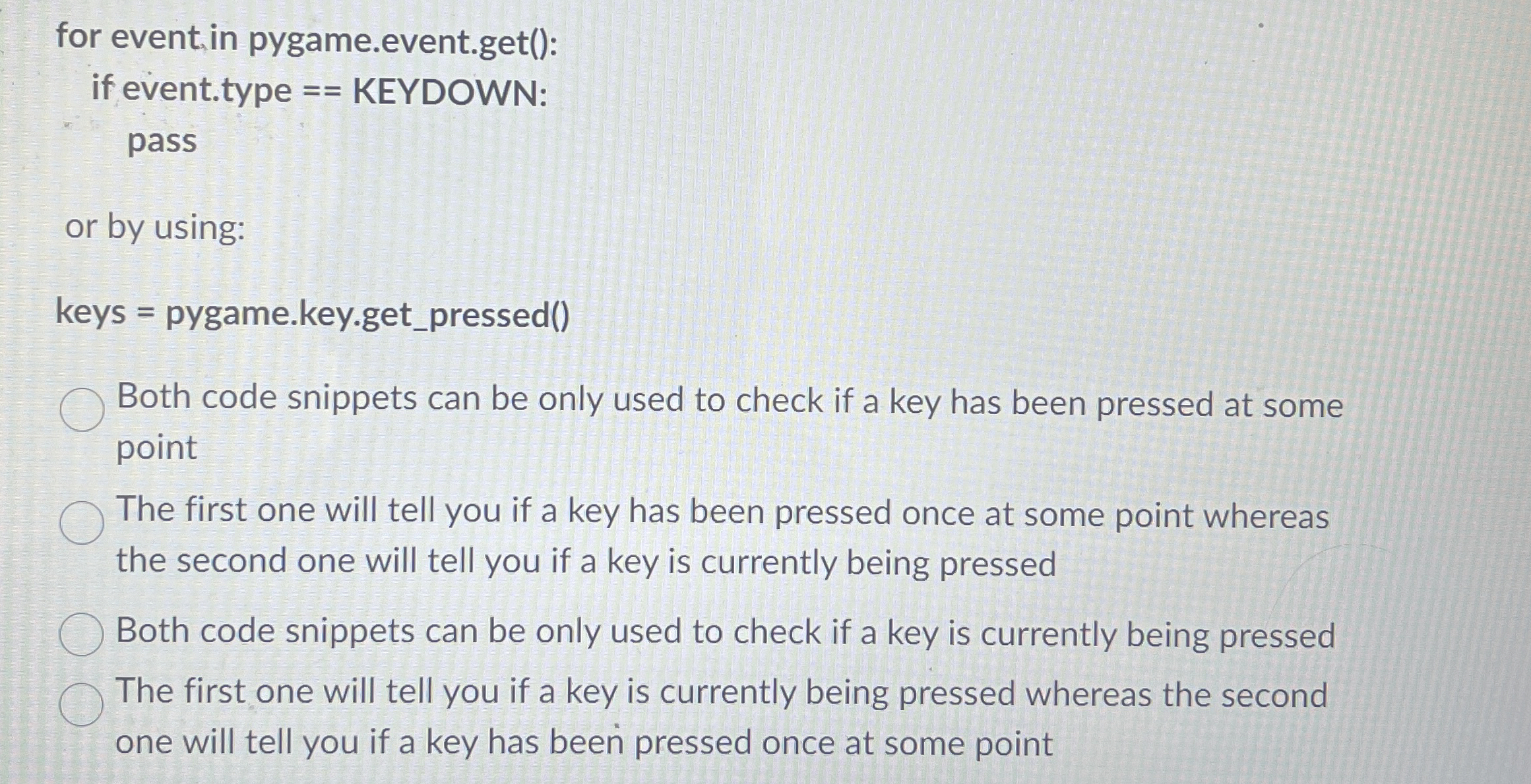
Question: for event, in pygame.event.get ( ) : if event.type = = KEYDOWN: pass or by using: keys = pygame.key.get _ pressed ( ) Both code
for event, in pygame.event.get:
if event.type KEYDOWN:
pass
or by using:
keys pygame.key.getpressed
Both code snippets can be only used to check if a key has been pressed at some
point
The first one will tell you if a key has been pressed once at some point whereas
the second one will tell you if a key is currently being pressed
Both code snippets can be only used to check if a key is currently being pressed
The first one will tell you if a key is currently being pressed whereas the second
one will tell you if a key has been pressed once at some point
Step by Step Solution
There are 3 Steps involved in it
1 Expert Approved Answer
Step: 1 Unlock

Question Has Been Solved by an Expert!
Get step-by-step solutions from verified subject matter experts
Step: 2 Unlock
Step: 3 Unlock
 Study Help