







Question: ************For matlab************** This is the turtle class classdef Turtle %TURTLE Turtle with a pen % Turtle with a pen properties % location of turtle x
************For matlab**************
This is the turtle class
classdef Turtle %TURTLE Turtle with a pen % Turtle with a pen properties % location of turtle x y % 0 is E, 90 is N, 180 is W, 270 is S heading % pen status pen_on_paper end
methods function obj = Turtle() % make a new Turtle obj.x = 0; obj.y = 0; obj.heading = 90; obj.pen_on_paper = true; end function obj = forward(obj,distance) % move forward in current heading given distancd x2 = obj.x + distance*cosd(obj.heading); y2 = obj.y + distance*sind(obj.heading); if obj.pen_on_paper % draw a line hold on l = line([obj.x x2],[obj.y y2]); l.Color = 'black'; l.LineWidth = 1; hold off pause(0.1) % can you guess what this does? end % update location obj.x = x2; obj.y = y2; end function obj = rotate(obj,angle) % rotate CCW by given angle obj.heading = mod(obj.heading + angle,360); end function obj = penUp(obj) obj.pen_on_paper = false; end function obj = penDown(obj) obj.pen_on_paper = true; end end end
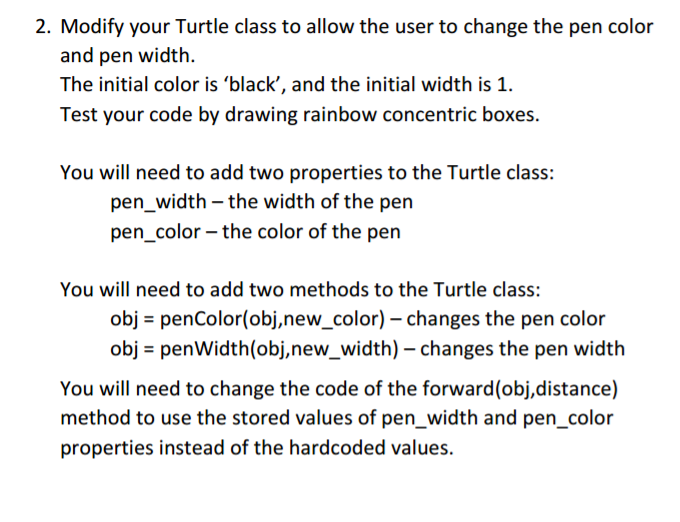
2. Modify your Turtle class to allow the user to change the pen color and pen width. The initial color is 'black', and the initial width is 1. Test your code by drawing rainbow concentric boxes. You will need to add two properties to the Turtle class: pen width the width of the pen pen color the color of the pen You will need to add two methods to the Turtle class: obj penColor(obj,new color) changes the pen color obj penWidth (obj, new width) changes the pen width You will need to change the code of the forward(obj,distance) method to use the stored values of pen width and pen color properties instead of the hardcoded values
Step by Step Solution
There are 3 Steps involved in it

Get step-by-step solutions from verified subject matter experts
 Study Help