







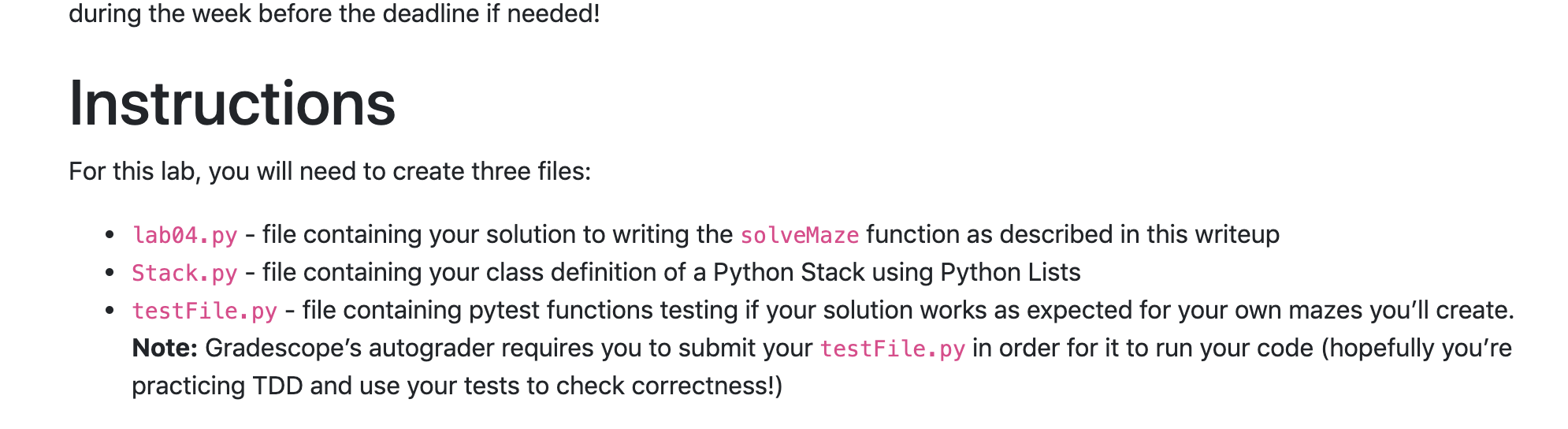
Question: for Python! during the week before the deadline if needed! Instructions For this lab, you will need to create three files: lab04.py - file containing
 for Python!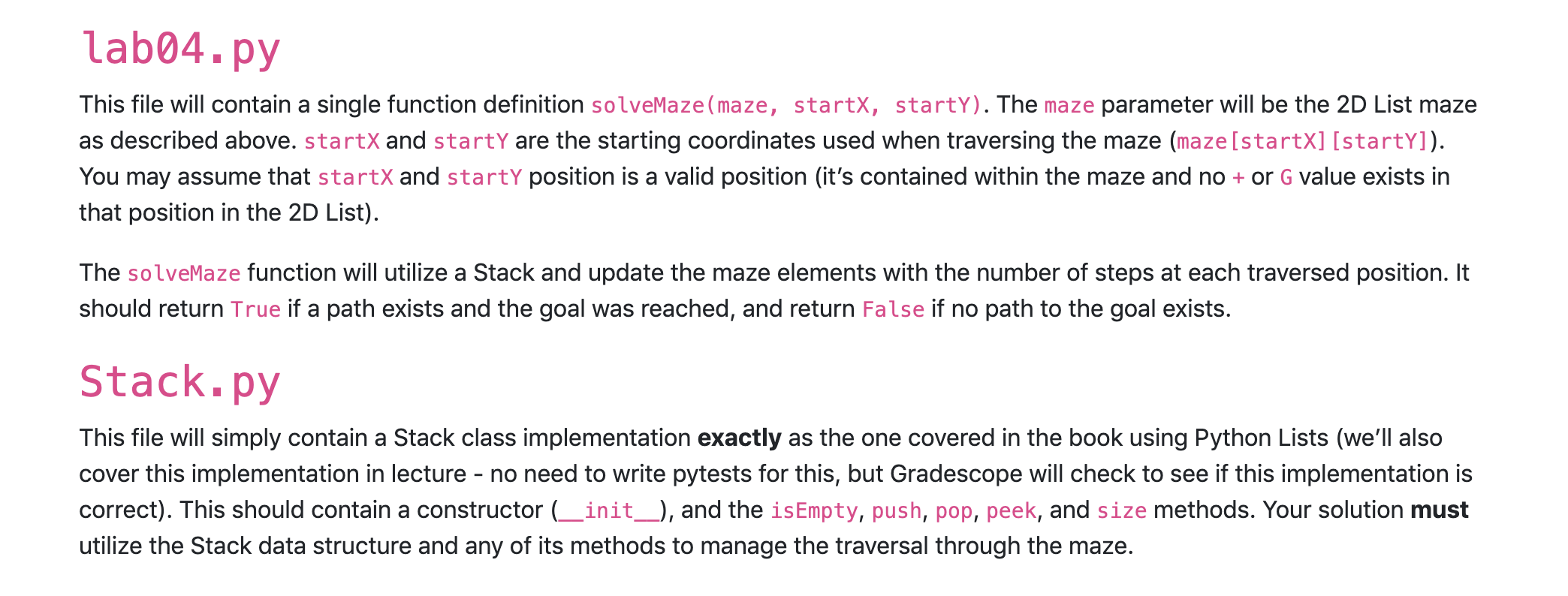
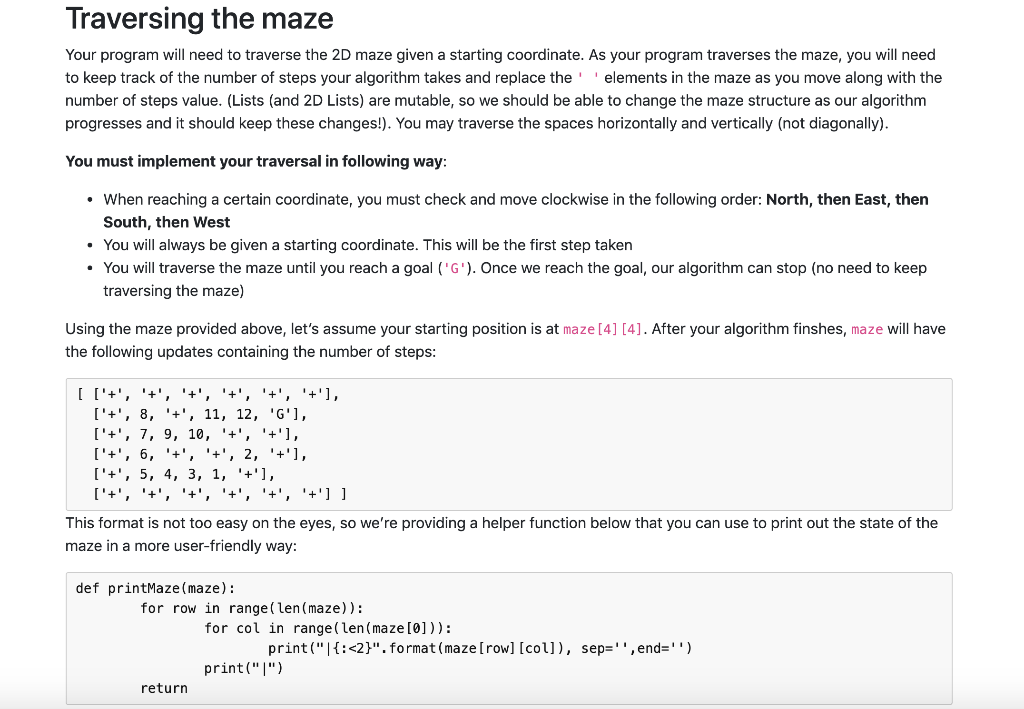
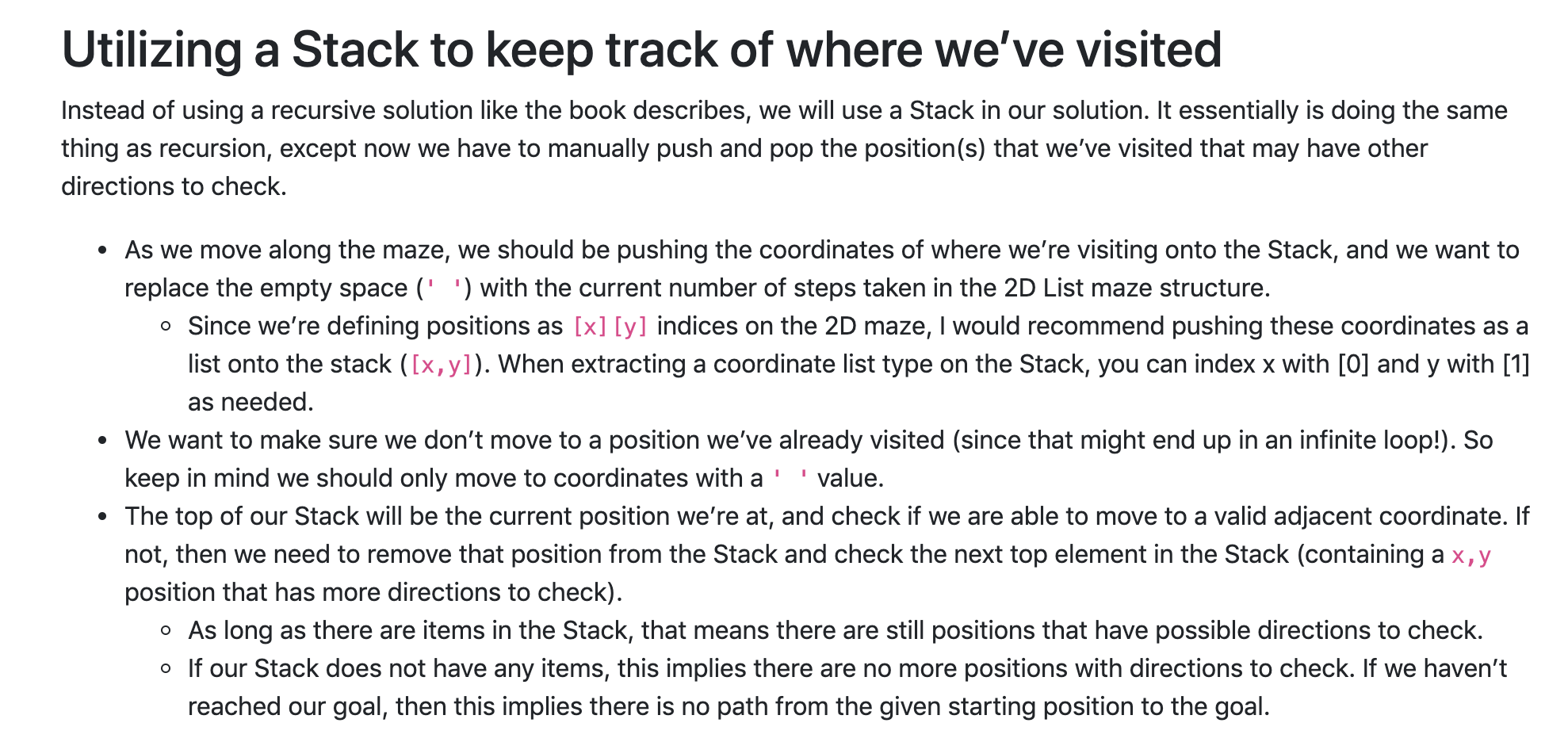
during the week before the deadline if needed! Instructions For this lab, you will need to create three files: lab04.py - file containing your solution to writing the solveMaze function as described in this writeup Stack.py - file containing your class definition of a Python Stack using Python Lists testFile.py - file containing pytest functions testing if your solution works as expected for your own mazes you'll create. Note: Gradescope's autograder requires you to submit your testFile.py in order for it to run your code (hopefully you're practicing TDD and use your tests to check correctness!) Traversing the maze Your program will need to traverse the 2D maze given a starting coordinate. As your program traverses the maze, you will need to keep track of the number of steps your algorithm takes and replace the elements in the maze as you move along with the number of steps value. (Lists (and 2D Lists) are mutable, so we should be able to change the maze structure as our algorithm progresses and it should keep these changes!). You may traverse the spaces horizontally and vertically (not diagonally). You must implement your traversal in following way: When reaching a certain coordinate, you must check and move clockwise in the following order: North, then East, then South, then West . You will always be given a starting coordinate. This will be the first step taken You will traverse the maze until you reach a goal ('G'). Once we reach the goal, our algorithm can stop (no need to keep traversing the maze) Using the maze provided above, let's assume your starting position is at maze [4] [4]. After your algorithm finshes, maze will have the following updates containing the number of steps: [ ['+', '+', '+', '+', '+', '+'], ['+', 8, '+', 11, 12, 'G'], ['+', 7, 9, 10, '+', '+'], ['+', 6, '+', '+', 2, '+'], ['+', 5, 4, 3, 1, '+'], ['+', '+', '+', '+', '+', '+'] ] This format is not too easy on the eyes, so we're providing a helper function below that you can use to print out the state of the maze in a more user-friendly way: def printMaze (maze): for row in range (len (maze)): for col in range(len (maze[0])): print("|{:
Step by Step Solution
There are 3 Steps involved in it

Get step-by-step solutions from verified subject matter experts
 Study Help