







Question: For these threc questions, add your code into the pre - made skeleton ee 1 3 1 3 5 _ lab 0 3 _ skeleton.m
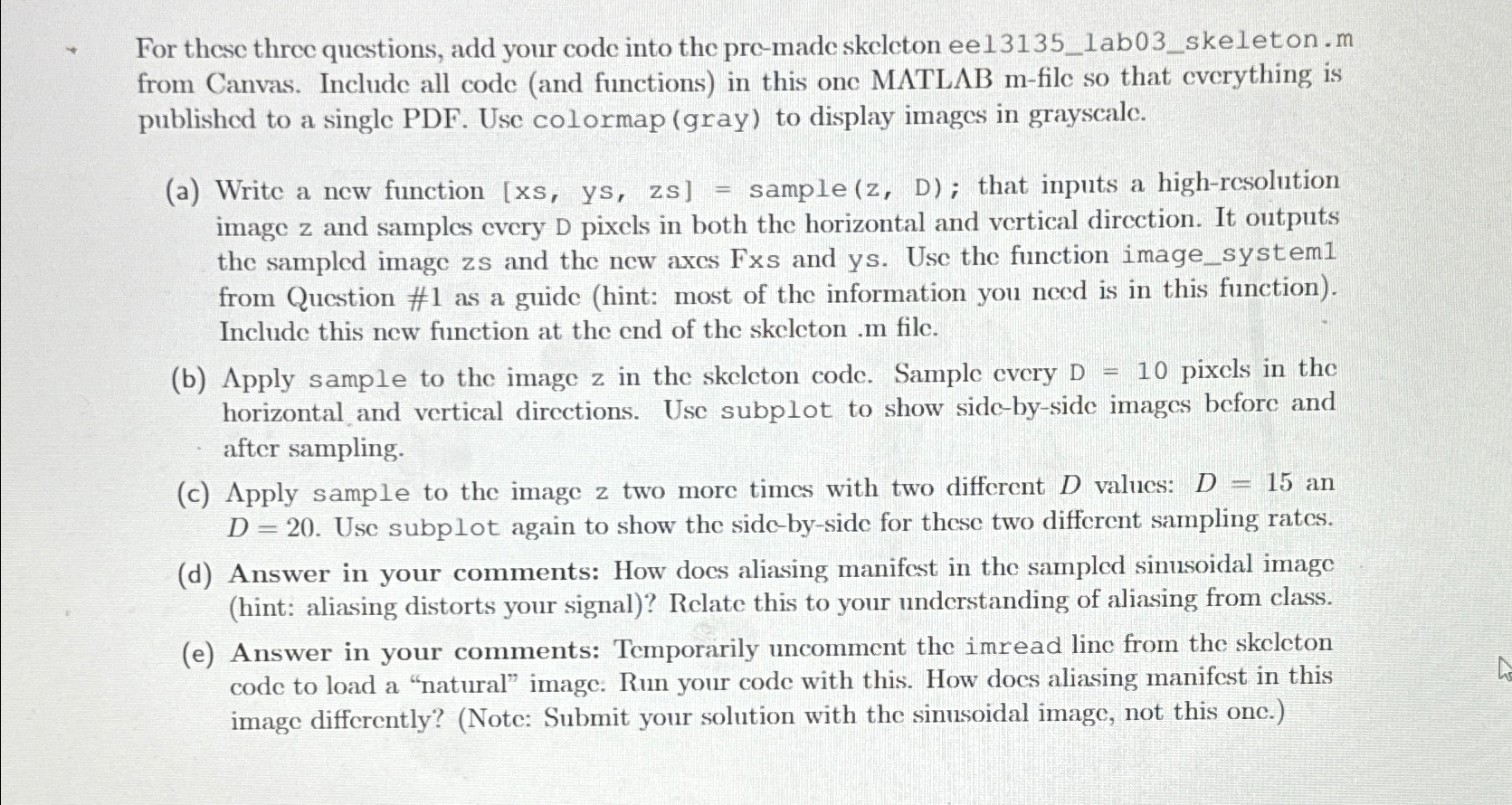
For these threc questions, add your code into the premade skeleton eelabskeleton.m from Canvas. Include all code and functions in this one MATLAB file so that everything is published to a single PDF Use colormap gray to display images in grayscale.
a Write a new function sample; that inputs a highresolution image and samples every pixels in both the horizontal and vertical direction. It outputs the sampled image zs and the new axes Fxs and ys Use the function imagesystem from Question # as a guide hint: most of the information you need is in this function Include this new function at the end of the skeleton file.
b Apply sample to the image in the skeleton code. Sample every D pixcls in the horizontal and vertical directions. Use subplot to show sidebyside images before and after sampling.
c Apply sample to the image z two more times with two different values: an Use subplot again to show the sidebyside for these two different sampling rates.
d Answer in your comments: How does aliasing manifest in the sampled sinusoidal image hint: aliasing distorts your signal Relate this to your understanding of aliasing from class.
e Answer in your comments: Temporarily uncomment the imread line from the skeleton code to load a "natural" image: Run your code with this. How does aliasing manifest in this image differently? Note: Submit your solution with the sinusoidal image, not this one.
Step by Step Solution
There are 3 Steps involved in it
1 Expert Approved Answer
Step: 1 Unlock

Question Has Been Solved by an Expert!
Get step-by-step solutions from verified subject matter experts
Step: 2 Unlock
Step: 3 Unlock
 Study Help