







Question: For this assignment, you will build on the interface for the Movie Quote Generator app that you created in the previous assignment. Requirements: 1. Declare
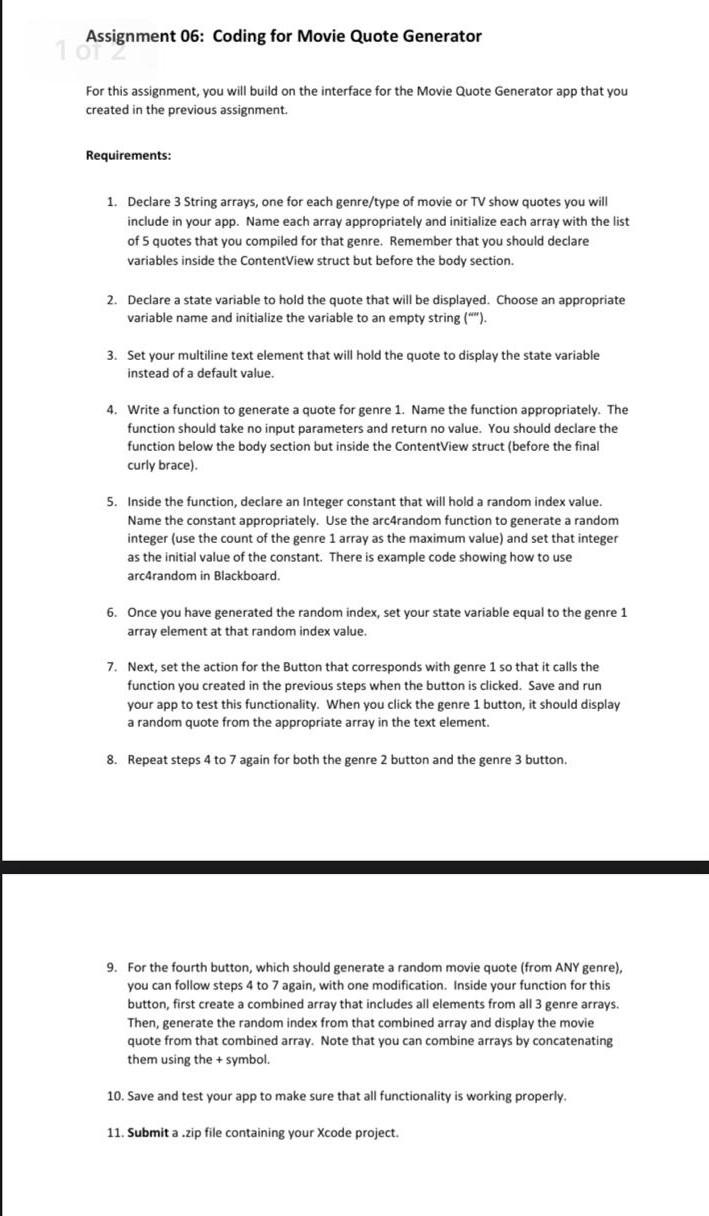
For this assignment, you will build on the interface for the Movie Quote Generator app that you created in the previous assignment. Requirements: 1. Declare 3 String arrays, one for each genre/type of movie or TV show quotes you will include in your app. Name each array appropriately and initialize each array with the list of 5 quotes that you compiled for that genre. Remember that you should declare variables inside the ContentView struct but before the body section. 2. Declare a state variable to hold the quote that will be displayed. Choose an appropriate variable name and initialize the variable to an empty string ("'). 3. Set your multiline text element that will hold the quote to display the state variable instead of a default value. 4. Write a function to generate a quote for genre 1. Name the function appropriately. The function should take no input parameters and return no value. You should declare the function below the body section but inside the ContentView struct (before the final curly brace). 5. Inside the function, declare an Integer constant that will hold a random index value. Name the constant appropriately. Use the arc4random function to generate a random integer (use the count of the genre 1 array as the maximum value) and set that integer as the initial value of the constant. There is example code showing how to use arc4random in Blackboard. 6. Once you have generated the random index, set your state variable equal to the genre 1 array element at that random index value. 7. Next, set the action for the Button that corresponds with genre 1 so that it calls the function you created in the previous steps when the button is clicked. Save and run your app to test this functionality. When you click the genre 1 button, it should display a random quote from the appropriate array in the text element. 8. Repeat steps 4 to 7 again for both the genre 2 button and the genre 3 button. 9. For the fourth button, which should generate a random movie quote (from ANY genre), you can follow steps 4 to 7 again, with one modification. Inside your function for this button, first create a combined array that includes all elements from all 3 genre arrays. Then, generate the random index from that combined array and display the movie quote from that combined array. Note that you can combine arrays by concatenating them using the + symbol. 10. Save and test your app to make sure that all functionality is working properly. 11. Submit a .zip file containing your Xcode project
Step by Step Solution
There are 3 Steps involved in it

Get step-by-step solutions from verified subject matter experts
 Study Help