







Question: For this problem, you're going to implement a small fragment of the image library you've been using for Fundies 1 and 2. Each picture
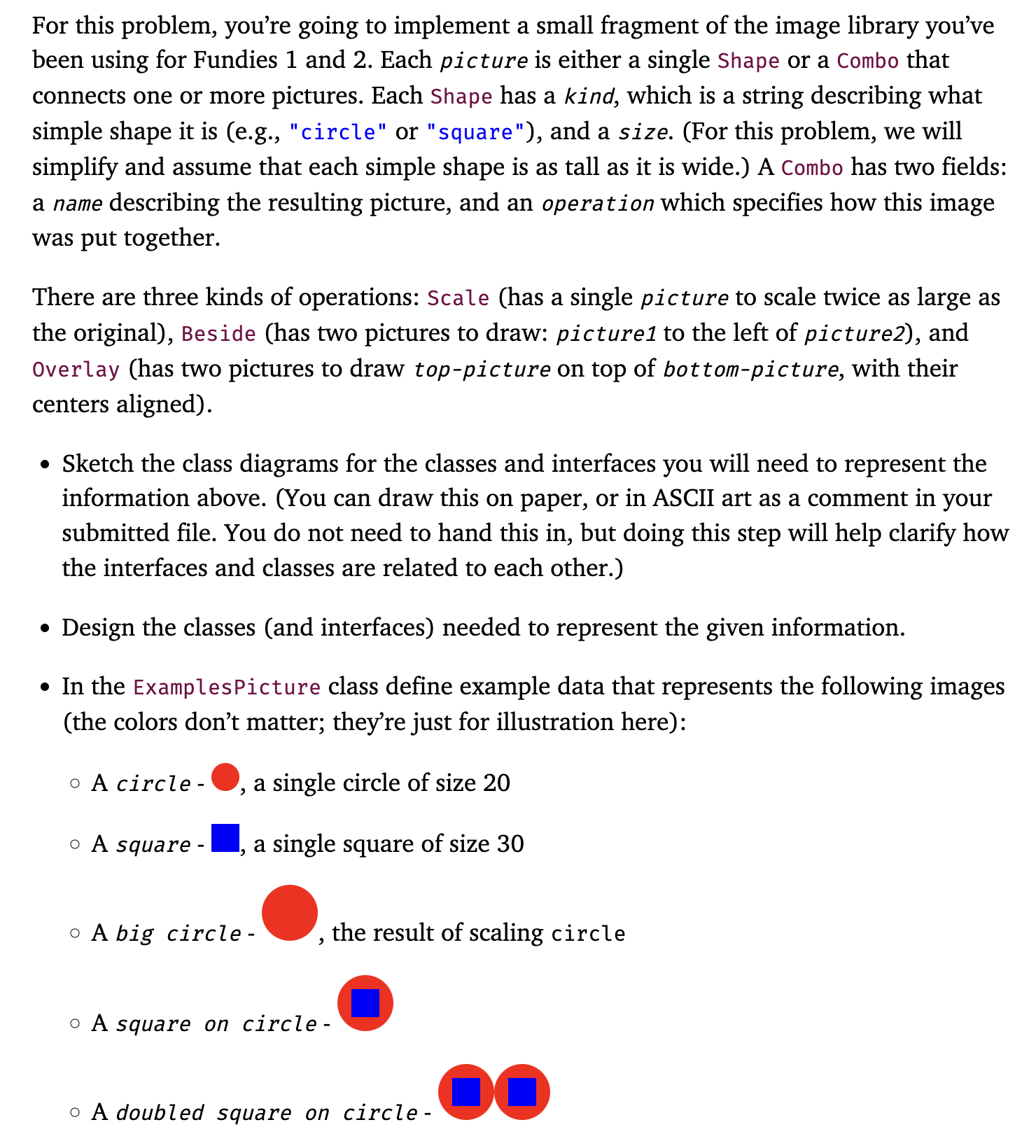
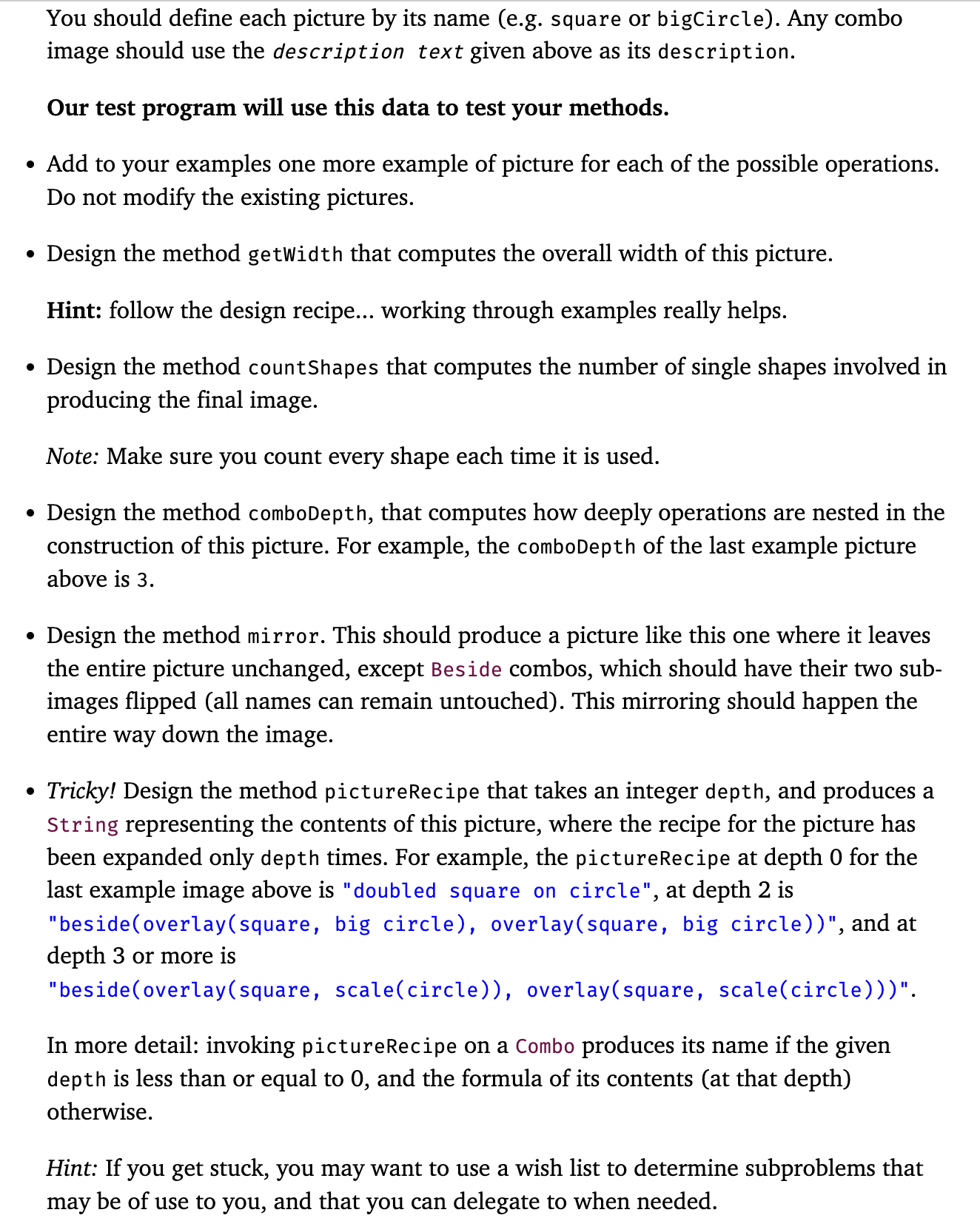
For this problem, you're going to implement a small fragment of the image library you've been using for Fundies 1 and 2. Each picture is either a single Shape or a Combo that connects one or more pictures. Each Shape has a kind, which is a string describing what simple shape it is (e.g., "circle" or "square"), and a size. (For this problem, we will simplify and assume that each simple shape is as tall as it is wide.) A Combo has two fields: a name describing the resulting picture, and an operation which specifies how this image was put together. There are three kinds of operations: Scale (has a single picture to scale twice as large as the original), Beside (has two pictures to draw: picture1 to the left of picture2), and Overlay (has two pictures to draw top-picture on top of bottom-picture, with their centers aligned). Sketch the class diagrams for the classes and interfaces you will need to represent the information above. (You can draw this on paper, or in ASCII art as a comment in your submitted file. You do not need to hand this in, but doing this step will help clarify how the interfaces and classes are related to each other.) Design the classes (and interfaces) needed to represent the given information. In the Examples Picture class define example data that represents the following images (the colors don't matter; they're just for illustration here): a single circle of size 20 a single square of size 30 O A circle - o A square - A big circle - 2 the result of scaling circle o A square on circle- o A doubled square on circle - DO You should define each picture by its name (e.g. square or bigCircle). Any combo image should use the description text given above as its description. Our test program will use this data to test your methods. Add to your examples one more example of picture for each of the possible operations. Do not modify the existing pictures. Design the method getwidth that computes the overall width of this picture. Hint: follow the design recipe... working through examples really helps. Design the method countShapes that computes the number of single shapes involved in producing the final image. Note: Make sure you count every shape each time it is used. Design the method comboDepth, that computes how deeply operations are nested in the construction of this picture. For example, the comboDepth of the last example picture above is 3. Design the method mirror. This should produce a picture like this one where it leaves the entire picture unchanged, except Beside combos, which should have their two sub- images flipped (all names can remain untouched). This mirroring should happen the entire way down the image. Tricky! Design the method pictureRecipe that takes an integer depth, and produces a String representing the contents of this picture, where the recipe for the picture has been expanded only depth times. For example, the pictureRecipe at depth 0 for the last example image above is "doubled square on circle", at depth 2 is "beside (overlay(square, big circle), overlay(square, big circle))", and at depth 3 or more is "beside (overlay(square, scale(circle)), overlay(square, scale(circle)))". In more detail: invoking pictureRecipe on a Combo produces its name if the given depth is less than or equal to 0, and the formula of its contents (at that depth) otherwise. Hint: If you get stuck, you may want to use a wish list to determine subproblems that may be of use to you, and that you can delegate to when needed.
Step by Step Solution
There are 3 Steps involved in it

Get step-by-step solutions from verified subject matter experts
 Study Help