







Question: For this project, we will: . Analyze the Kronos In Touch time clock log by using regular expressions to parse the file. . Verify device
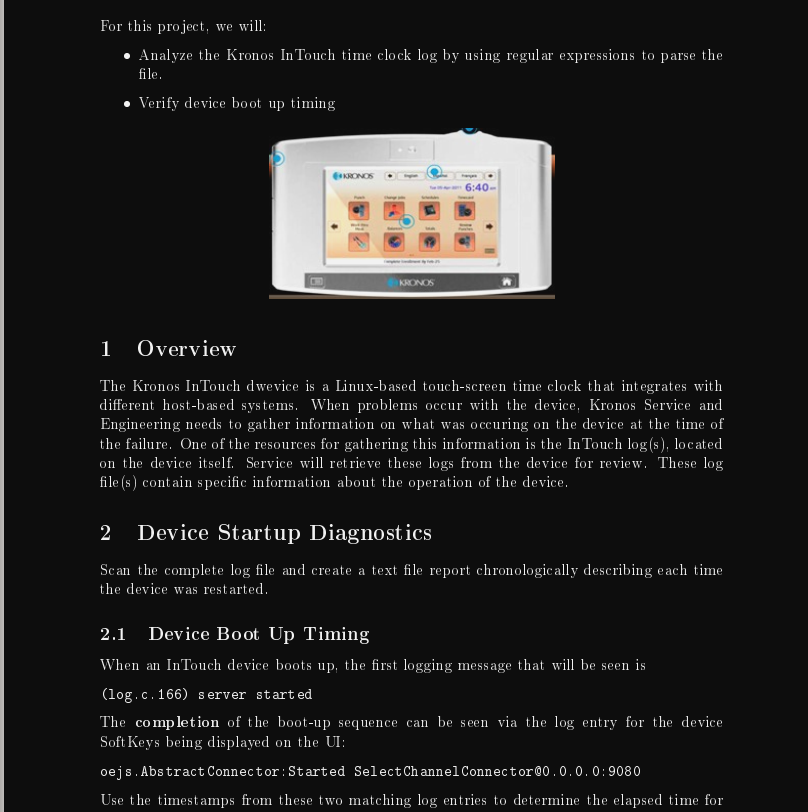
For this project, we will: . Analyze the Kronos In Touch time clock log by using regular expressions to parse the file. . Verify device boot up timing 6:40- KRONOS 1 Overview The Kronos InTouch dwevice is a Linux-based touch-screen time clock that integrates with different host-based systems. When problems occur with the device, Kronos Service and Engineering needs to gather information on what was occuring on the device at the time of the failure. One of the resources for gathering this information is the In Touch log (s), located on the device itself. Service will retrieve these logs from the device for review. These log file (s ) contain specific information about the operation of the device, 2 Device Startup Diagnostics Scan the complete log file and create a text file report chronologically describing each time the device was restarted. 2.1 Device Boot Up Timing When an InTouch device boots up, the first logging message that will be seen is (log . c. 166) server started The completion of the boot-up sequence can be seen via the log entry for the device Soft Keys being displayed on the UI: oejs . Abstract Connector : Started Select Channel Connector@0 . 0. 0. 0:9080 Use the timestamps from these two matching log entries to determine the elapsed time forUse the timestamps from these two matching log entries to determine the elapsed time for each startup sequence. Take into account that these must be paired, with no nesting, to have a proper startup. Any incorrect pairings should be reported as startup failures with line numbers and time stamps. Your job is to read in an entire In Touch log and report: . Each startup. . Whether it completed and if so, how much time it required . Whether it failed Your output should begin with the line number of the startup message "server started", the timestamp of the startup, and either: success followed by the elapsed time, or failure, . Success is determined by a line containing the string "oe js . Abstract Connector : Started Select Channel Connector" that follows the startup message. Failure is determined by another startup message before the success message, or by the end of the file. Your output must follow the example provided. You can find sample code to get you started in stain_boost . cpp. The code will read a regex from stdin and then let you type input strings which are matched against the regex. 3 Implementation We will use the regex library. This originated with Boost, but since C++11 is now part of the standard: http://www. boost. org/doc/libs/1_58_0/libs/regex/doc/html/index. html. . To use the regex library in your source code, use the following header directive #include
Step by Step Solution
There are 3 Steps involved in it

Get step-by-step solutions from verified subject matter experts
 Study Help