







Question: for Visual Basic Step 1: Your interface should have a place to take in a person's name, height and weight. Have four buttons at the
for Visual Basic
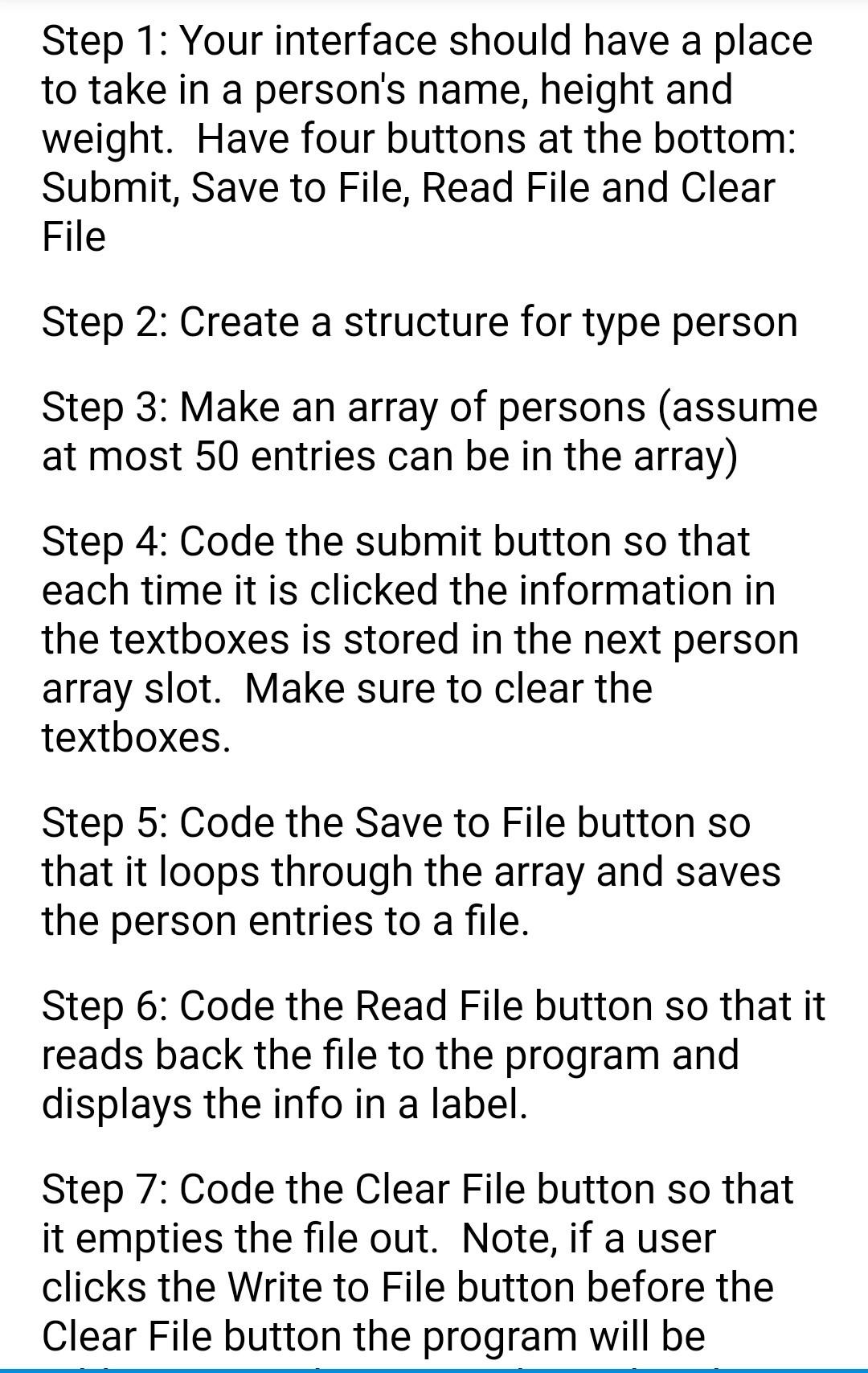
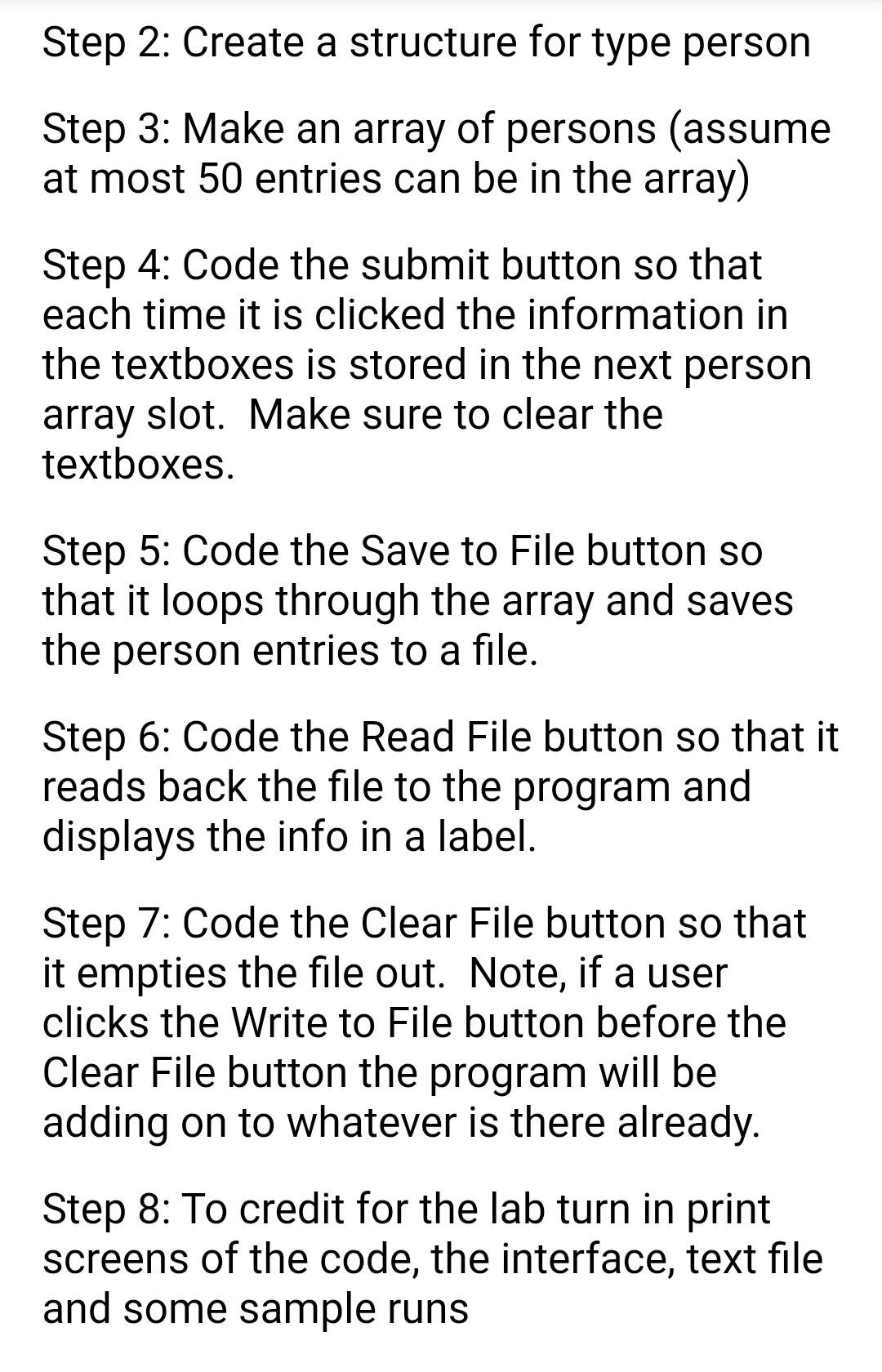
Step 1: Your interface should have a place to take in a person's name, height and weight. Have four buttons at the bottom: Submit, Save to File, Read File and Clear File Step 2: Create a structure for type person Step 3: Make an array of persons (assume at most 50 entries can be in the array) Step 4: Code the submit button so that each time it is clicked the information in the textboxes is stored in the next person array slot. Make sure to clear the textboxes. Step 5: Code the Save to File button so that it loops through the array and saves the person entries to a file. Step 6: Code the Read File button so that it reads back the file to the program and displays the info in a label. Step 7: Code the Clear File button so that it empties the file out. Note, if a user clicks the Write to File button before the Clear File button the program will be Step 2: Create a structure for type person Step 3: Make an array of persons (assume at most 50 entries can be in the array) Step 4: Code the submit button so that each time it is clicked the information in the textboxes is stored in the next person array slot. Make sure to clear the textboxes. Step 5: Code the Save to File button so that it loops through the array and saves the person entries to a file. Step 6: Code the Read File button so that it reads back the file to the program and displays the info in a label. Step 7: Code the Clear File button so that it empties the file out. Note, if a user clicks the Write to File button before the Clear File button the program will be adding on to whatever is there already. Step 8: To credit for the lab turn in print screens of the code, the interface, text file and some sample runs
Step by Step Solution
There are 3 Steps involved in it

Get step-by-step solutions from verified subject matter experts
 Study Help