



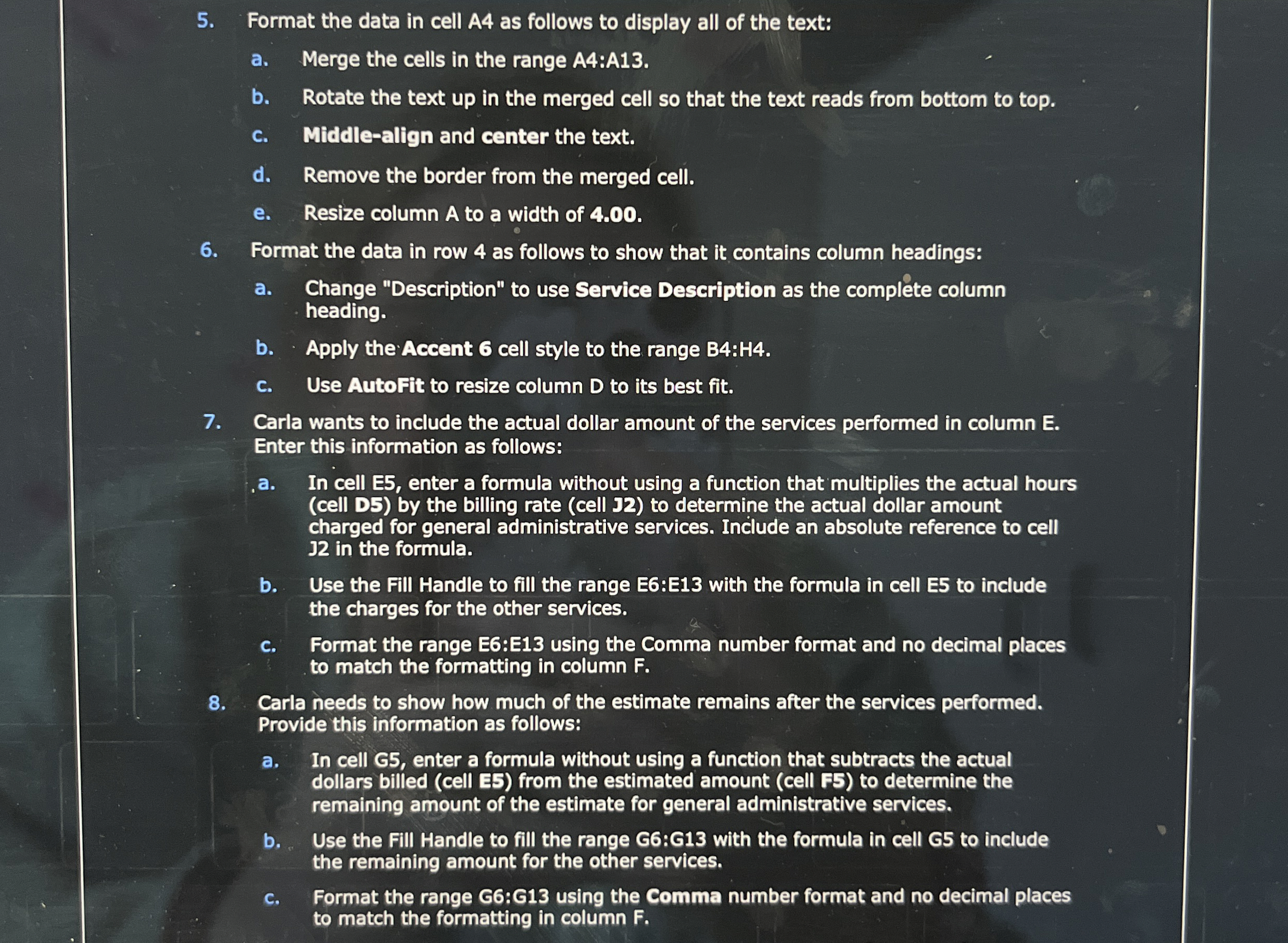
Question: Format the data in cell A 4 as follows to display all of the text: a . Merge the cells in the range A 4
Format the data in cell A as follows to display all of the text:
a Merge the cells in the range A:A
b Rotate the text up in the merged cell so that the text reads from bottom to top.
c Middlealign and center the text.
d Remove the border from the merged cell.
e Resize column A to a width of
Format the data in row as follows to show that it contains column headings:
a Change "Description" to use Service Description as the complete column
heading.
b Apply the Accent cell style to the range B:H
c Use AutoFit to resize column to its best fit.
Carla wants to include the actual dollar amount of the services performed in column E
Enter this information as follows:
a In cell E enter a formula without using a function that multiplies the actual hours
cell D by the billing rate cell J to determine the actual dollar amount
charged for general administrative services. Include an absolute reference to cell
in the formula.
b Use the Fill Handle to fill the range E:E with the formula in cell E to include
the charges for the other services.
c Format the range E:E using the Comma number format and no decimal places
to match the formatting in column
Carla needs to show how much of the estimate remains after the services performed.
Provide this information as follows:
a In cell G enter a formula without using a function that subtracts the actual
dollars billed cell E from the estimated amount cell F to determine the
remaining amount of the estimate for general administrative services.
b Use the Fill Handle to fill the range G:G with the formula in cell G to include
the remaining amount for the other services.
c Format the range G:G using the Comma number format and no decimal places
to match the formatting in column
Step by Step Solution
There are 3 Steps involved in it
1 Expert Approved Answer
Step: 1 Unlock

Question Has Been Solved by an Expert!
Get step-by-step solutions from verified subject matter experts
Step: 2 Unlock
Step: 3 Unlock