







Question: from queue import PriorityQueue from dataclasses import dataclass, field from typing import Any from itertools import count ''' Use this class for the Nodes in
from queue import PriorityQueue from dataclasses import dataclass, field from typing import Any from itertools import count
''' Use this class for the Nodes in your tree. It should make the assignment a bit easier. All Nodes should contain the frequency. Leaf Nodes should have a char, but no left or right. Tree Nodes should have left and right, but no char. The Node value is automatically set in each Node so we get consistent results, you should never set this value. The dataclass, type declarations, and node value in the Node are required to sort correctly in the priority queue. The node value ensures that an older Node with the same frequency sorts earlier in the priority queue and will be removed first.
Here's some examples for creating Nodes. The frequency parameter is required, the keyword parameters are optional. You should never specify the node keyword. n1 = Node(1, char='a') creates a leaf Node for the letter a with frequency 1. n2 = Node(1, char='b') creates a leaf Node for the letter b with frequency 1. n3 = Node(n1.frequency + n2.frequency, left=n1, right=n2) creates a tree Node with two children and sum of their frequencies.
Here's some examples for accessing Node values n1.frequency provides the frequency value (1) n1.char provides the letter (a) n1.left and n1.right return None n3.char returns None
You may place the Nodes directly in your PriorityQueue.
pq = PriorityQueue() creates a priority queue. pq.put(n1) adds n1 to the priority queue. pq.put(n2) adds n2 to the priority queue, after n1 since they have the same frequency.
pq.get() returns the first node from the priority queue. pq.qsize() returns the number of elements remaining in the priority queue.
Refer to the Python documentation for the queue module for more information. '''
node_counter = count(start=1)
@dataclass(order=True) class Node: frequency: int node: int char: Any = field(compare=False) left: Any = field(compare=False) right: Any = field(compare=False)
def __init__(self, frequency, char=None, left=None, right=None, node=next(node_counter)): self.frequency = frequency self.node = node self.char = char self.left = left self.right = right
''' A simple main for your development purposes. Some files are provided in zyBooks for test data for your amusement. Have fun!
This is not how we will test your code. We will call the functions you write directly from our code. Do not print anything from your code or the test may fail. ''' def main(): filename = input('filename?') with open(filename, 'r') as file: original = file.read() frequency = count_frequency(original) tree = create_tree(frequency) coding = create_coding(tree) code = encode_text(original, coding) text = decode_text(code, coding) print('original matches decoded text:', original == text and len(original) == len(text)) print('compression ratio in bits is ',len(code),'/',8*len(original),'=',len(code)/(8*len(original))) return
''' This function should return a dictionary with the unique characters as keys and the count of occurences as values. Note that our text is case sensitive so we count upper case letters separately from lower case letters. ''' def count_frequency(text): coding = {} # insert your code here. return coding
''' This function creates the encoding tree using the python PriorityQueue and the Node class defined above. All elements in the PriorityQueue should be nodes. You must do the initial insertions into the Priority Queue in alphabetical order. The python sorted function might help with this. Implement the algorithm defined in zyBooks. ''' def create_tree(frequency): pq = PriorityQueue() # insert your code here # return the top of the tree when there is one node left in the priority queue return pq.get()
''' This function constructs a dictionary containing the bit patterns for each letter. The bit pattern is a string containing 0's and 1's. You will need to traverse the tree recursively to visit all of the nodes while maintaining the current bit pattern. When you find a node with a letter, you can add it to the dictionary along with the current bit pattern. ''' def create_coding(tree): coding = {} # insert your code here return coding
''' This function encodes the text using the coding dictionary. This results in a string of 0's and 1's. We are not converting the string to actual bits. The length of the string represents the number of bits to encode it. You will need to multiple the length of the text by 8 to determine the equivalent number of bits for comparisons as you see in main. ''' def encode_text(text, coding): encode = '' # insert your code here return encode
''' This function decodes the encoded text (string of 0's and 1's) to produce the original string. This is done by reversing the mapping using the coding values. The result is a single string that should match the original. ''' def decode_text(text, coding): decode = '' # insert your code here return decode
''' This is standard boilerplate to allow your code to run as a script in development or be loaded as a library when grading. Do not modify this code or your code will fail when tested. ''' if __name__ == "__main__": main()
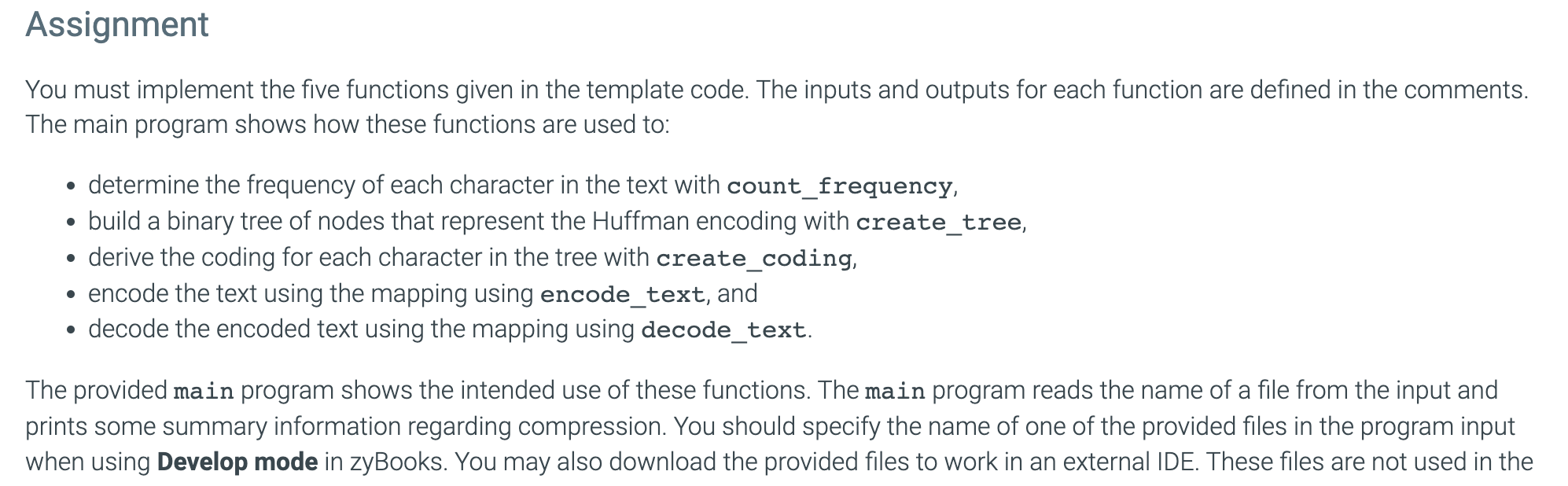
You must implement the five functions given in the template code. The inputs and outputs for each function are defined in the comments. The main program shows how these functions are used to: - determine the frequency of each character in the text with count_frequency, - build a binary tree of nodes that represent the Huffman encoding with create_tree, - derive the coding for each character in the tree with create_coding, - encode the text using the mapping using encode_text, and - decode the encoded text using the mapping using decode_text. The provided main program shows the intended use of these functions. The main program reads the name of a file from the input and prints some summary information regarding compression. You should specify the name of one of the provided files in the program input when using Develop mode in zyBooks. You may also download the provided files to work in an external IDE. These files are not used in the
Step by Step Solution
There are 3 Steps involved in it

Get step-by-step solutions from verified subject matter experts
 Study Help