







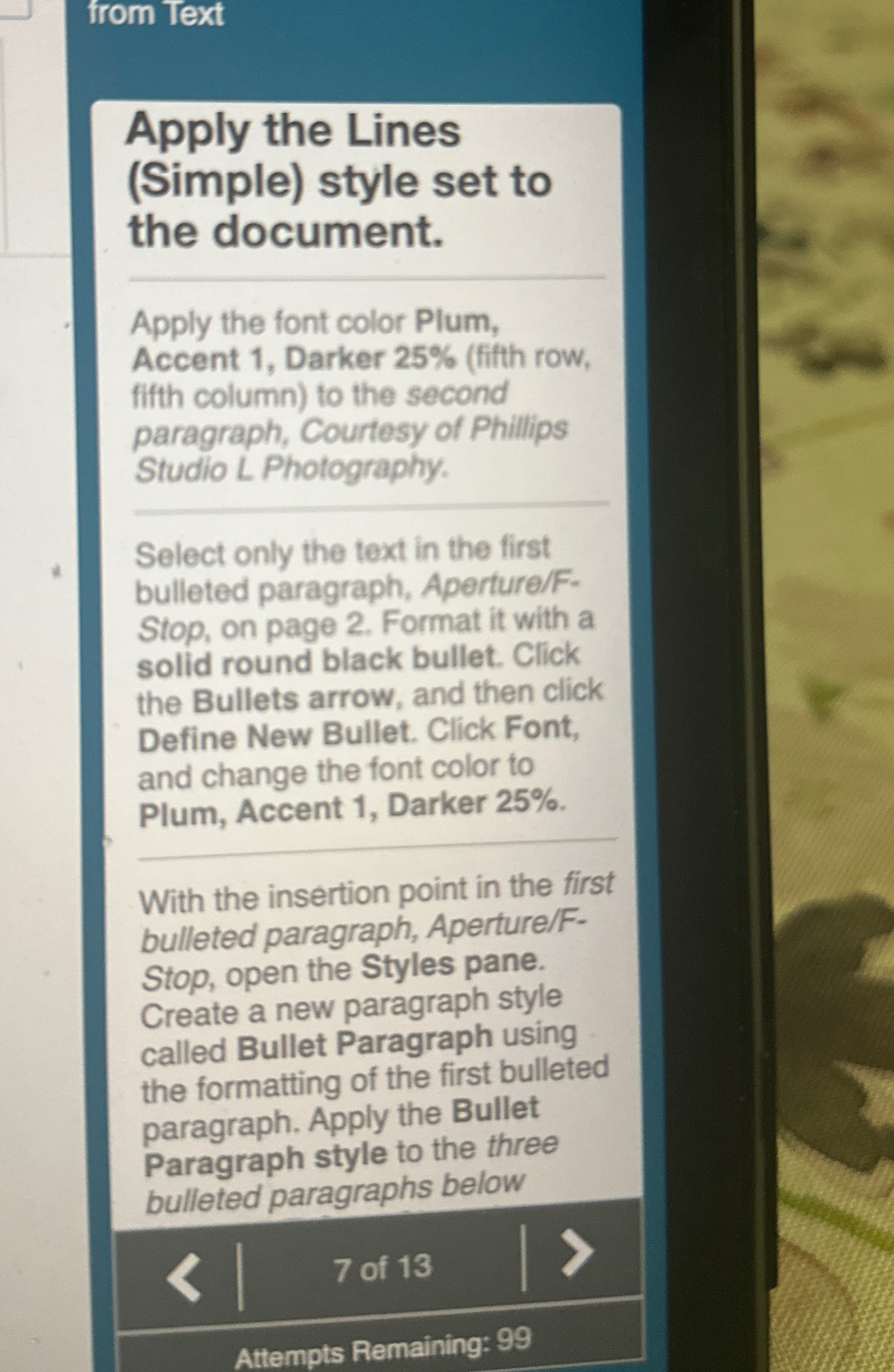
Question: from Text Apply the Lines ( Simple ) style set to the document. Apply the font color Plum, Accent 1 , Darker 2 5 %
from Text
Apply the Lines Simple style set to the document.
Apply the font color Plum, Accent Darker fith row, fitth column to the second paragraph, Courtesy of Phillips Studio L Photography.
Select only the text in the first bulleted paragraph, ApertureFStop on page Format it with a solid round black bullet. Click the Bullets arrow, and then click Define New Bullet. Click Font, and change the font color to Plum, Accent Darker With the insertion point in the first bulleted paragraph, ApertureFStop open the Styles pane. Create a new paragraph style called Bullet Paragraph using the formatting of the first bulleted paragraph. Apply the Bullet Paragraph style to the three bulleted paragraphs below
of
Attempts Remaining:
Step by Step Solution
There are 3 Steps involved in it
1 Expert Approved Answer
Step: 1 Unlock

Question Has Been Solved by an Expert!
Get step-by-step solutions from verified subject matter experts
Step: 2 Unlock
Step: 3 Unlock
 Study Help