







Question: Full Screen ( * ) Accessibility Arrange the list below in the appropriate order if applying a conditional format based on the value that is
Full Screen
Accessibility
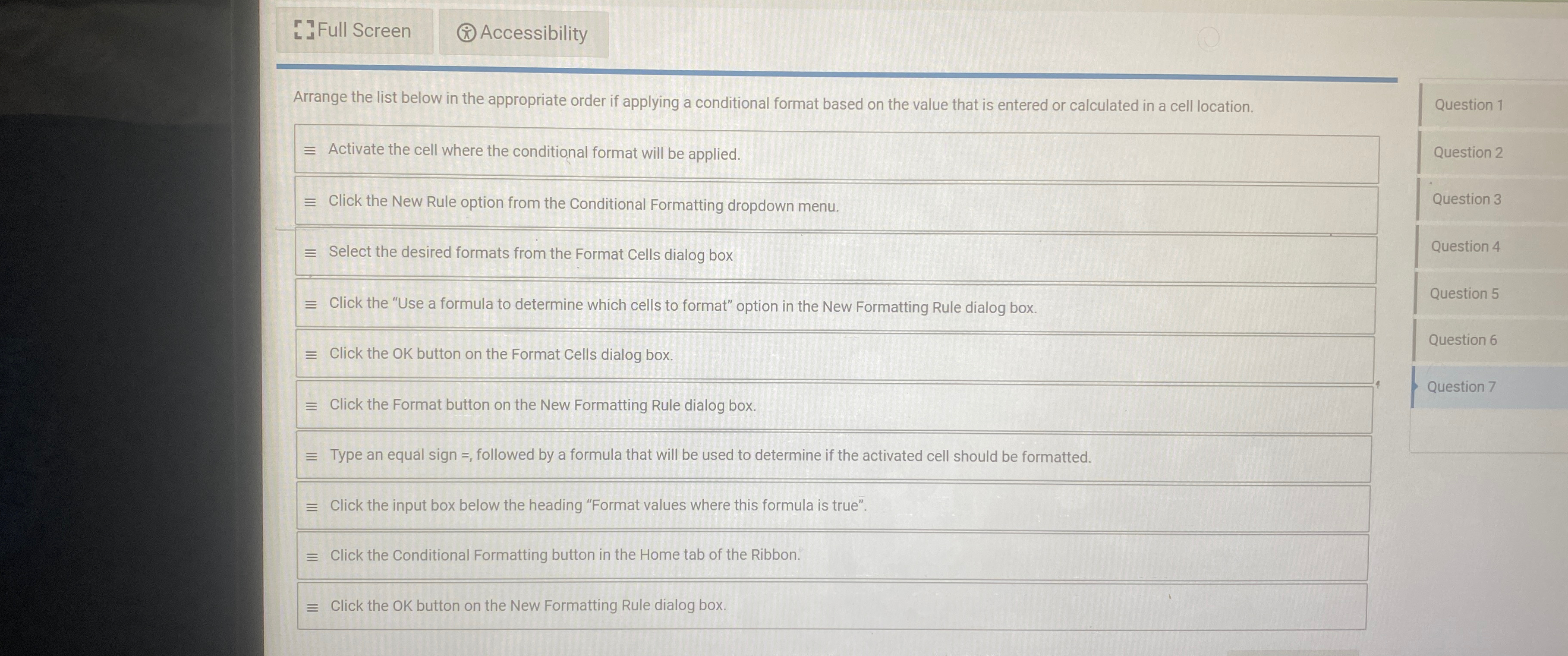
Arrange the list below in the appropriate order if applying a conditional format based on the value that is entered or calculated in a cell location.
Activate the cell where the conditional format will be applied.
Click the New Rule option from the Conditional Formatting dropdown menu.
Select the desired formats from the Format Cells dialog box
Click the "Use a formula to determine which cells to format" option in the New Formatting Rule dialog box.
Click the OK button on the Format Cells dialog box.
Click the Format button on the New Formatting Rule dialog box.
Type an equal sign followed by a formula that will be used to determine if the activated cell should be formatted.
Click the input box below the heading "Format values where this formula is true".
Click the Conditional Formatting button in the Home tab of the Ribbon.
Click the OK button on the New Formatting Rule dialog box.
Question
Question
Question
Question
Question
Question
Question
Step by Step Solution
There are 3 Steps involved in it
1 Expert Approved Answer
Step: 1 Unlock

Question Has Been Solved by an Expert!
Get step-by-step solutions from verified subject matter experts
Step: 2 Unlock
Step: 3 Unlock
 Study Help