







Question: Function 1 : Begin the program by calling a welcome function. Use the template you created in the previous lab This function generates an opening
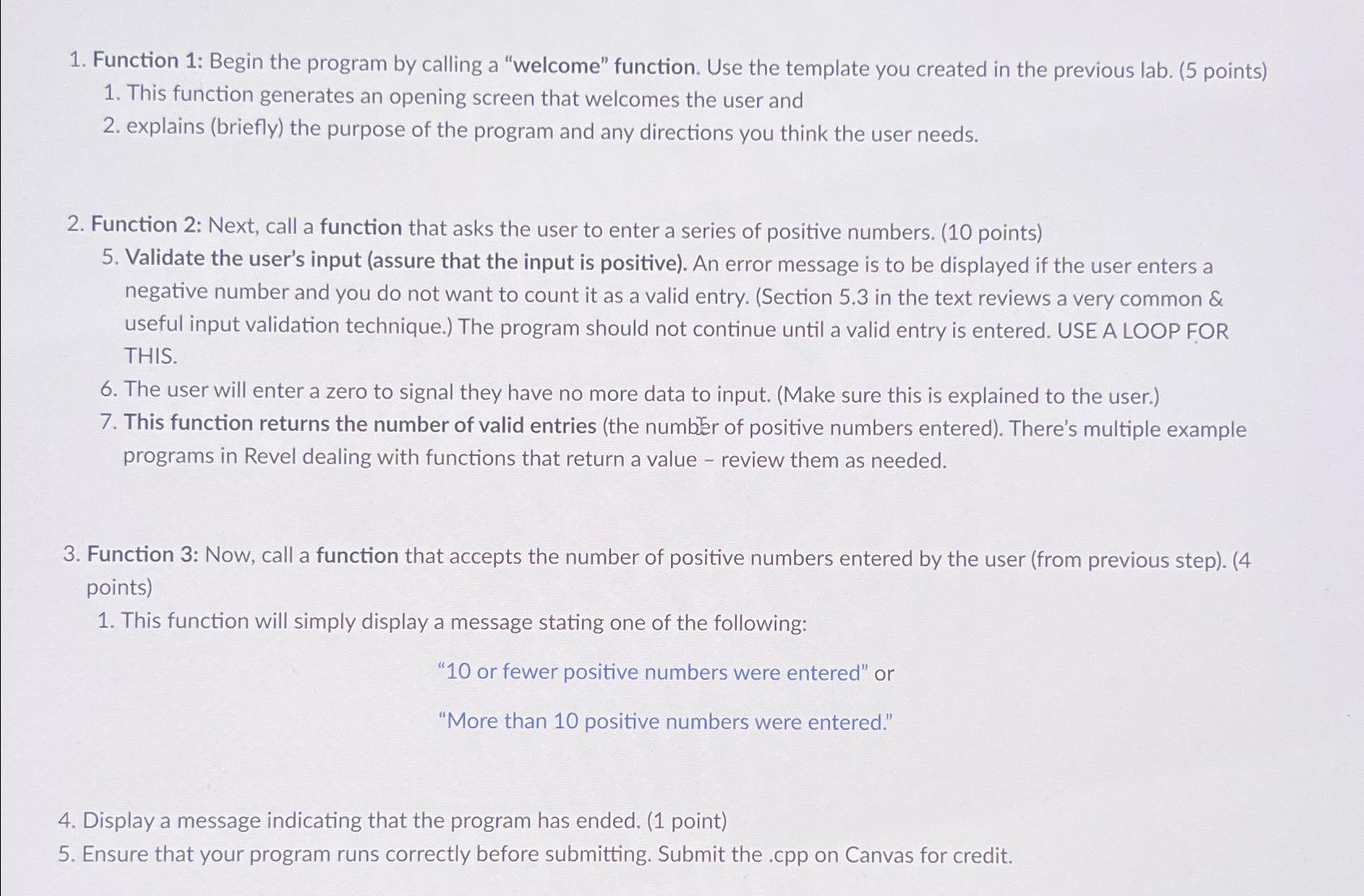
Function : Begin the program by calling a "welcome" function. Use the template you created in the previous lab
This function generates an opening screen that welcomes the user and
explains briefly the purpose of the program and any directions you think the user needs.
Function : Next, call a function that asks the user to enter a series of positive numbers.
Validate the user's input assure that the input is positive An error message is to be displayed if the user enters a negative number and you do not want to count it as a valid entry. Section in the text reviews a very common & useful input validation technique. The program should not continue until a valid entry is entered. USE A LOOP FOR THIS.
The user will enter a zero to signal they have no more data to input. Make sure this is explained to the user.
This function returns the number of valid entries the number of positive numbers entered There's multiple example programs in Revel dealing with functions that return a value review them as needed.
Function : Now, call a function that accepts the number of positive numbers entered by the user from previous step
This function will simply display a message stating one of the following:
or fewer positive numbers were entered" or
"More than positive numbers were entered."
Display a message indicating that the program has ended.
Ensure that your program runs correctly before submitting. Submit the cpp on Canvas for credit.
Step by Step Solution
There are 3 Steps involved in it
1 Expert Approved Answer
Step: 1 Unlock

Question Has Been Solved by an Expert!
Get step-by-step solutions from verified subject matter experts
Step: 2 Unlock
Step: 3 Unlock
 Study Help