





Question: % General instructions: % 1. Wherever you see a pair of , you need to replace % by the MATLAB code you come up with
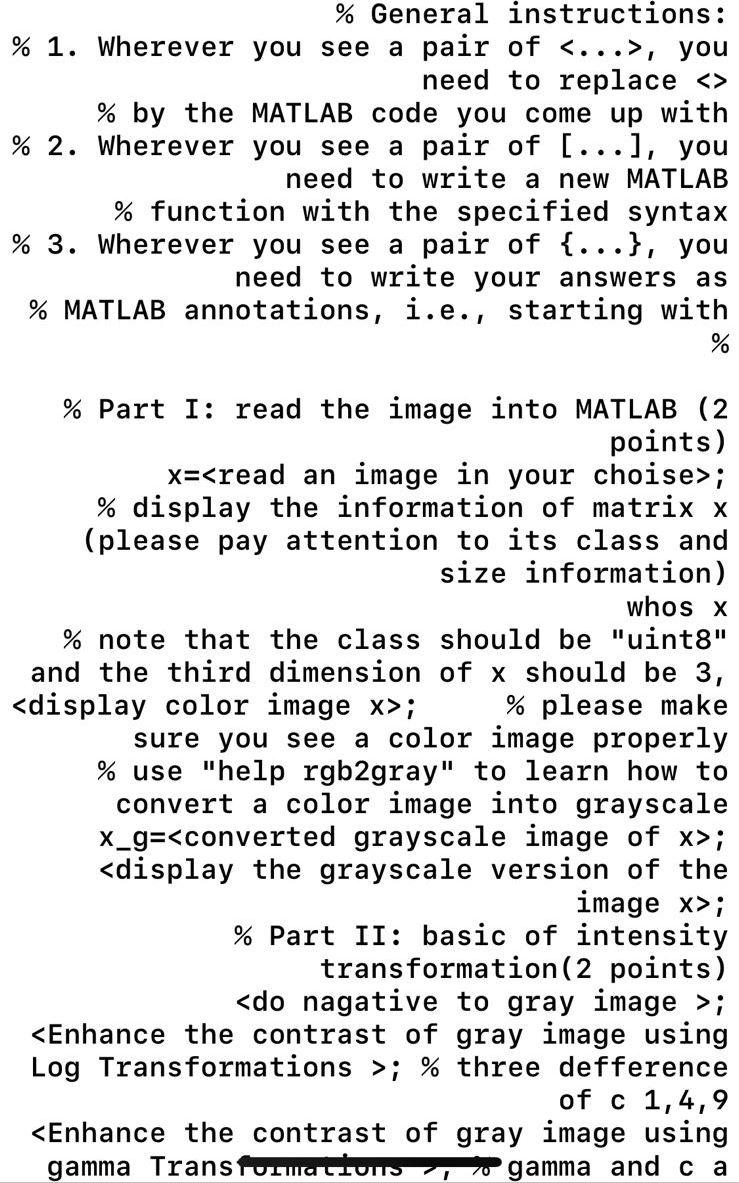
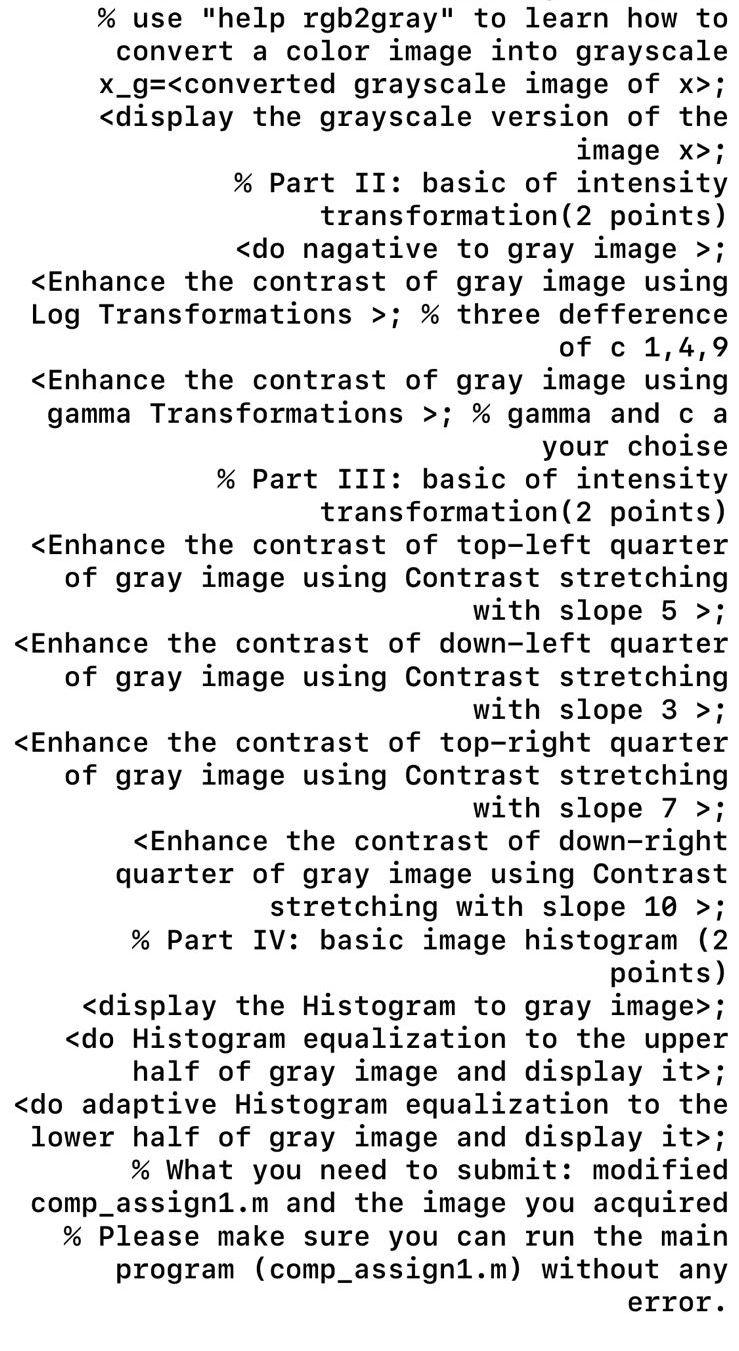
 % General instructions: % 1. Wherever you see a pair of, you need to replace % by the MATLAB code you come

% General instructions: % 1. Wherever you see a pair of <...>, you need to replace % by the MATLAB code you come up with % 2. Wherever you see a pair of [...], you need to write a new MATLAB % function with the specified syntax % 3. Wherever you see a pair of {...}, you need to write your answers as % MATLAB annotations, i.e., starting with % % Part I: read the image into MATLAB (2 points) x=; % display the information of matrix x (please pay attention to its class and size information) whos x % note that the class should be "uint8" and the third dimension of x should be 3, ; % please make sure you see a color image properly % use "help rgb2gray" to learn how to convert a color image into grayscale X_g=; ; % Part II: basic of intensity transformation (2 points) ; ; % three defference of c 1,4,9 ; ; % Part II: basic of intensity transformation (2 points) ; ; % three defference of c 1,4,9 ; % gamma and ca your choise % Part III: basic of intensity transformation (2 points) ; ; ; ; % Part IV: basic image histogram (2 points) ; ; ; % What you need to submit: modified comp_assign1.m and the image you acquired % Please make sure you can run the main program (comp_assign1.m) without any error

Step by Step Solution

There are 3 Steps involved in it

1 Expert Approved Answer
Step: 1 Unlock blur-text-image
Question Has Been Solved by an Expert!

Get step-by-step solutions from verified subject matter experts

Step: 2 Unlock
Step: 3 Unlock

Students Have Also Explored These Related Databases Questions!