







Question: General notes In all lab experiment specifications, a check mark (v) indicates a question for which you are write an answer. Please keep neat, carefully
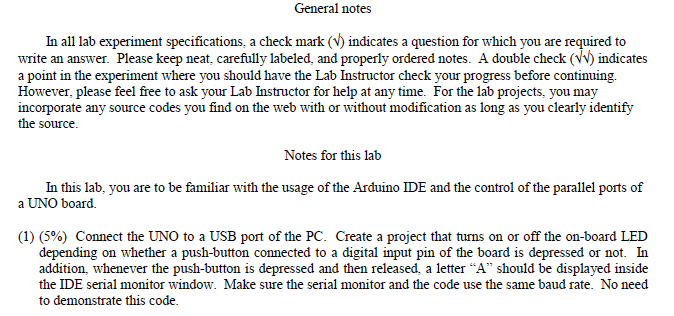
General notes In all lab experiment specifications, a check mark (v) indicates a question for which you are write an answer. Please keep neat, carefully labeled, and properly ordered notes. A double check (VW) indicates a point in the experiment where you should have the Lab Instructor check your progress before continuing. However, please feel free to ask your Lab Instructor for help at any time. For the lab projects, you may incorporate any source codes you find on the web with or without modification as long as you clearly identify the source. to Notes for this lab In this lab, you are to be familiar with the usage of the Arduino IDE and the control of the parallel ports of a UNO board. (1) (596) Connect the UNO to a USB port of the PC. Create a project that turns on or off the on-board LED depending on whether a push-button connected to a digital input pin of the board is depressed or not. In addition, whenever the push-button is depressed and then released, a letter "A" should be displayed inside the IDE serial monitor window. Make sure the serial monitor and the code use the same baud rate. No need to demonstrate this code
Step by Step Solution
There are 3 Steps involved in it

Get step-by-step solutions from verified subject matter experts
 Study Help