



Question: give answer for all of them Apply Conditional Formatting The claims department has a 30-day threshold to close all claims. You will use conditional formatting
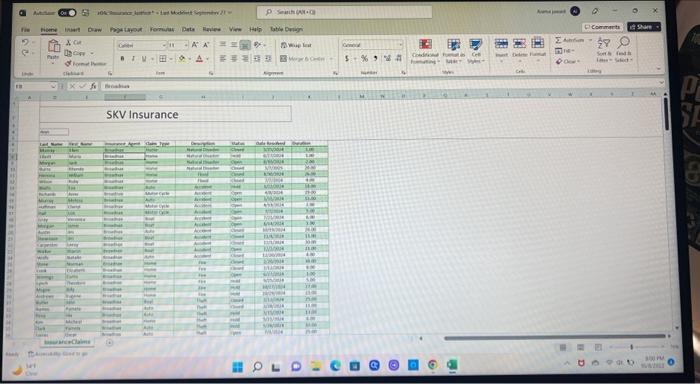
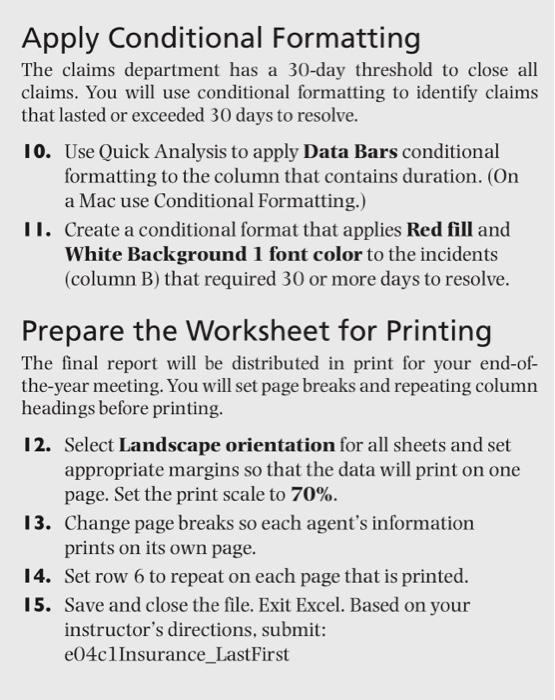
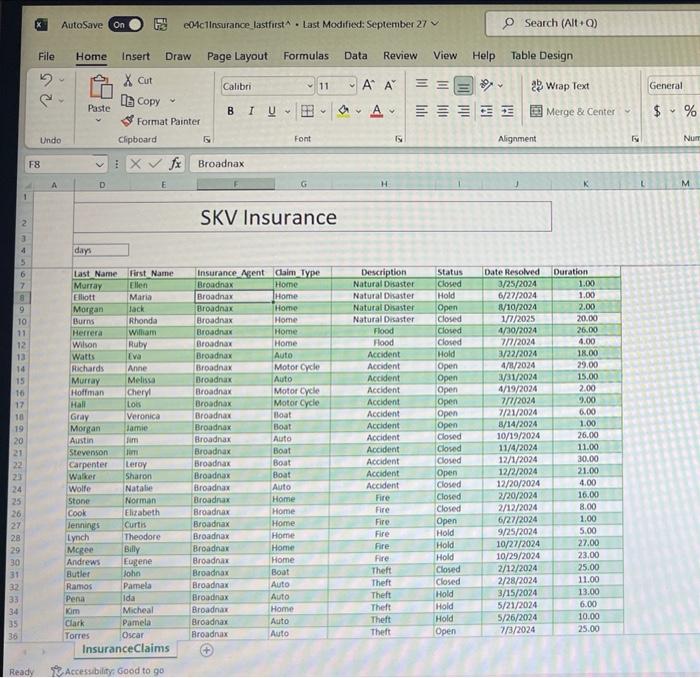
Apply Conditional Formatting The claims department has a 30-day threshold to close all claims. You will use conditional formatting to identify claims that lasted or exceeded 30 days to resolve. 10. Use Quick Analysis to apply Data Bars conditional formatting to the column that contains duration. (On a Mac use Conditional Formatting.) II. Create a conditional format that applies Red fill and White Background 1 font color to the incidents (column B) that required 30 or more days to resolve. Prepare the Worksheet for Printing The final report will be distributed in print for your end-ofthe-year meeting. You will set page breaks and repeating column headings before printing. I2. Select Landscape orientation for all sheets and set appropriate margins so that the data will print on one page. Set the print scale to 70%. 13. Change page breaks so each agent's information prints on its own page. 14. Set row 6 to repeat on each page that is printed. 15. Save and close the file. Exit Excel. Based on your instructor's directions, submit: e04c1Insurance_LastFirst Apply Conditional Formatting The claims department has a 30-day threshold to close all claims. You will use conditional formatting to identify claims that lasted or exceeded 30 days to resolve. 10. Use Quick Analysis to apply Data Bars conditional formatting to the column that contains duration. (On a Mac use Conditional Formatting.) II. Create a conditional format that applies Red fill and White Background 1 font color to the incidents (column B) that required 30 or more days to resolve. Prepare the Worksheet for Printing The final report will be distributed in print for your end-ofthe-year meeting. You will set page breaks and repeating column headings before printing. I2. Select Landscape orientation for all sheets and set appropriate margins so that the data will print on one page. Set the print scale to 70%. 13. Change page breaks so each agent's information prints on its own page. 14. Set row 6 to repeat on each page that is printed. 15. Save and close the file. Exit Excel. Based on your instructor's directions, submit: e04c1Insurance_LastFirst
Step by Step Solution
There are 3 Steps involved in it

Get step-by-step solutions from verified subject matter experts