







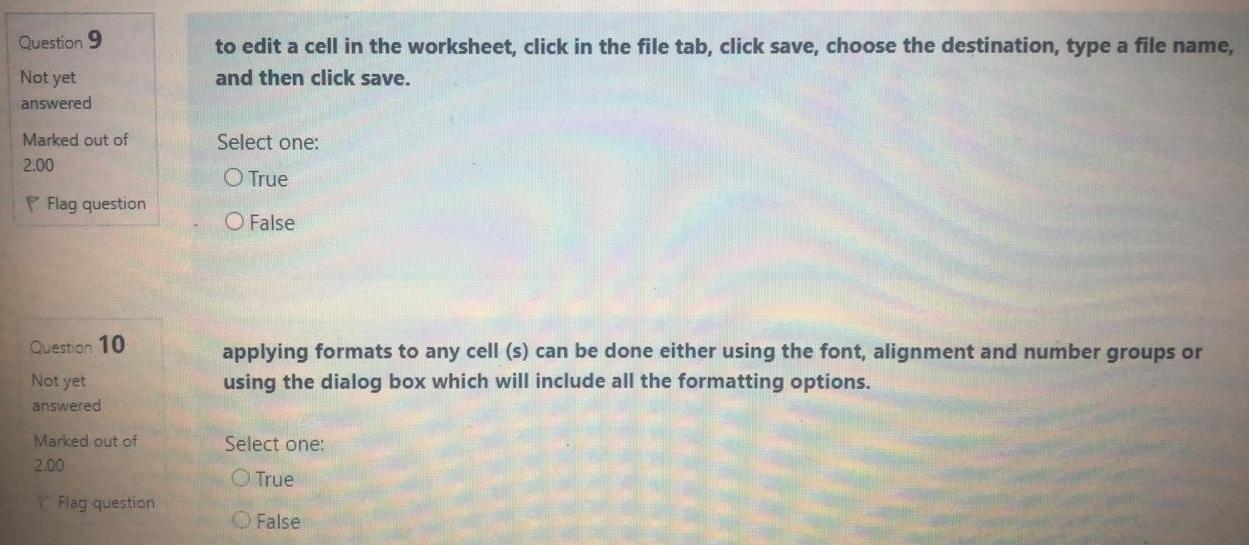
Question: Give the answer true or false only Question 9 to edit a cell in the worksheet, click in the file tab, click save, choose the
Give the answer true or false only
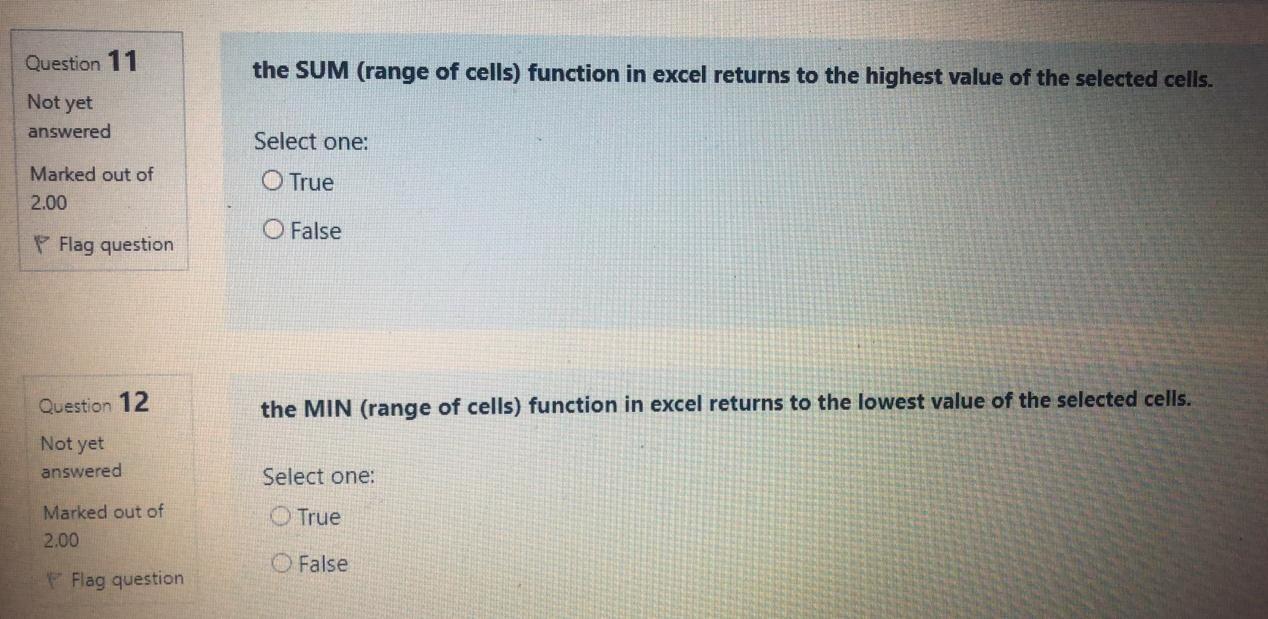
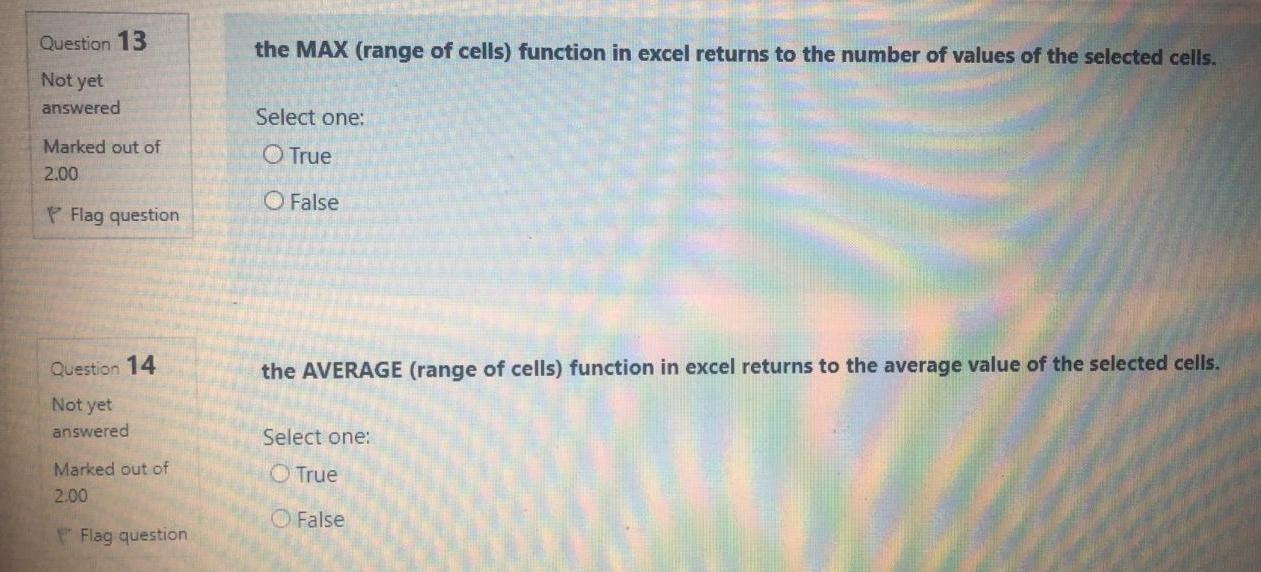
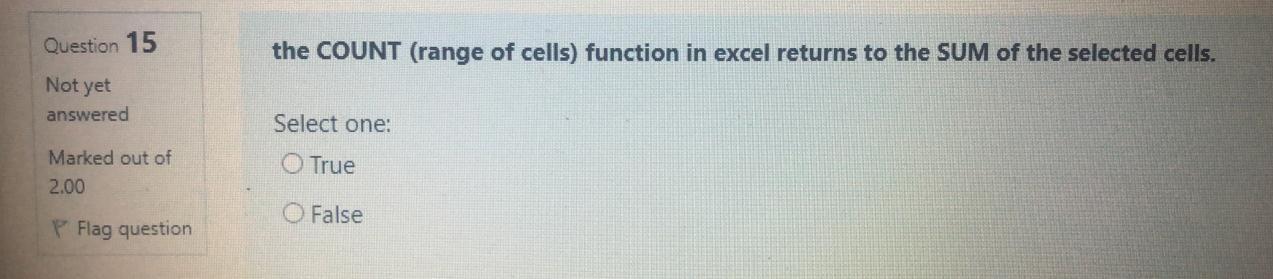
Question 9 to edit a cell in the worksheet, click in the file tab, click save, choose the destination, type a file name, and then click save. Not yet answered Select one: Marked out of 2.00 O True P Flag question False Question 10 applying formats to any cell (s) can be done either using the font, alignment and number groups or using the dialog box which will include all the formatting options. Not yet answered Select one: Marked out of 2.00 True Flag question False Question 11 the SUM (range of cells) function in excel returns to the highest value of the selected cells. Not yet answered Select one: Marked out of 2.00 True O False Flag question Question 12 the MIN (range of cells) function in excel returns to the lowest value of the selected cells. Not yet answered Select one: Marked out of True 2.00 O False Flag question Question 13 the MAX (range of cells) function in excel returns to the number of values of the selected cells. Not yet answered Select one: Marked out of 2.00 O True O False P Flag question Question 14 the AVERAGE (range of cells) function in excel returns to the average value of the selected cells. Not yet answered Select one: Marked out of 2.00 True False Flag question Question 15 the COUNT (range of cells) function in excel returns to the SUM of the selected cells. Not yet answered Select one: Marked out of 2.00 True False Flag
Step by Step Solution
There are 3 Steps involved in it

Get step-by-step solutions from verified subject matter experts
 Study Help