



Question: 1234567890 ENTER The first HP calculator (HP-35), shown above, was a stack-based computer. It had had a four- register stack (x, y, z, and
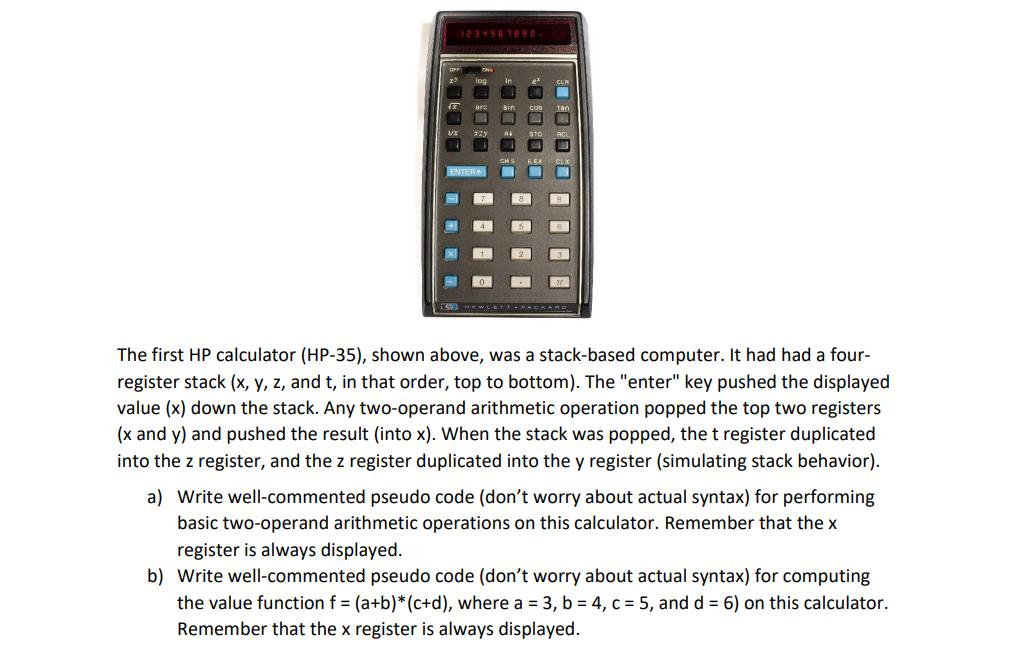
1234567890 ENTER The first HP calculator (HP-35), shown above, was a stack-based computer. It had had a four- register stack (x, y, z, and t, in that order, top to bottom). The "enter" key pushed the displayed value (x) down the stack. Any two-operand arithmetic operation popped the top two registers (x and y) and pushed the result (into x). When the stack was popped, the t register duplicated into the z register, and the z register duplicated into the y register (simulating stack behavior). a) Write well-commented pseudo code (don't worry about actual syntax) for performing basic two-operand arithmetic operations on this calculator. Remember that the x register is always displayed. b) Write well-commented pseudo code (don't worry about actual syntax) for computing the value function f = (a+b)* (c+d), where a = 3, b = 4, c = 5, and d = 6) on this calculator. Remember that the x register is always displayed.
Step by Step Solution
There are 3 Steps involved in it
Heres the pseudo code for performing basic twooperand arithmetic operations on the HP35 calculator p... View full answer

Get step-by-step solutions from verified subject matter experts