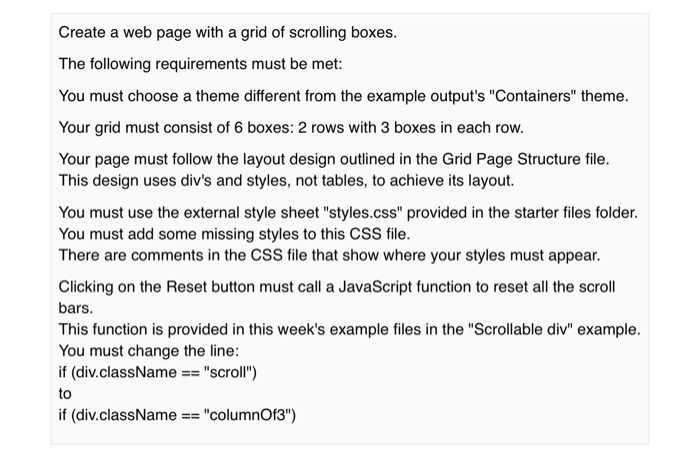
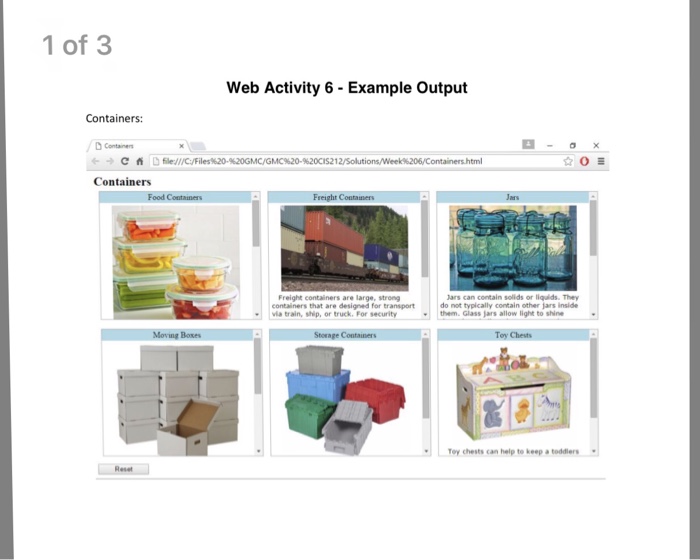
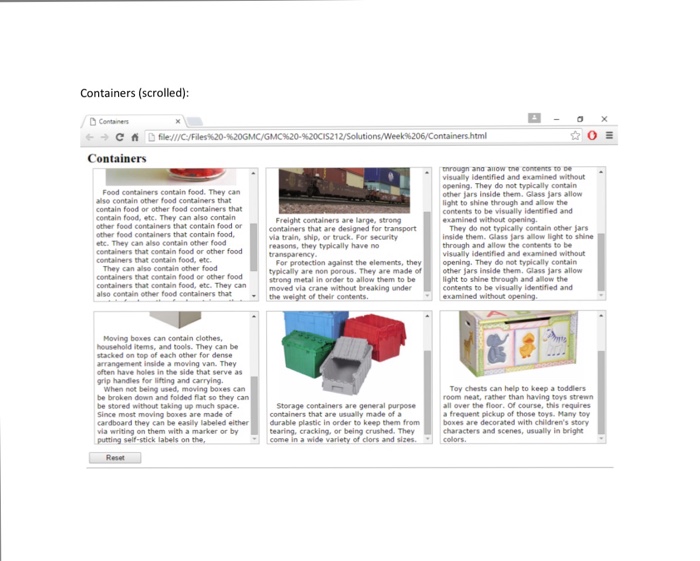
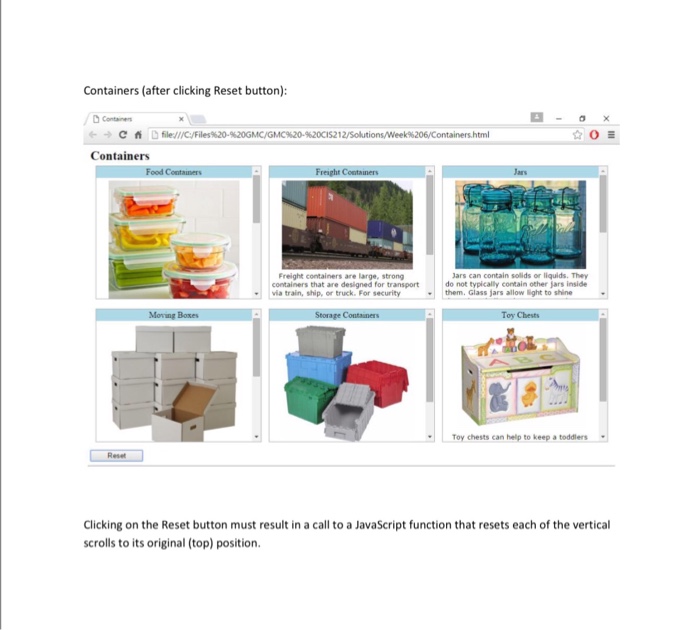
Question: Given these starter files, this is the expected output. Grid Page Structure =================== title column header image text (paragraphs, each with class=column) column header image

Given these starter files, this is the expected output.
Grid Page Structure
===================

title

column header
image
text (paragraphs, each with class="column")
column header
image
text (paragraphs, each with class="column")
column header
image
text (paragraphs, each with class="column")
column header
image
text (paragraphs, each with class="column")
column header
image
text (paragraphs, each with class="column")
column header
image
text (paragraphs, each with class="column")
Reset button

CSS file
/*
In the following selector,
add a background color style of your choice.
*/
div.columnHeader
{
margin-bottom:5px;
padding-top:2px;
padding-bottom:2px;
}
h2
{
margin:3px 0px 5px 5px;
}
img
{
width:250px;
}
p.column
{
font-family: verdana, arial, helvetica, sans-serif;
font-size: 10pt;
margin:0px 0px 0px 5px;
text-align:left;
text-indent:1em;
}
/*
In the following selector,
add the style to change its display type to inline-block,
add the style to enable vertical scrolling.
*/
.columnOf3
{
border:1px solid DarkGray;
height:250px;
margin:0px 5px -4px 5px;
width:315px;
}
.columnOf3Container
{
border:0px solid red;
margin-left:auto;
margin-right:auto;
text-align:center;
}
 Given these starter files, this is the expected output. Grid Page
Structure =================== title column header image text (paragraphs, each with class="column") column
header image text (paragraphs, each with class="column") column header image text (paragraphs,
each with class="column") column header image text (paragraphs, each with class="column") column

Create a web page with a grid of scrolling boxes. The following requirements must be met: You must choose a theme different from the example output's "Containers" theme. Your grid must consist of 6 boxes: 2 rows with 3 boxes in each row. Your page must follow the layout design outlined in the Grid Page Structure file. This design uses div's and styles, not tables, to achieve its layout. You must use the external style sheet "styles.css" provided in the starter files folder. You must add some missing styles to this CSS file. There are comments in the CSS file that show where your styles must appear. Clicking on the Reset button must call a JavaScript function to reset all the scroll bars This function is provided in this week's example files in the "Scrollable div" example. You must change the line: if (div.className == "scroll") to if (div.className"columnOf3")

Step by Step Solution

There are 3 Steps involved in it

1 Expert Approved Answer
Step: 1 Unlock blur-text-image
Question Has Been Solved by an Expert!

Get step-by-step solutions from verified subject matter experts

Step: 2 Unlock
Step: 3 Unlock

Students Have Also Explored These Related Databases Questions!