







Question: Go to the Customer Comment Styles section and create a style rule for the aside element setting the width to 75% and the bottom padding
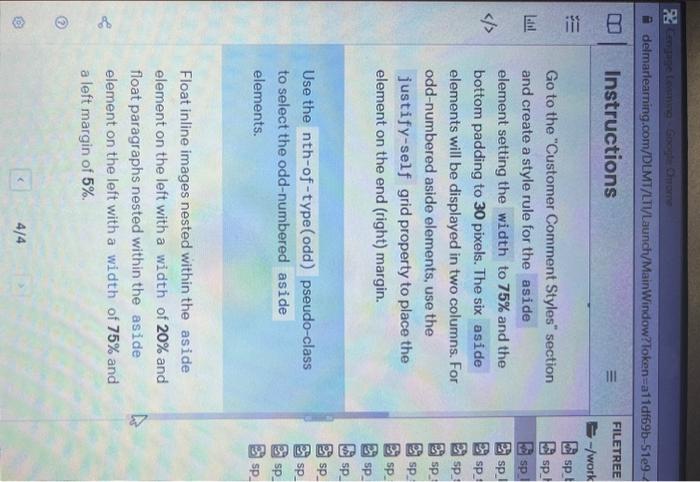
Go to the "Customer Comment Styles" section and create a style rule for the aside element setting the width to 75% and the bottom padding to 30 pixels. The six elements will be displayed in two columns. For odd-numbered aside elements, use the justify-self grid property to place the element on the end (right) margin. Use the pseudo-class to select the odd-numbered aside elements. Float inline images nested within the aside element on the left with a width of 20% and float paragraphs nested within the aside element on the left with a width of 75% and a left margin of 5%
Step by Step Solution
There are 3 Steps involved in it
1 Expert Approved Answer
Step: 1 Unlock

Question Has Been Solved by an Expert!
Get step-by-step solutions from verified subject matter experts
Step: 2 Unlock
Step: 3 Unlock
 Study Help