







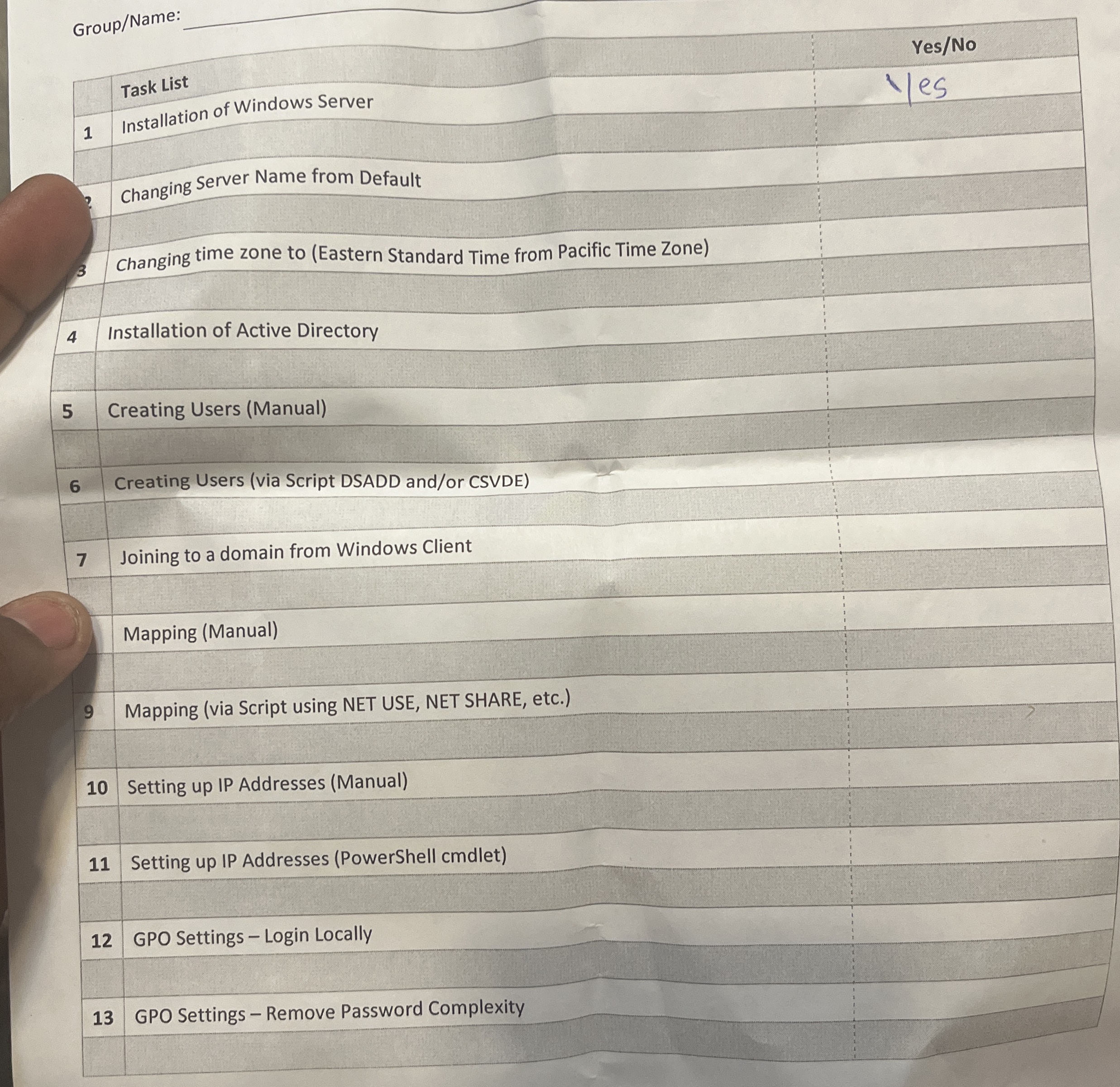
Question: Group / Name: Changing time zone to ( Eastern Standard Time from Pacific Time Zone ) 4 Installation of Active Directory 5 Creating Users (
GroupName:
Changing time zone to Eastern Standard Time from Pacific Time Zone
Installation of Active Directory
Creating Users Manual
Creating Users via Script DSADD andor CSVDE
Joining to a domain from Windows Client
Mapping Manual
Mapping via Script using NET USE, NET SHARE, etc.
Setting up IP Addresses Manual
Setting up IP Addresses PowerShell cmallet
GPO Settings Login Locally
GPO Settings Remove Password Complexity
Step by Step Solution
There are 3 Steps involved in it
1 Expert Approved Answer
Step: 1 Unlock

Question Has Been Solved by an Expert!
Get step-by-step solutions from verified subject matter experts
Step: 2 Unlock
Step: 3 Unlock
 Study Help