







Question: GUI Class Write a GUI Class. This class should keep track of the players that are on the roster. It should also have an addPlayer
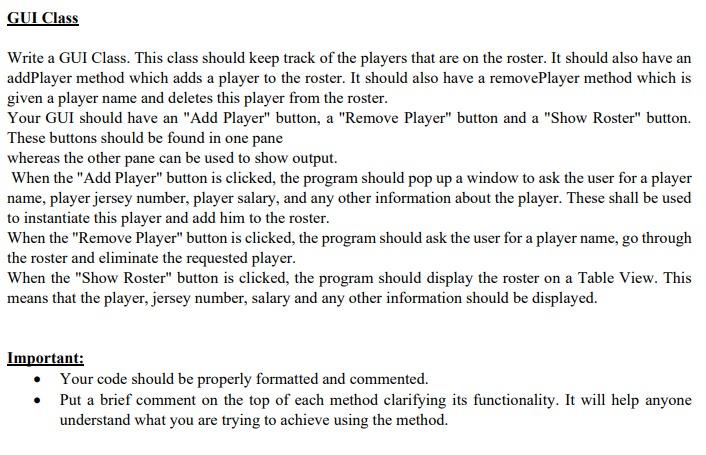
GUI Class Write a GUI Class. This class should keep track of the players that are on the roster. It should also have an addPlayer method which adds a player to the roster. It should also have a removePlayer method which is given a player name and deletes this player from the roster. Your GUI should have an "Add Player" button, a "Remove Player" button and a "Show Roster" button. These buttons should be found in one pane whereas the other pane can be used to show output. When the "Add Player" button is clicked, the program should pop up a window to ask the user for a player name, player jersey number, player salary, and any other information about the player. These shall be used to instantiate this player and add him to the roster. When the "Remove Player" button is clicked, the program should ask the user for a player name, go through the roster and eliminate the requested player. When the "Show Roster" button is clicked, the program should display the roster on a Table View. This means that the player, jersey number, salary and any other information should be displayed. Important: Your code should be properly formatted and commented. Put a brief comment on the top of each method clarifying its functionality. It will help anyone understand what you are trying to achieve using the method
Step by Step Solution
There are 3 Steps involved in it

Get step-by-step solutions from verified subject matter experts
 Study Help