







Question: GUI Design In this homework assignment, you will create a small GUI application using Python. Your application should have the following features: 1. A window
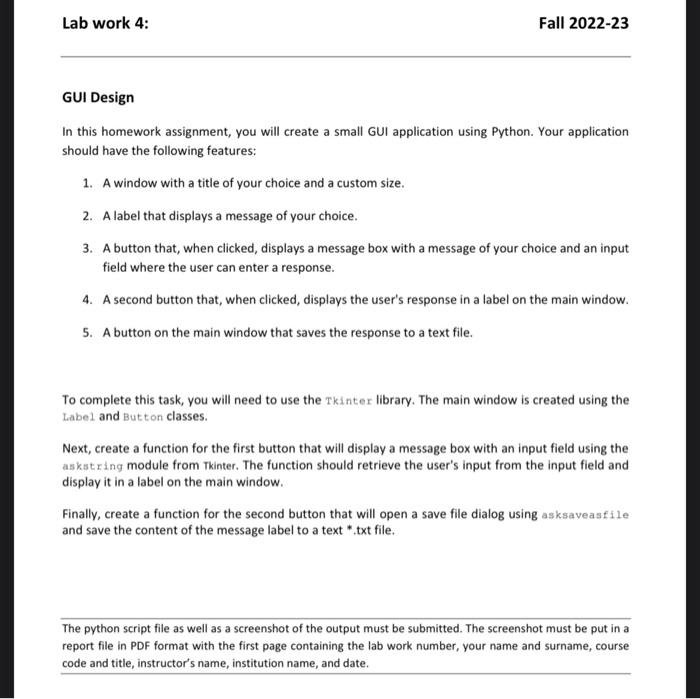
GUI Design In this homework assignment, you will create a small GUI application using Python. Your application should have the following features: 1. A window with a title of your choice and a custom size. 2. A label that displays a message of your choice. 3. A button that, when clicked, displays a message box with a message of your choice and an input field where the user can enter a response. 4. A second button that, when clicked, displays the user's response in a label on the main window. 5. A button on the main window that saves the response to a text file. To complete this task, you will need to use the Tkinter library. The main window is created using the Label and Button classes. Next, create a function for the first button that will display a message box with an input field using the askstring module from Tkinter. The function should retrieve the user's input from the input field and display it in a label on the main window. Finally, create a function for the second button that will open a save file dialog using asksaveasfile and save the content of the message label to a text *.txt file. The python script file as well as a screenshot of the output must be submitted. The screenshot must be put in a report file in PDF format with the first page containing the lab work number, your name and surname, course code and title, instructor's name, institution name, and date
Step by Step Solution
There are 3 Steps involved in it

Get step-by-step solutions from verified subject matter experts
 Study Help