







Question: GUI JAVA PROGRAM within this same folder (i.e., your code should also not reference packages). This assignment has 50 marks. See the marking rubric that
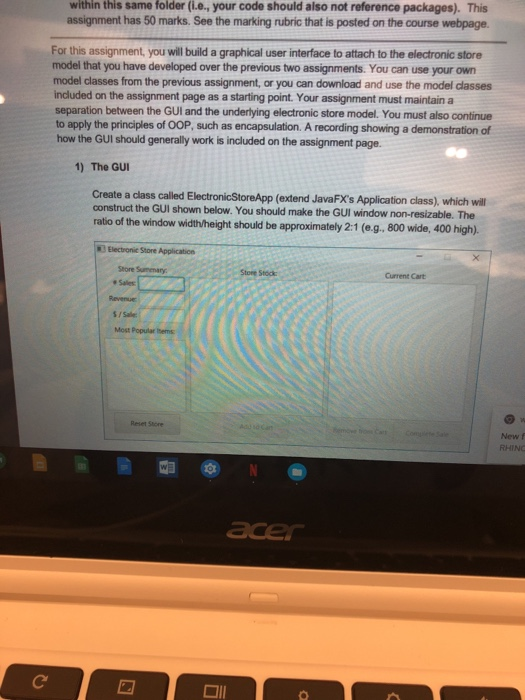
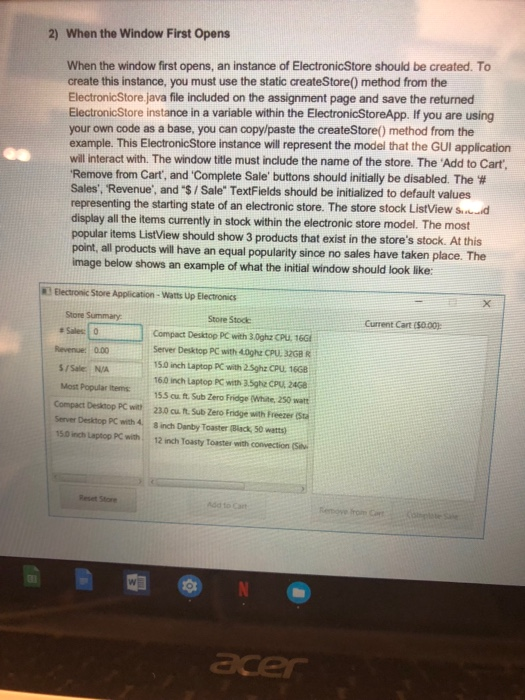
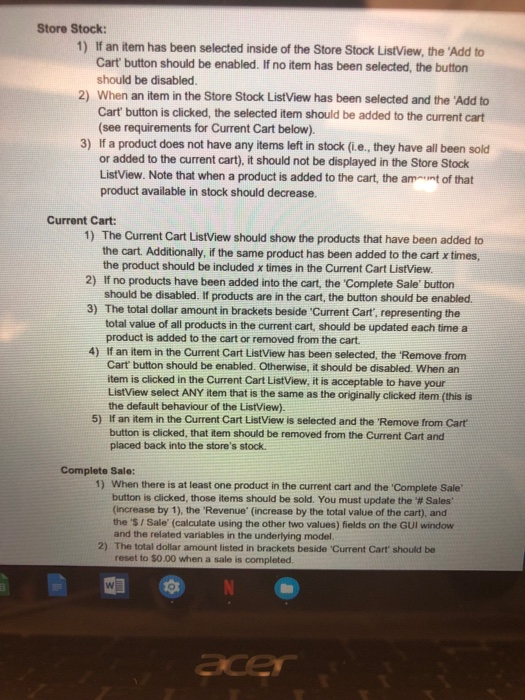
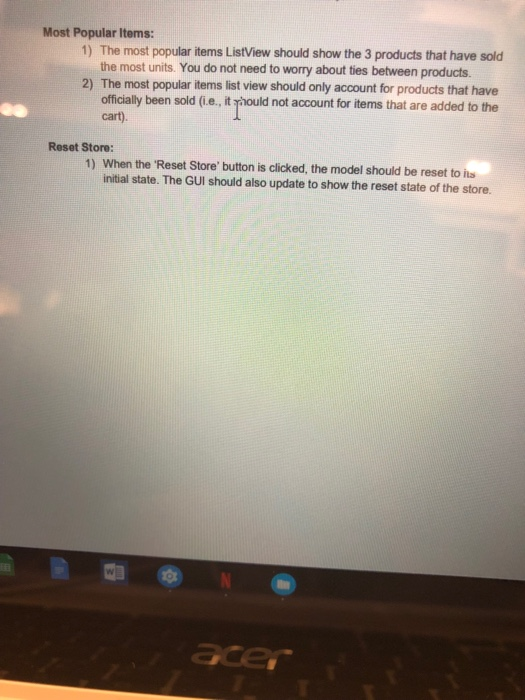
within this same folder (i.e., your code should also not reference packages). This assignment has 50 marks. See the marking rubric that is posted on the course webpage. For this assignment, you will build a graphical user interface to attach to the electronic store model that you have developed over the previous two assignments. You can use your own model classes from the previous assignment, or you can download and use the model dlasses included on the assignment page as a starting point. Your assignment must maintaina separation between the GUI and the underlying electronic store model. You must also continue to apply the principles of OOP, such as encapsulation. A recording showing a demonstration of how the GUl should generally work is included on the assignment page. 1) The GUI Create a class called ElectronicStoreApp (extend JavaFX's Application class), which will construct the GUI shown below. You should make the GUI window non-resizable. The ratio of the window width/height should be approximately 2:1 (eg. 800 wide, 400 high). Store Sumenary Store Stock Current Cart + Sales $/Sale Most Popular thems Reset Store New f RHINC DIl within this same folder (i.e., your code should also not reference packages). This assignment has 50 marks. See the marking rubric that is posted on the course webpage. For this assignment, you will build a graphical user interface to attach to the electronic store model that you have developed over the previous two assignments. You can use your own model classes from the previous assignment, or you can download and use the model dlasses included on the assignment page as a starting point. Your assignment must maintaina separation between the GUI and the underlying electronic store model. You must also continue to apply the principles of OOP, such as encapsulation. A recording showing a demonstration of how the GUl should generally work is included on the assignment page. 1) The GUI Create a class called ElectronicStoreApp (extend JavaFX's Application class), which will construct the GUI shown below. You should make the GUI window non-resizable. The ratio of the window width/height should be approximately 2:1 (eg. 800 wide, 400 high). Store Sumenary Store Stock Current Cart + Sales $/Sale Most Popular thems Reset Store New f RHINC DIl
Step by Step Solution
There are 3 Steps involved in it

Get step-by-step solutions from verified subject matter experts
 Study Help