







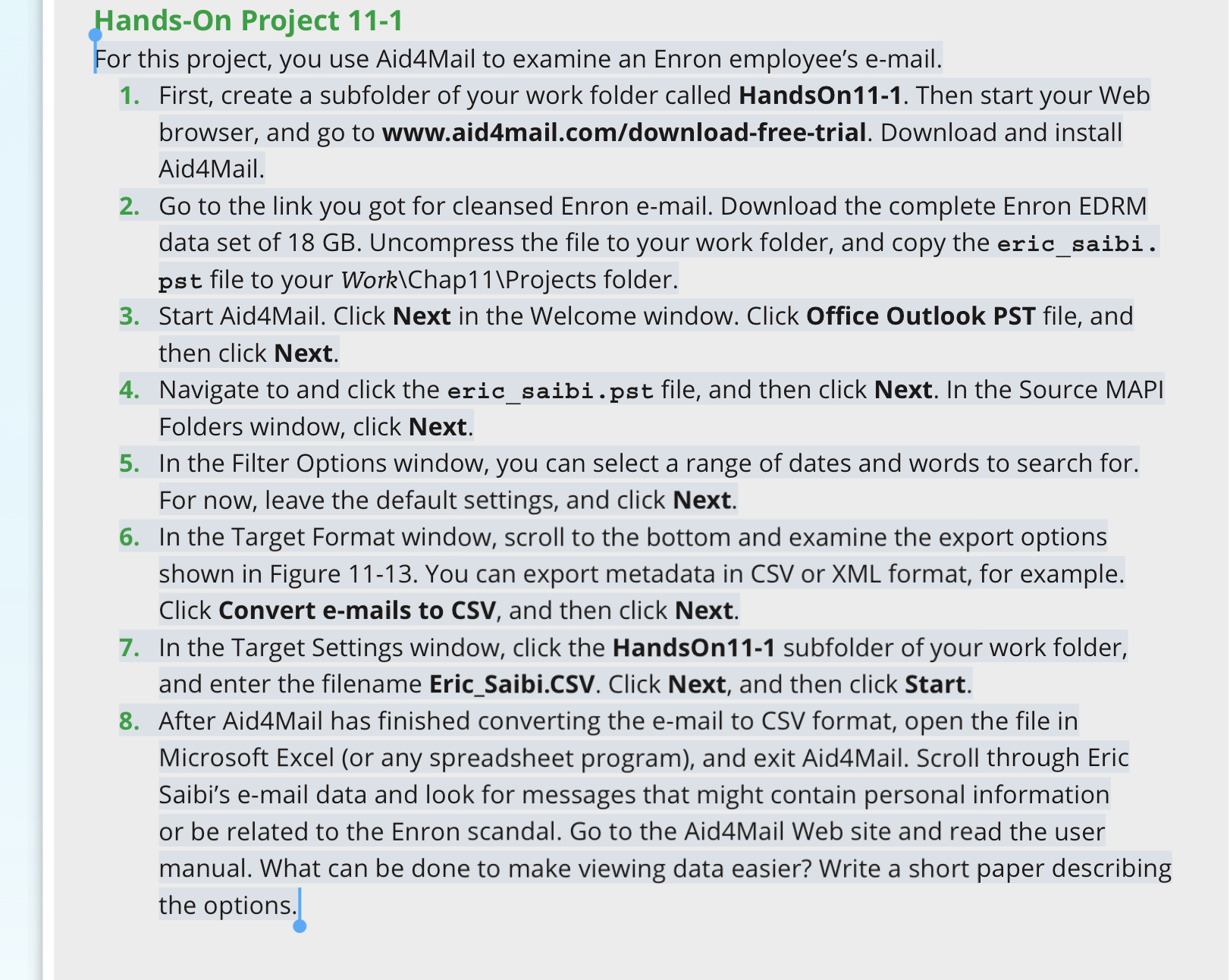
Question: Hands - On Project 1 1 - 1 For this project, you use Aid 4 Mail to examine an Enron employee's e - mail. First,
HandsOn Project
For this project, you use AidMail to examine an Enron employee's email.
First, create a subfolder of your work folder called HandsOn Then start your Web browser, and go to
wwwaidmail.comdownloadfreetrial. Download and install AidMail.
Go to the link you got for cleansed Enron email. Download the complete Enron EDRM data set of GB Uncompress the file to your work folder, and copy the ericsaibi. pst file to your Work ChapProjects folder.
Start AidMail. Click Next in the Welcome window. Click Office Outlook PST file, and then click Next.
Navigate to and click the ericsaibi.pst file, and then click Next. In the Source MAPI Folders window, click Next.
In the Filter Options window, you can select a range of dates and words to search for. For now, leave the default settings, and click Next.
In the Target Format window, scroll to the bottom and examine the export options shown in Figure You can export metadata in CSV or XML format, for example. Click Convert emails to CSV and then click Next.
In the Target Settings window, click the HandsOn subfolder of your work folder, and enter the filename EricSaibi.CSV Click Next, and then click Start.
After AidMail has finished converting the email to CSV format, open the file in Microsoft Excel or any spreadsheet program and exit AidMail. Scroll through Eric Saibi's email data and look for messages that might contain personal information or be related to the Enron scandal. Go to the AidMail Web site and read the user manual. What can be done to make viewing data easier? Write a short paper describing the options.
Step by Step Solution
There are 3 Steps involved in it
1 Expert Approved Answer
Step: 1 Unlock

Question Has Been Solved by an Expert!
Get step-by-step solutions from verified subject matter experts
Step: 2 Unlock
Step: 3 Unlock
 Study Help