







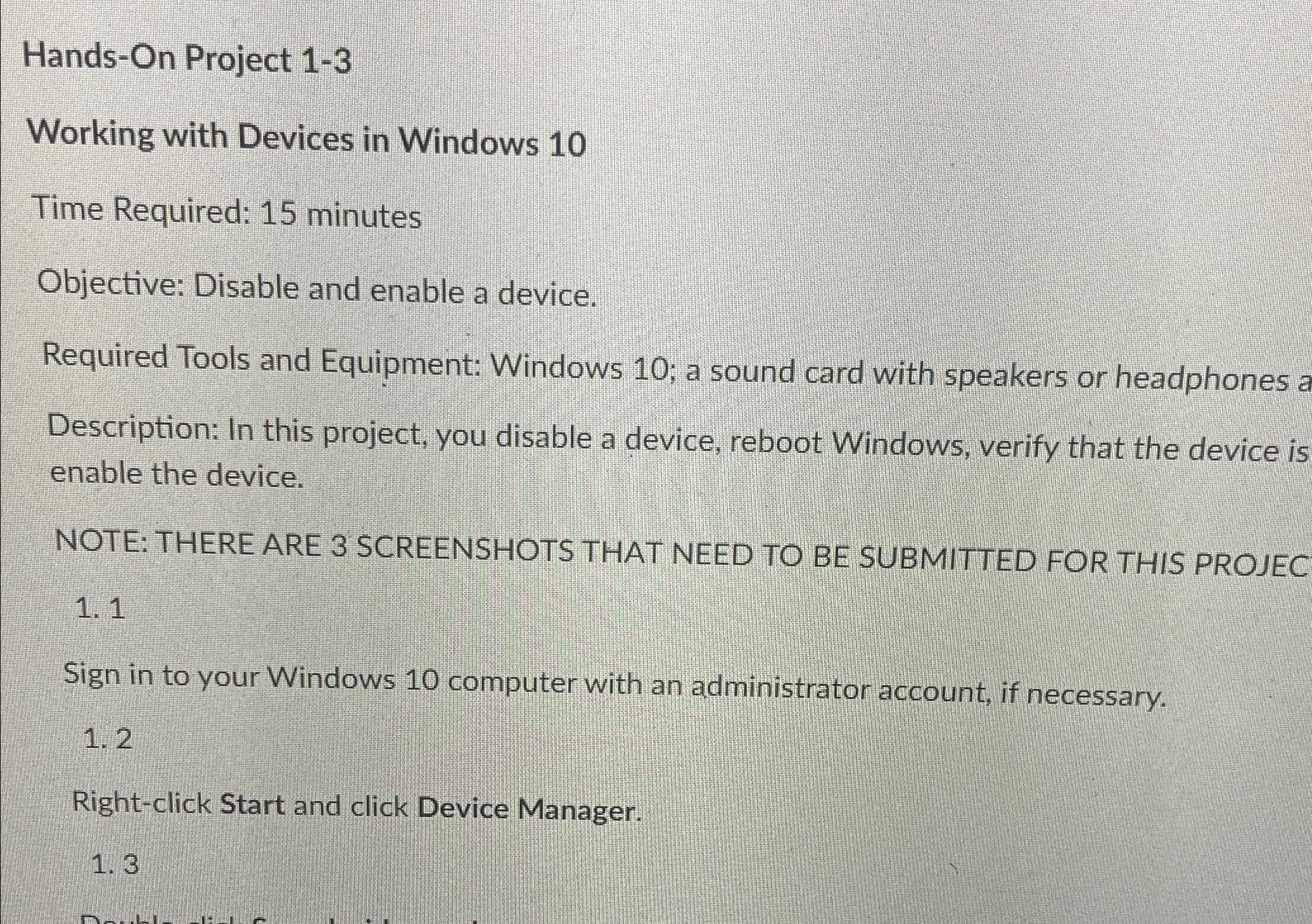
Question: Hands - On Project 1 - 3 Working with Devices in Windows 1 0 Time Required: 1 5 minutes Objective: Disable and enable a device.
HandsOn Project
Working with Devices in Windows
Time Required: minutes
Objective: Disable and enable a device.
Required Tools and Equipment: Windows ; a sound card with speakers or headphones a
Description: In this project, you disable a device, reboot Windows, verify that the device is enable the device.
NOTE: THERE ARE SCREENSHOTS THAT NEED TO BE SUBMITTED FOR THIS PROJEC
Sign in to your Windows computer with an administrator account, if necessary.
Rightclick Start and click Device Manager.
Step by Step Solution
There are 3 Steps involved in it
1 Expert Approved Answer
Step: 1 Unlock

Question Has Been Solved by an Expert!
Get step-by-step solutions from verified subject matter experts
Step: 2 Unlock
Step: 3 Unlock
 Study Help