







Question: HCI Project Description Free Ideas to develop a prototype Overview: This course project aims to develop your designing skills and practice your mind to have
HCI Project Description
Free Ideas to develop a prototype
Overview:
This course project aims to develop your designing skills and practice your mind to have an eye for what could help lead to a good user experience by changing your way of thinking from a developer to an analyst and UX designer. In this project, you will undergo several phases to produce your final interface design prototype Phases include observation and inspiration, paper, throwaway, and incremental prototypes.
A project prototype is a working model of a proposed design or product. It's often used in the early stages of a project to test and refine ideas.
As for the project description, you have the freedom to choose your project idea, scope, and features with only a few constraints:
The targeted users should be within college student's age for usability testing reasons.
Project features should not be less than the number of team members.
As a designer, think about the perfect websiteapplication to help you solve the suggested problem. Your project can contain any features that would help you be productive, achieve great results, and deliver a good user experience.
Just remember to be creative and unique. Enjoy every step throughout this project.
To create a prototype, you'll need to start by identifying the key features and functions of your design or product. Then, you can build a basic version demonstrating these elements in action. You might use materials like paperpencil MS PowerPoint, MS Word, cardboard, photoshop, or D printing materials to create a physical prototype. Alternatively, you could create a digital version using software like Sketch, Figma, HyperCard or Drawio.
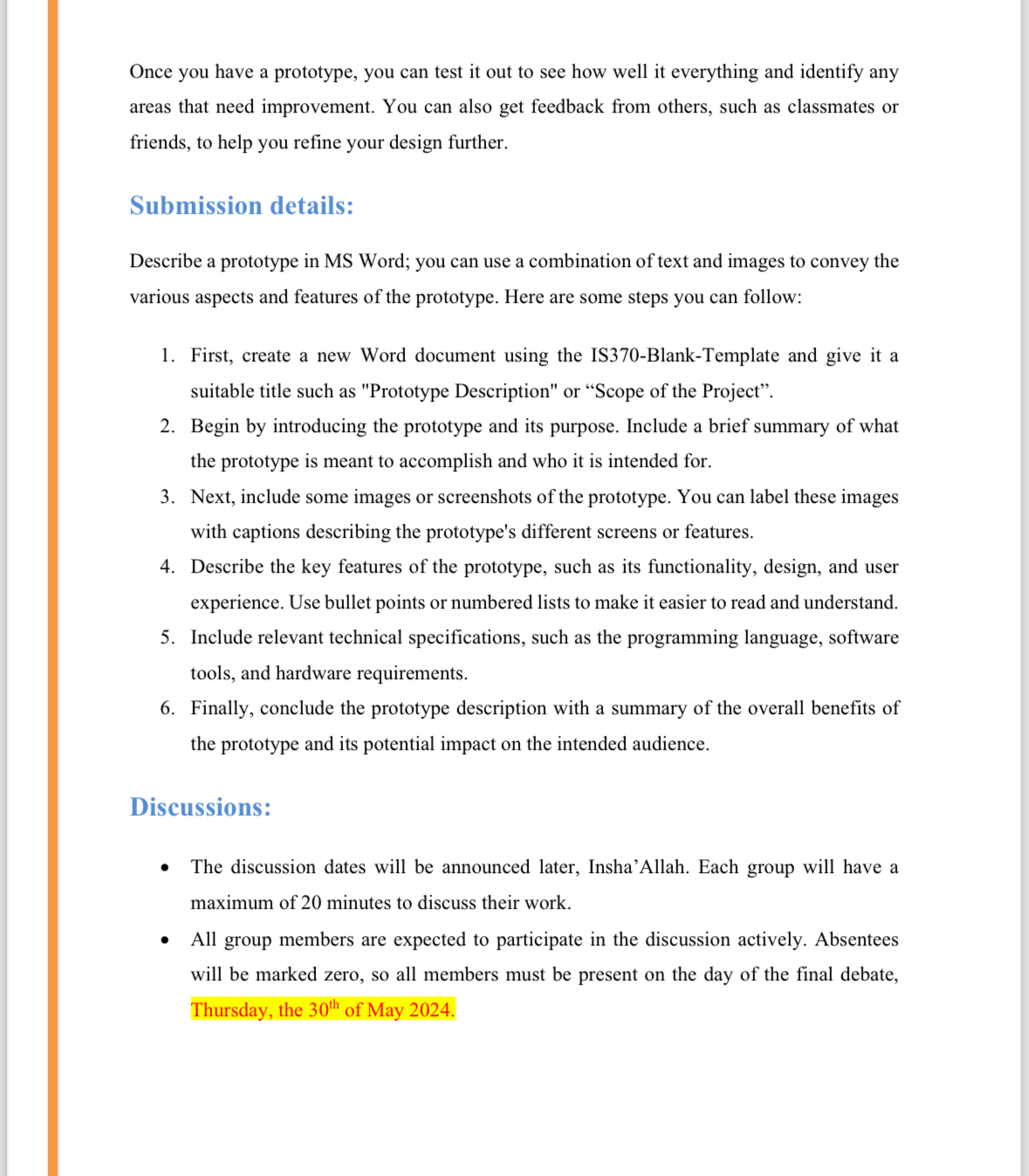
Once you have a prototype, you can test it out to see how well it everything and identify any areas that need improvement. You can also get feedback from others, such as classmates or friends, to help you refine your design further.
Submission details:
Describe a prototype in MS Word; you can use a combination of text and images to convey the various aspects and features of the prototype. Here are some steps you can follow:
First, create a new Word document using the ISBlankTemplate and give it a suitable title such as "Prototype Description" or "Scope of the Project".
Begin by introducing the prototype and its purpose. Include a brief summary of what the prototype is meant to accomplish and who it is intended for.
Next, include some images or screenshots of the prototype. You can label these images with captions describing the prototype's different screens or features.
Describe the key features of the prototype, such as its functionality, design, and user experience. Use bullet points or numbered lists to make it easier to read and understand.
Include relevant technical specifications, such as the programming language, software tools, and hardware requirements.
Finally, conclude the prototype description with a summary of the overall benefits of the prototype and its potential impact on the intended audience.
Discussions:
The discussion dates will be announced later, Insha'Allah. Each group will have a maximum of minutes to discuss their work.
All group members are expected to participate in the discussion actively. Absentees will be marked zero, so all members must be present on the day of the final debate, Thursday, the of May
Step by Step Solution
There are 3 Steps involved in it
1 Expert Approved Answer
Step: 1 Unlock

Question Has Been Solved by an Expert!
Get step-by-step solutions from verified subject matter experts
Step: 2 Unlock
Step: 3 Unlock
 Study Help