







Question: Header text in an Excel spreadsheet has been imported into MATLAB as a single-row cell array named Headers. The contents of Headers is {'Temp (T)
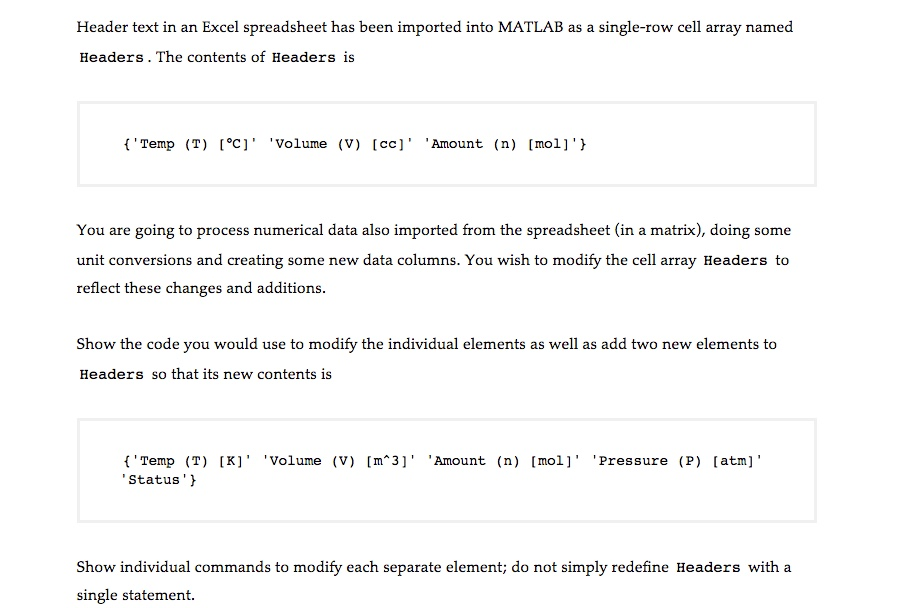
Header text in an Excel spreadsheet has been imported into MATLAB as a single-row cell array named Headers. The contents of Headers is {'Temp (T) [degree C]' 'Volume (V) [cc]' 'Amount (n) [mol]'} You are going to process numerical data also imported from the spreadsheet (in a matrix), doing some unit conversions and creating some new data columns. You wish to modify the cell array Headers to reflect these changes and additions. Show the code you would use to modify the individual elements as well as add two new elements to Headers so that its new contents is {'Temp (T) [K]' 'Volume (V) [m^3]' 'Amount (n) [mol]' 'Pressure (P) [atm]' 'Status'} Show individual commands to modify each separate element: do not simply redefine Headers with a single statement
Step by Step Solution
There are 3 Steps involved in it

Get step-by-step solutions from verified subject matter experts
 Study Help