







Question: Hello, I am in a group project for a software engineering class and I have been tasked with creating the front end part of an
Hello,
I am in a group project for a software engineering class and I have been tasked with creating the front end part of an application named advising assistant that will later be connected to a database by another group member. I really have no idea how to start or what I can do to create a user interface. I am really just looking to do the simplest method available. Please help me with some examples or with any information you may have. Thank you for your help in advance
I found the following pictures which may be of help with the description:
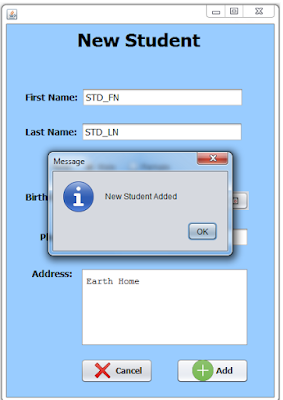
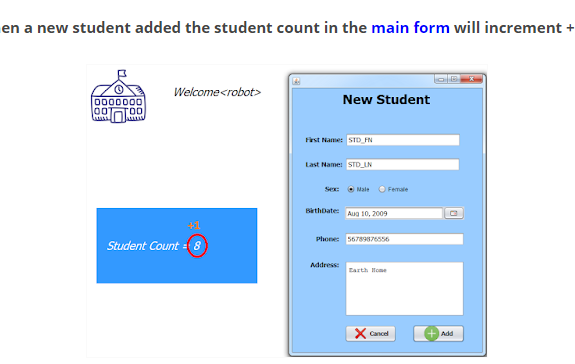
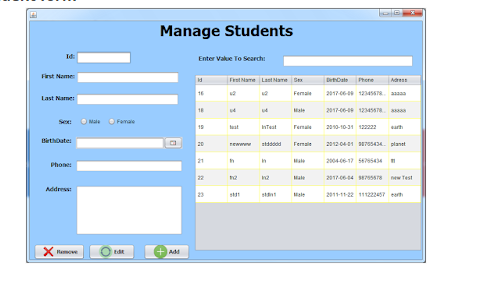
The description of what we are supposed to design is this:
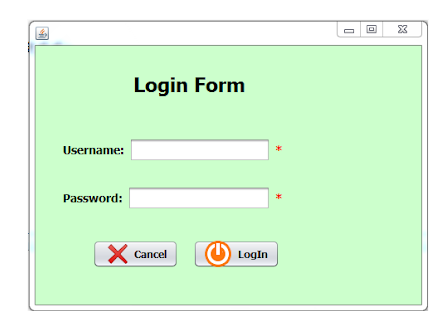
2.1.1.1 Login Screen: A screen with [background] and two text boxes that take a username and password as input. Below the text boxes, there will be a link that reads Forgot password? that will direct students to a separate tab where they can reset their password. A separate link, Create account, will allow new users to create an account in a separate tab.
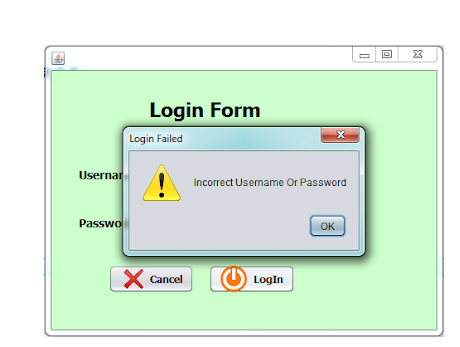
Failure to provide the correct credentials will display the same screen with an error message that reads: Incorrect username or password. If the user inputs an incorrect password 7 times in a row, the account will be locked for 30 minutes.
2.1.1.2 Home Tab: A tab that displays the users recent activity and links to the rest of the tabs.
2.1.1.3 Student Track Tab: Within the Student Track Tab, the students information will be displayed at the top; student information includes: Name, ID, DOB, major, classification. Displayed below will be the students degree plan, with courses passed marked in green, courses currently enrolled in marked in yellow and courses failed or not yet taken marked in red. A recommended degree roadmap can be generated (downloaded) based on classes taken and prerequisites for classes not yet taken.
2.1.1.4 Student Transcript Tab: This tab will display a printable PDF version of the students unofficial transcript.
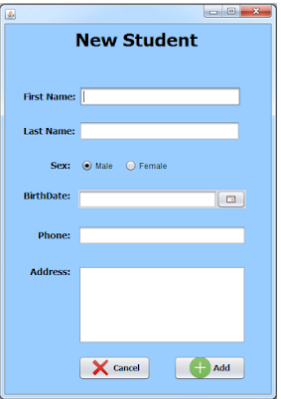
2.1.1.5 Create Account Page: New user will be asked to provide the following information:
Name, ID, date of birth, email address, password, major, role (advisor, student), and three security questions with their respective answers. After clicking a Next button at the bottom of the screen, a list of courses in the degree plan of the major selected will be displayed, and the user will be required to select the courses he/she has completed. There will be a Submit button that will save the user information and allow them to login with their new account.
2.1.1.6 Reset Password Page: The user will be asked to answer the three security questions they have selected. Once they have successfully answered the questions, they will be prompted to type a new password twice (the passwords must match, otherwise the page will display an error message).
Login Form Username: Password: Cancel LogIn Login Form Username: Password: Cancel LogIn
Step by Step Solution
There are 3 Steps involved in it

Get step-by-step solutions from verified subject matter experts
 Study Help