







Question: Hello, I am in need of help with this Java code to complete. How would the code look, written in the easiest and most efficient
Hello, I am in need of help with this Java code to complete. How would the code look, written in the easiest and most efficient way to understand? We are creating class DateClass with the following capabilities: Output the date in multiple formats, which a listed below. The directions are also below if there are any questions, any help that is provided will be much appreciated.
import java.util.Scanner;
public class DateClassTest {
public static void main(String[] args) {
Scanner input = new Scanner(System.in);
int choice = getMenuChoice();
while (choice != 4) {
int month; // month of year
int day; // day of month or day of year
int year; // year
String monthName; // name of month
DateClass date = new DateClass(); // the date object
switch (choice) {
case 1:
// format: MM/DD/YYYY
System.out.print("Enter Month (1-12): ");
month = input.nextInt();
System.out.print("Enter Day of Month: ");
day = input.nextInt();
System.out.print("Enter Year: ");
year = input.nextInt();
date = new DateClass(month, day, year);
break;
case 2:
// format: Month DD, YYYY
System.out.print("Enter Month Name: ");
monthName = input.next();
System.out.print("Enter Day of Month: ");
day = input.nextInt();
System.out.print("Enter Year: ");
year = input.nextInt();
date = new DateClass(monthName, day, year);
break;
case 3:
// format: DDD YYYY
System.out.print("Enter Day of Year: ");
day = input.nextInt();
System.out.print("Enter Year: ");
year = input.nextInt();
date = new DateClass(day, year);
break;
}
System.out.printf("%n%s: %s%n%s: %s%n%s: %s%n%n",
"MM/DD/YYYY", date.toString(),
"Month DD, YYYY", date.toMonthNameDateString(),
"DDD YYYY", date.toDayDateString());
choice = getMenuChoice();
}
}
// get user choice
private static int getMenuChoice() {
Scanner input = new Scanner(System.in);
System.out.println("Enter 1 for format: MM/DD/YYYY");
System.out.println("Enter 2 for format: Month DD, YYYY");
System.out.println("Enter 3 for format: DDD YYYY");
System.out.println("Enter 4 to exit");
System.out.print("Choice: ");
int selection = input.nextInt();
input.nextLine(); // clear newline from input
return selection;
}
}
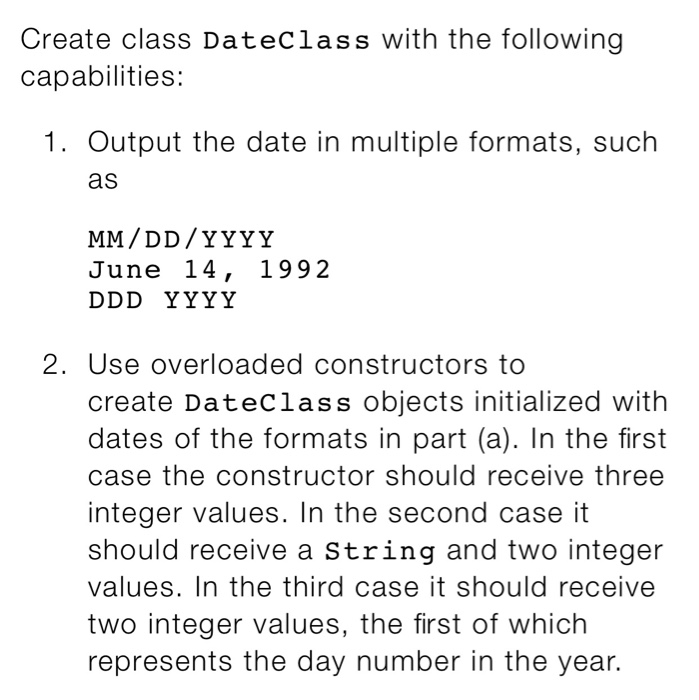
Create class DateClass with the following capabilities: 1. Output the date in multiple formats, such as June 14, 1992 2. Use overloaded constructors to create DateClass objects initialized with dates of the formats in part (a). In the first case the constructor should receive three integer values. In the second case it should receive a String and two integer values. In the third case it should receive two integer values, the first of which represents the day number in the year
Step by Step Solution
There are 3 Steps involved in it

Get step-by-step solutions from verified subject matter experts
 Study Help