







Question: Hello, I am presently stuck on Chapter 9 level 3-Assigning Specialists to Teams at CKG Auto of the textbook Succeeding in Business with Microsoft Excel
Hello,
I am presently stuck on Chapter 9 level 3-Assigning Specialists to Teams at CKG Auto of the textbook Succeeding in Business with Microsoft Excel 2013.
Please provide me Step by Step Solution for that.
Thanks & Best Regards.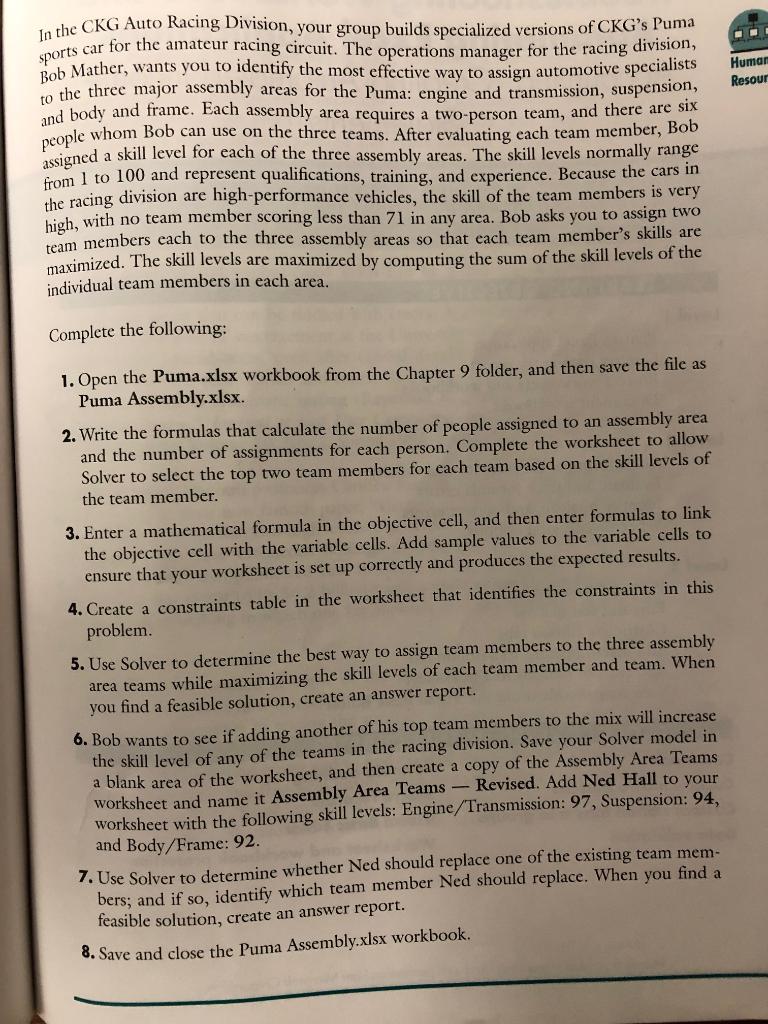
O. Humar Resour In the CKG Auto Racing Division, your group builds specialized versions of CKG's Puma sports car for the amateur racing circuit. The operations manager for the racing division, Bob Mather, wants you to identify the most effective way to assign automotive specialists to the three major assembly areas for the Puma: engine and transmission, suspension, and body and frame. Each assembly area requires a two-person team, and there are six people whom Bob can use on the three teams. After evaluating each team member, Bob assigned a skill level for each of the three assembly areas. The skill levels normally range from 1 to 100 and represent qualifications, training, and experience. Because the cars in the racing division are high-performance vehicles, the skill of the team members is very high, with no team member scoring less than 71 in any area. Bob asks you to assign two team members cach to the three assembly areas so that each team member's skills are maximized. The skill levels are maximized by computing the sum of the skill levels of the individual team members in each area. Complete the following: 1. Open the Puma.xlsx workbook from the Chapter 9 folder, and then save the file as Puma Assembly.xlsx. 2. Write the formulas that calculate the number of people assigned to an assembly area and the number of assignments for each person. Complete the worksheet to allow Solver to select the top two team members for each team based on the skill levels of the team member. 3. Enter a mathematical formula in the objective cell, and then enter formulas to link the objective cell with the variable cells. Add sample values to the variable cells to ensure that your worksheet is set up correctly and produces the expected results. 4. Create a constraints table in the worksheet that identifies the constraints in this problem. 5. Use Solver to determine the best way to assign team members to the three assembly area teams while maximizing the skill levels of each team member and team. When you find a feasible solution, create an answer report. 6. Bob wants to see if adding another of his top team members to the mix will increase the skill level of any of the teams in the racing division. Save your Solver model in a blank area of the worksheet, and then create a copy of the Assembly Area Teams worksheet and name it Assembly Area Teams - Revised. Add Ned Hall to your worksheet with the following skill levels: Engine/Transmission: 97, Suspension: 94, and Body/Frame: 92. 7. Use Solver to determine whether Ned should replace one of the existing team mem- bers; and if so, identify which team member Ned should replace. When you find a feasible solution, create an answer report. 8. Save and close the Puma Assembly.xlsx workbook. O. Humar Resour In the CKG Auto Racing Division, your group builds specialized versions of CKG's Puma sports car for the amateur racing circuit. The operations manager for the racing division, Bob Mather, wants you to identify the most effective way to assign automotive specialists to the three major assembly areas for the Puma: engine and transmission, suspension, and body and frame. Each assembly area requires a two-person team, and there are six people whom Bob can use on the three teams. After evaluating each team member, Bob assigned a skill level for each of the three assembly areas. The skill levels normally range from 1 to 100 and represent qualifications, training, and experience. Because the cars in the racing division are high-performance vehicles, the skill of the team members is very high, with no team member scoring less than 71 in any area. Bob asks you to assign two team members cach to the three assembly areas so that each team member's skills are maximized. The skill levels are maximized by computing the sum of the skill levels of the individual team members in each area. Complete the following: 1. Open the Puma.xlsx workbook from the Chapter 9 folder, and then save the file as Puma Assembly.xlsx. 2. Write the formulas that calculate the number of people assigned to an assembly area and the number of assignments for each person. Complete the worksheet to allow Solver to select the top two team members for each team based on the skill levels of the team member. 3. Enter a mathematical formula in the objective cell, and then enter formulas to link the objective cell with the variable cells. Add sample values to the variable cells to ensure that your worksheet is set up correctly and produces the expected results. 4. Create a constraints table in the worksheet that identifies the constraints in this problem. 5. Use Solver to determine the best way to assign team members to the three assembly area teams while maximizing the skill levels of each team member and team. When you find a feasible solution, create an answer report. 6. Bob wants to see if adding another of his top team members to the mix will increase the skill level of any of the teams in the racing division. Save your Solver model in a blank area of the worksheet, and then create a copy of the Assembly Area Teams worksheet and name it Assembly Area Teams - Revised. Add Ned Hall to your worksheet with the following skill levels: Engine/Transmission: 97, Suspension: 94, and Body/Frame: 92. 7. Use Solver to determine whether Ned should replace one of the existing team mem- bers; and if so, identify which team member Ned should replace. When you find a feasible solution, create an answer report. 8. Save and close the Puma Assembly.xlsx workbook
Step by Step Solution
There are 3 Steps involved in it

Get step-by-step solutions from verified subject matter experts
 Study Help